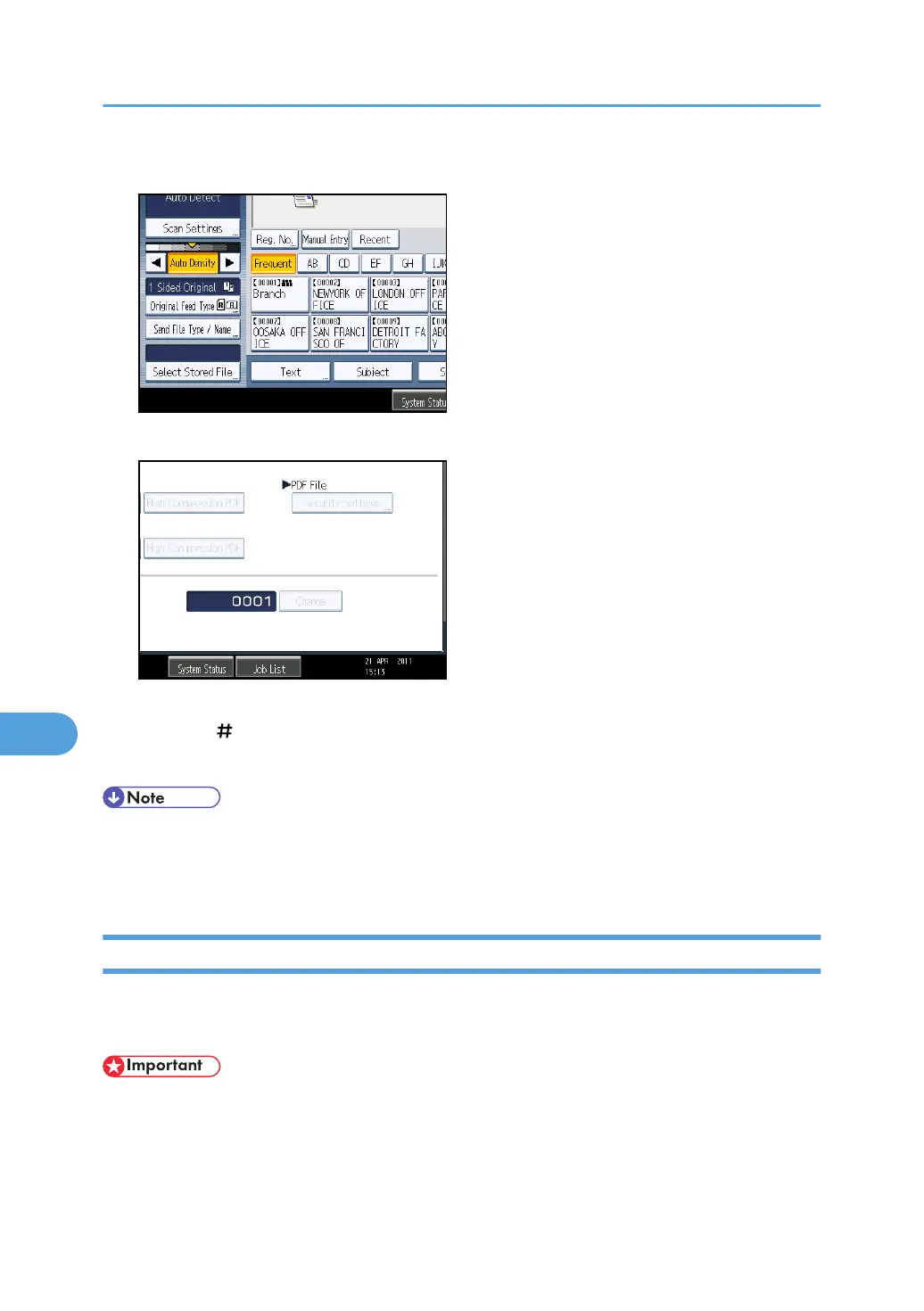
1. Press [Send File Type / Name].
2. Press [Change] to the right of the entry box.
3. Using the number keys, enter the starting digit of the serial number.
4. Press the [ ] key.
5. Press [OK].
• You can change the starting digit only if a single-page file type is selected.
•
You can change the number of digits in the serial number. Change the number under [Scanner
Features], [No. of Digits for Single Page Files]. You can select 4 or 8.
Security Settings for PDF Files
This section explains security settings for PDF files.
Use security settings to prevent unauthorized access to PDF files.
• Security settings can be made for PDF and High Compression PDF files only.
8. Various Scan Settings
188



 To Next Page