• The illustration is an example of the panel display when the internal finisher, punch unit, and LCT
are installed.
• p.201 "General Features"
•
p.205 "Reproduction Ratio"
Simplified Display
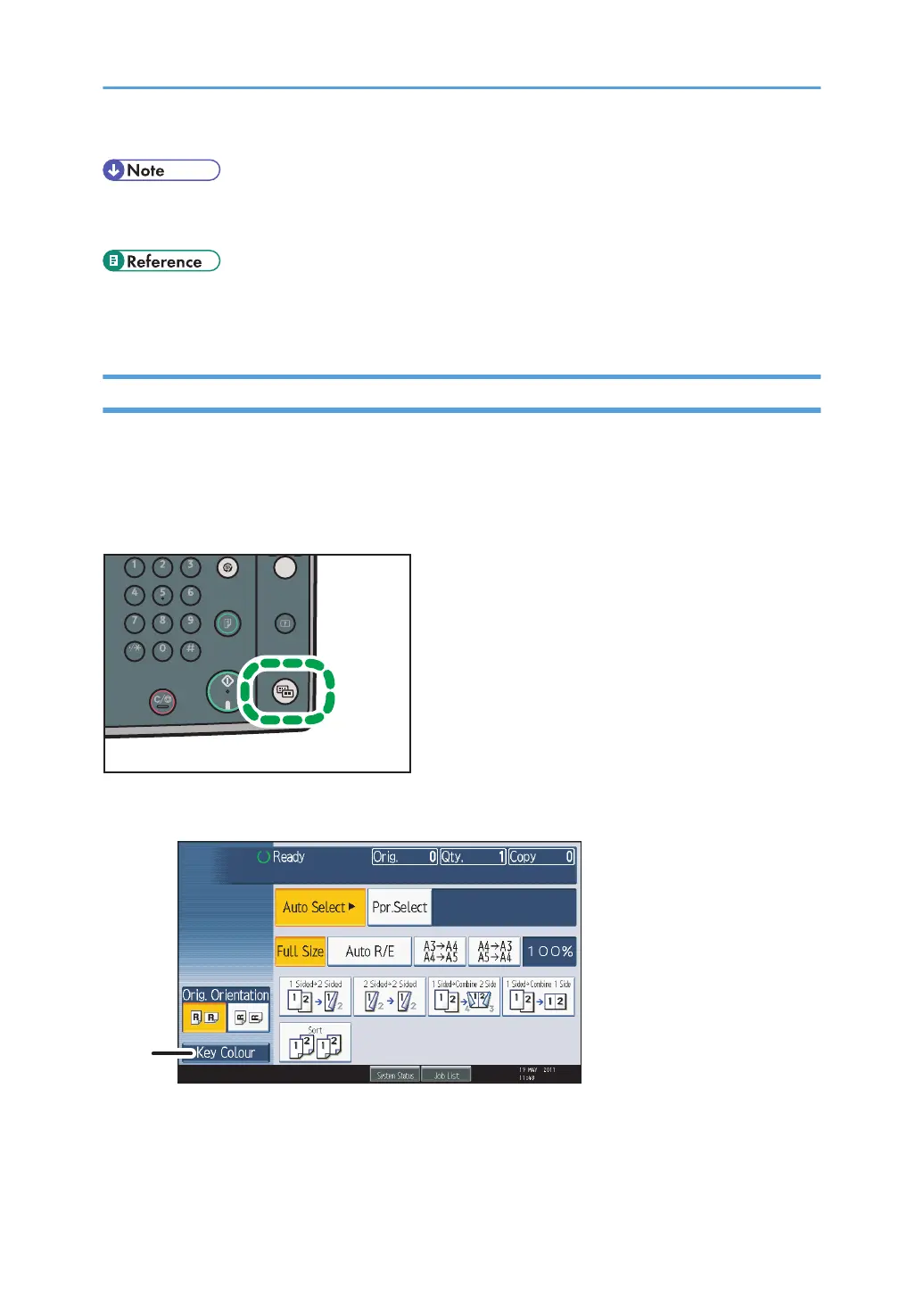
This section explains how to switch to the simplified display.
When you press the [Simplified Display] key, the screen changes from the initial display to the simplified
display.
Letters and keys are displayed at a larger size, making operations easier.
Example of a simplified display
1. [Key Colour]
Press to increase screen contrast by changing the color of the keys.
This is available only for the simplified display.
15



 To Next Page