The Privilege for User Account Settings in the
Address Book
User privileges for the address book are specified as follows:
R/W, R, and N/A below indicate user privileges specified for the operations.
•
Abbreviations in the table heads
Read-only (User) = This is a user assigned "Read-only" privilege.
Edit (User) = This is a user assigned "Edit" privilege.
Edit / Delete (User) = This is a user assigned "Edit / Delete" privilege.
User Admin. = This is the user administrator.
Registered User = This is a user that has personal information registered in the Address Book and
has a login password and user name.
Full Control = This is a user granted full control.
• Abbreviations in the table columns
R/W (Read and Write) = Both reading and modifying the setting are available.
R (Read) = Reading only.
N/A (Not Applicable) = Neither reading nor modifying the setting is available.
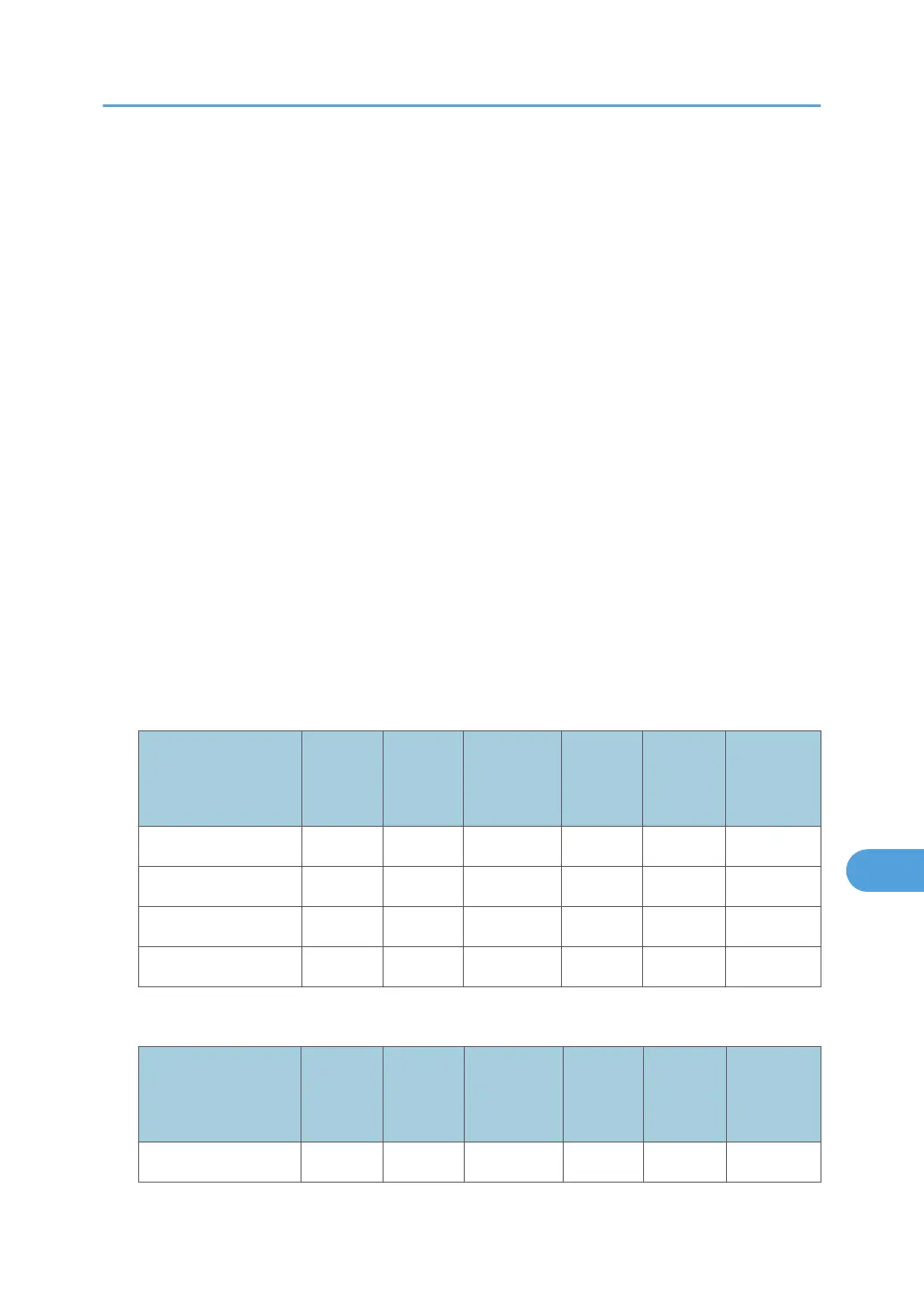
Tab Name: Names
Settings
Read-
only
(User)
Edit
(User)
Edit /
Delete
(User)
Full
Control
Registere
d User
User
Admin.
Name R R/W R/W R/W R/W R/W
Key Display R R/W R/W R/W R/W R/W
Registration No. R R/W R/W R/W R/W R/W
Select Title R R/W R/W R/W R/W R/W
Tab Name: Auth. Info
Settings
Read-
only
(User)
Edit
(User)
Edit /
Delete
(User)
Full
Control
Registere
d User
User
Admin.
User Code N/A N/A N/A N/A N/A R/W
The Privilege for User Account Settings in the Address Book
327



 To Next Page