Specifying the E-mail Sender
This section explains how to specify the e-mail sender.
To send e-mail, you must specify the name of the sender.
You can specify the e-mail sender by any of the following methods:
•
Select the sender from the sender list
• Select the sender by entering the registration number
• Select the sender by searching the machine's address book
• Senders must be registered in advance under [System Settings]. For details, see "Registering
Addresses and Users for Facsimile/Scanner Functions", Network and System Settings Reference.
•
In [System Settings], you can specify the administrator's e-mail address as the default sender name.
This lets you send e-mail without entering anything for [Sender Name]. For detail, see "File
Transfer", Network and System Settings Reference.
• Depending on the security setting, the logged-in user may be specified as [Sender Name].
• When a protection code has been set, a screen for entering the protection code appears after
selecting the sender. Enter the protection code, and then press [OK]. If the protection code you
entered is correct, the sender name is displayed.
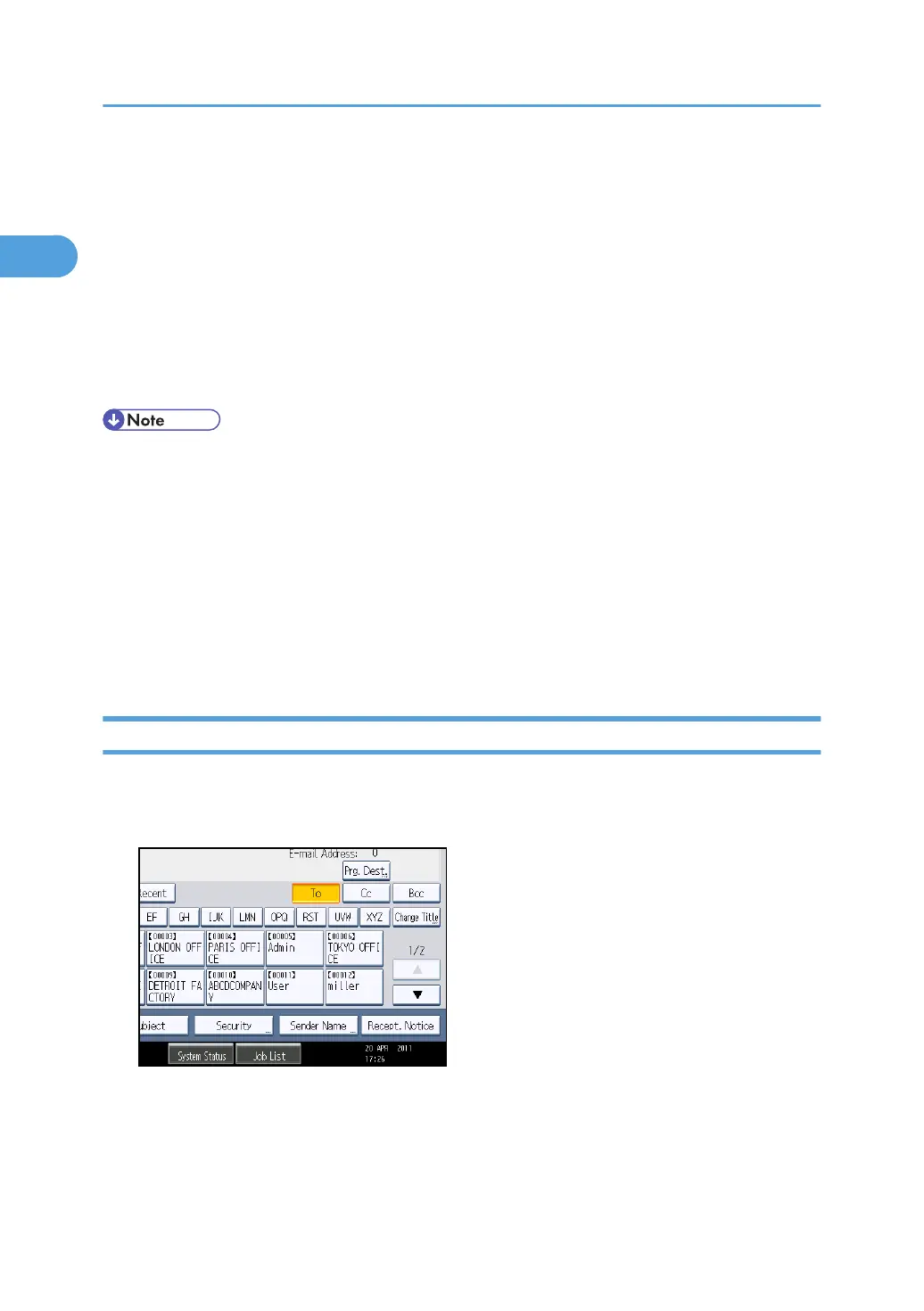
Selecting a Sender from the List
This section explains how to select the sender from the machine's sender list.
1. Press [Sender Name].
2. Select the sender.
3. Press [OK].
1. Sending Scan Files by E-mail
42



 To Next Page