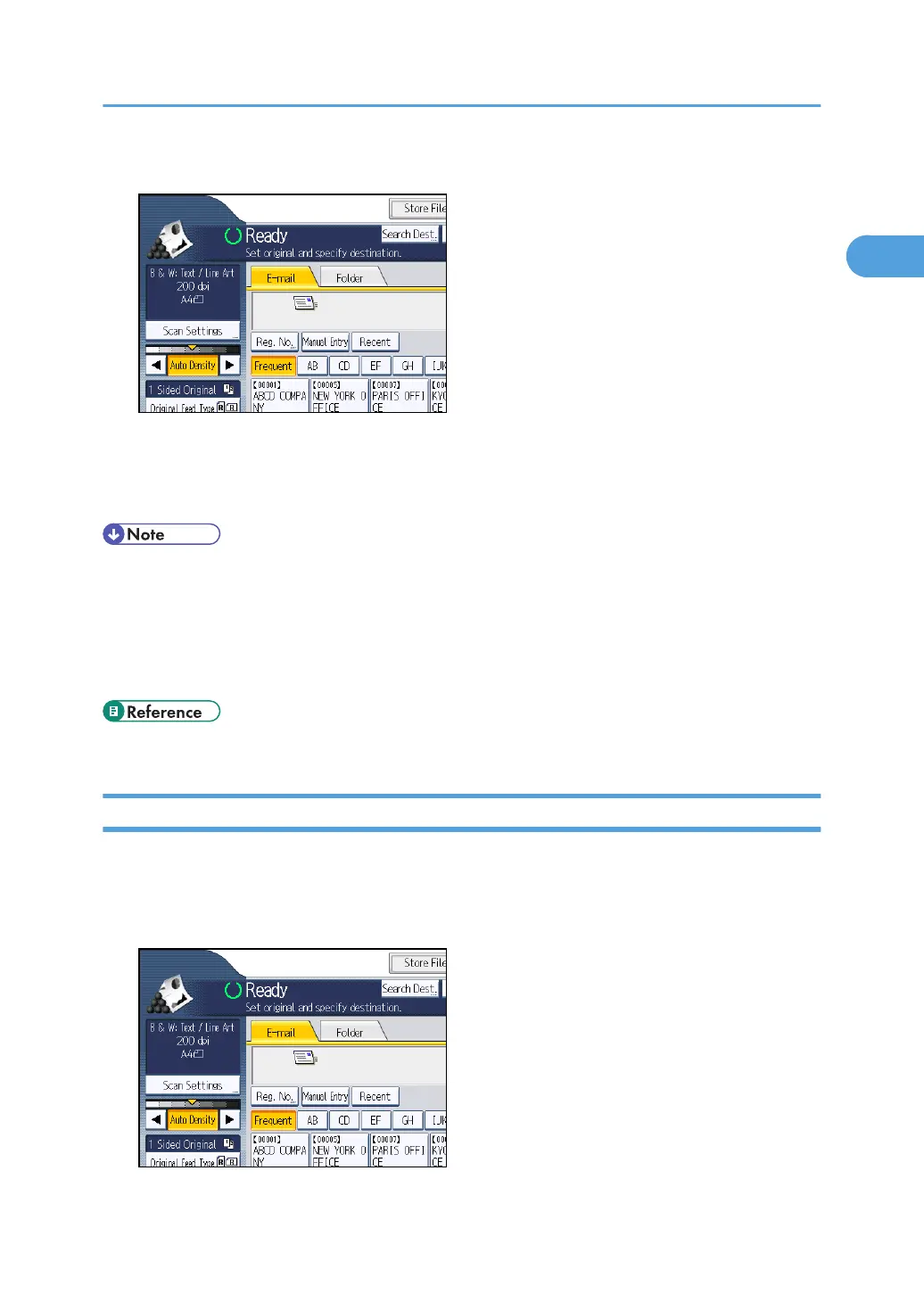
1. Press [Manual Entry].
The soft keyboard appears.
2. Enter the e-mail address.
3. Press [OK].
• Depending on the security settings, [Manual Entry] may not be displayed.
•
To change a registered destination e-mail address, press [Edit] to the left of the destination field to
display the soft keyboard, use the soft keyboard to enter the new address, and then click [OK].
• The e-mail address that is entered directly can be registered in the machine's address book. For
details, see "Registering a Directly-Entered Destination in the Address Book".
• p.39 "Registering a Directly-Entered Destination in the Address Book"
Selecting the Destination from Recent Destinations
This section explains how to display destinations that have been recently entered directly, and how to
select one of those destinations.
1. Press [Recent].
Specifying E-mail Destinations
35



 To Next Page