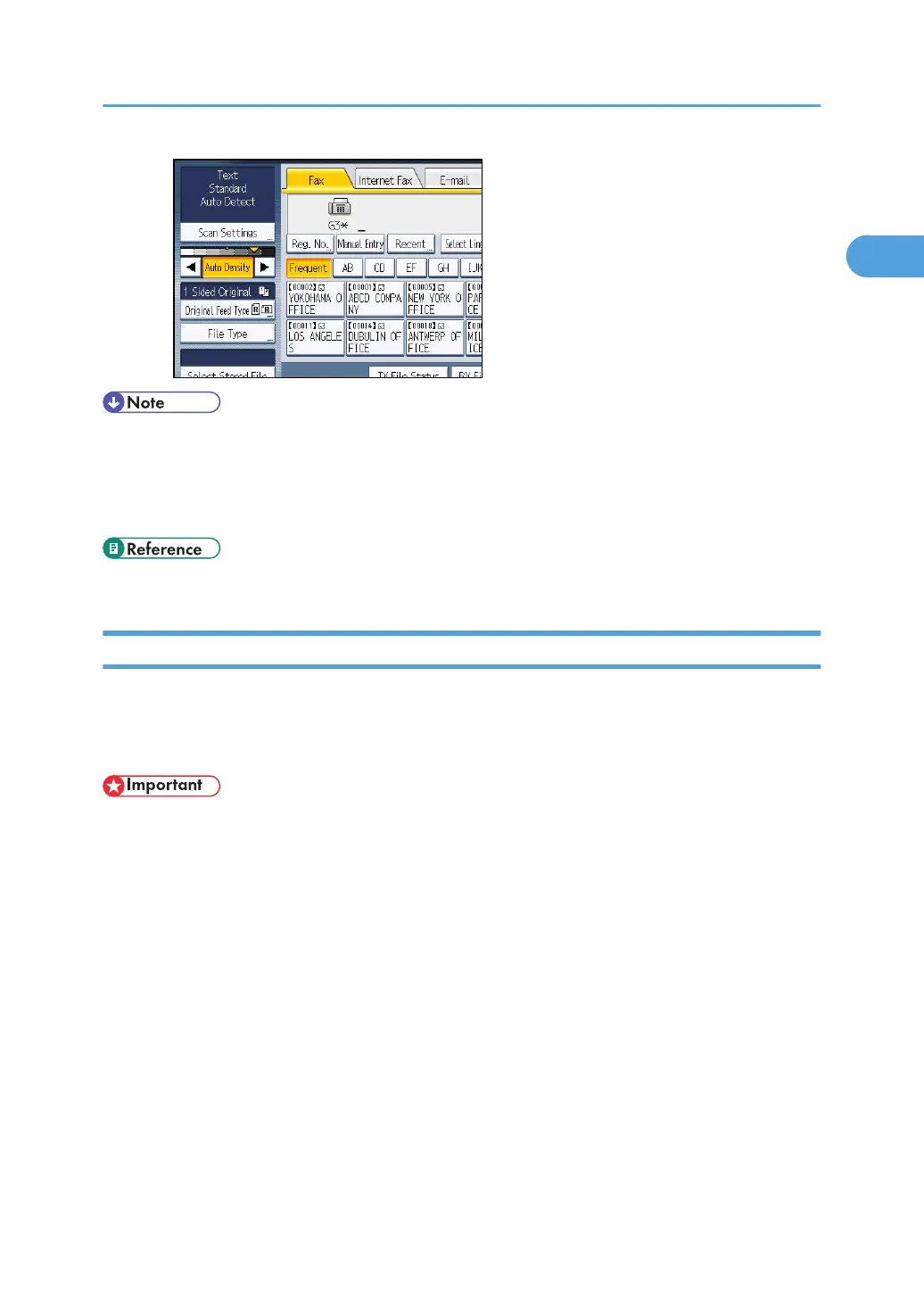
• Selecting [Text], [Text / Line Art], or [Text / Photo] for the original type causes [Auto Density] to be
selected.
•
You can set the density that is selected right after the machine is turned on or whenever the [Clear
Modes] key is pressed. See “Changing the Default Functions of the Fax's Initial Display”.
• p.171 "Changing the Default Functions of the Fax's Initial Display"
Mixing Scan Settings for a Multiple Page Original
When sending an original of several pages, you can select a different scan setting for each page.
It is recommended that originals be placed on the exposure glass when mixing scan settings for a
multiple page original.
• If you are using the ADF, do not change the “Resolution” setting while originals are being scanned.
When placing originals on the exposure glass
1.
Check which pages you want to scan with different settings.
2. Remove the previous page and place the next page that you checked on the exposure glass.
3. Make the scan settings.
You have about 60 seconds (10 seconds for Immediate Transmission) to make the scan
settings. The time remaining is shown on the display.
Scan Settings
81



 To Next Page