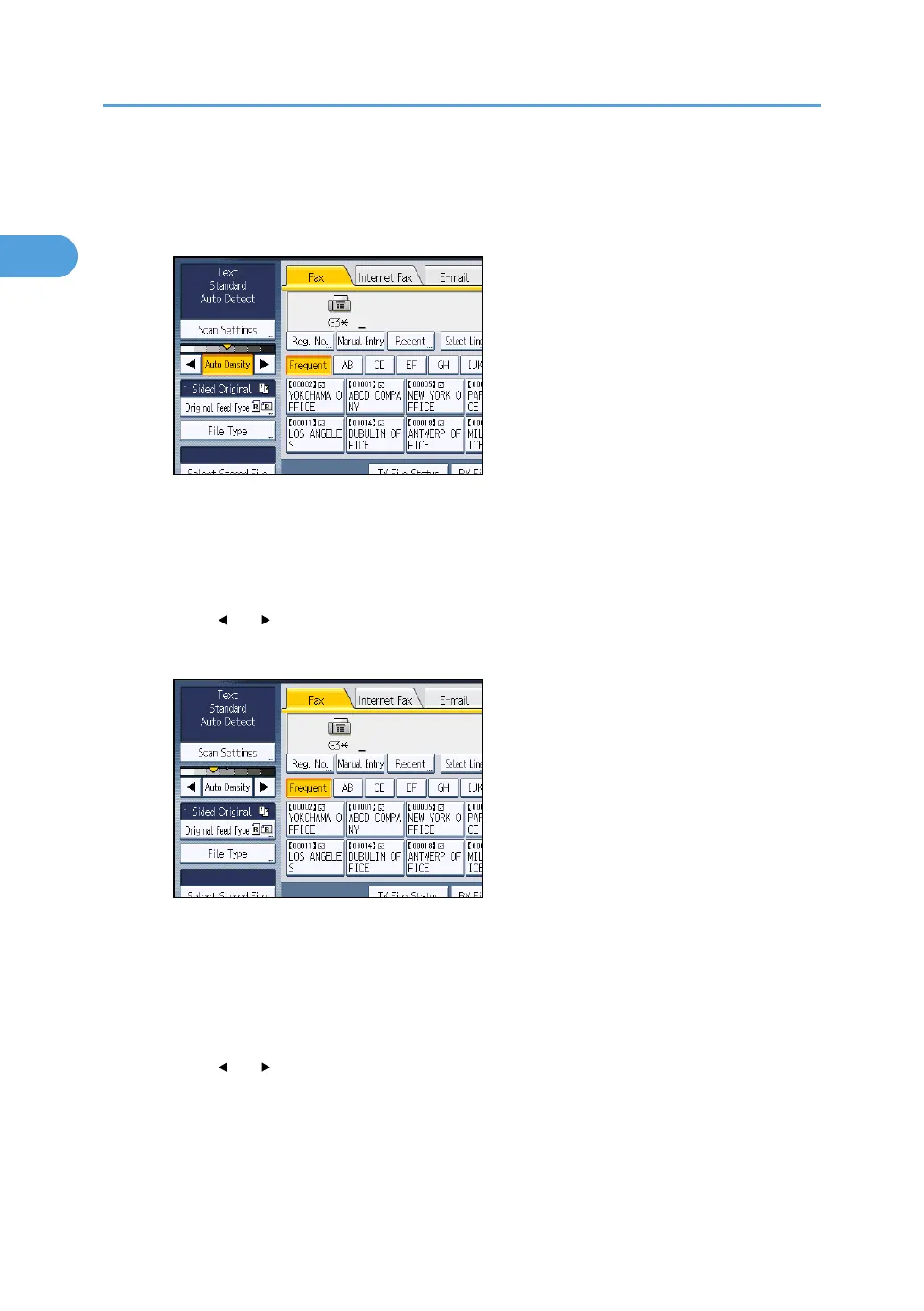
Auto Density
The appropriate density setting for the original is automatically selected.
1.
Make sure that [Auto Density] is selected.
Manual Density
Use manual density to set density manually.
You can select one of seven density levels.
1.
If [Auto Density] is selected, press [Auto Density] to turn it off.
2. Press [
] or [ ] to adjust the density.
The indicator moves.
Combined Auto and Manual Density
You can only adjust density for photographs, illustrations, or diagrams if the original has a dark
background.
You can select one of seven density levels.
1.
Make sure that [Auto Density] is selected.
2. Press [
] or [ ] to adjust the density.
The indicator moves.
1. Transmission
80



 To Next Page