General Features
This section describes the user tools in the General Features menu under Copier / Document Server
Features.
Auto Image Density Priority
You can set whether Auto Image Density is “On” or “Off” when the machine is turned on, reset, or
modes are cleared.
Default for “Photo”: [Off]
Default for “Non-photo”: [On]
Original Photo Type Priority
You can specify which original photo type has priority when you select “Text / Photo” or “Photo”.
Default for “Text / Photo”: [Printed Photo]
Default for “Photo”: [Printed Photo]
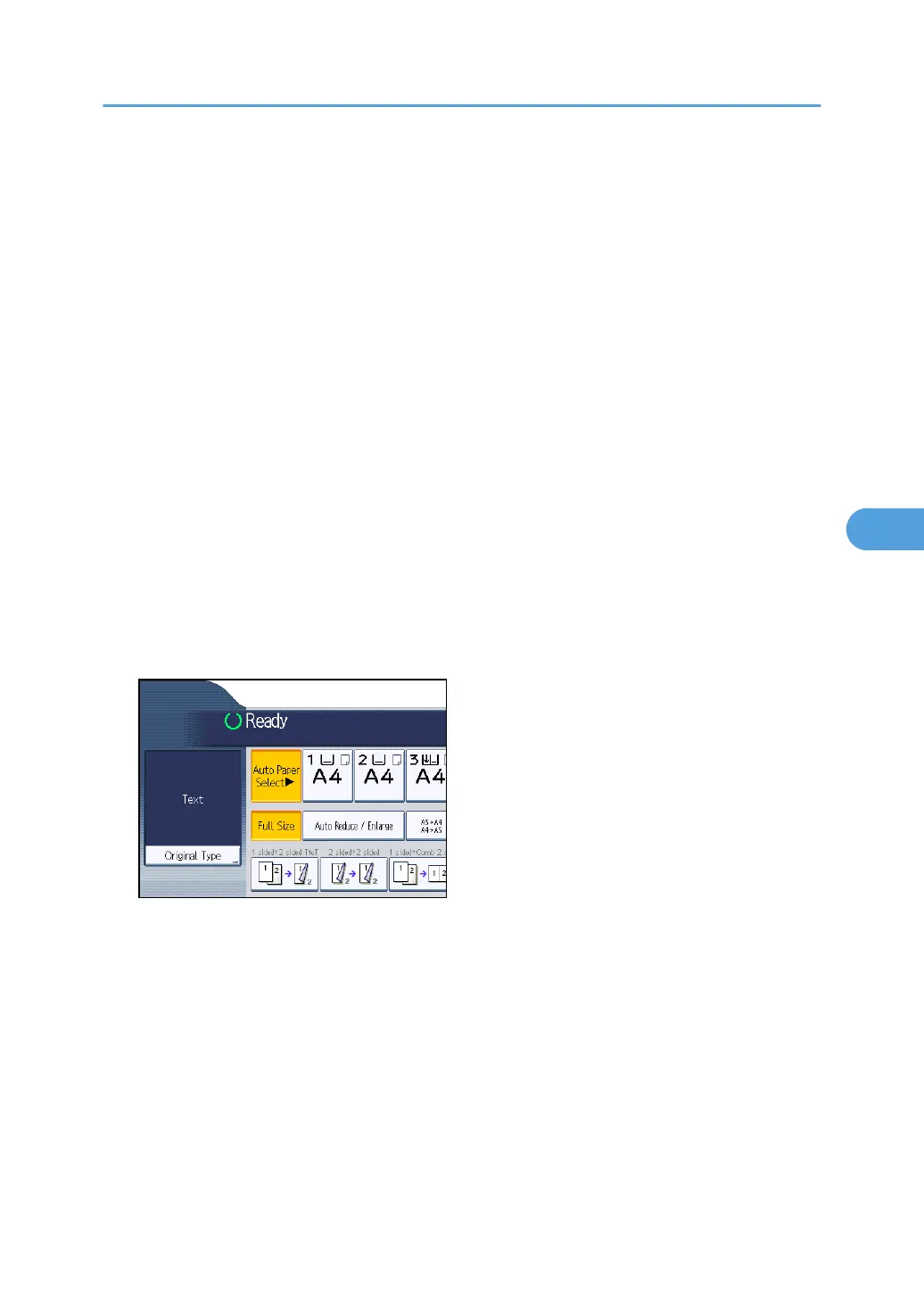
Original Type Display
You can have the original types shown on the initial display.
Default: [Display]
If you select “Hide”, the display is as below.
Paper Display
You can choose to have the available paper trays and sizes shown on the initial display.
Default: [Display]
If you select “Hide”, the display is shown as below.
General Features
201



 To Next Page