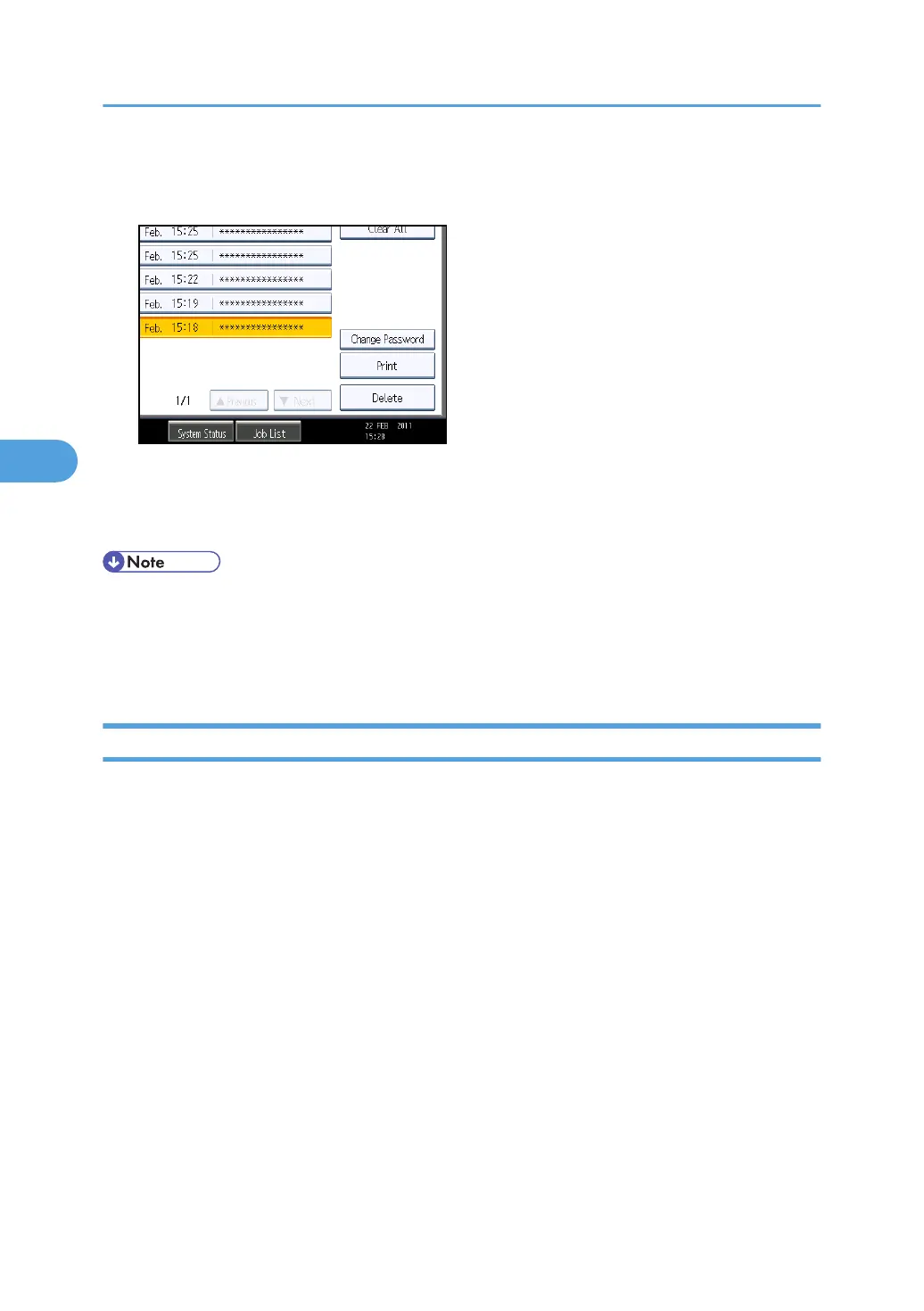
4. Select the file.
5. Press [Delete].
6. Enter the password of the Locked Print file, and then press [OK].
The password entry screen does not appear if the file administrator is logged in.
7. Press [Yes].
• You can configure this machine to delete stored files automatically by setting the "Auto Delete
Temporary Print Jobs" option to [On]. For details about "Auto Delete Temporary Print Jobs", see
"System", Printer Reference.
•
Locked Print files can also be deleted by the file administrator.
Changing the Password of a Locked Print File
This can be specified by the file creator (owner) or file administrator.
If the password has been forgotten, the file administrator changes the password to restore access.
This can also be specified via Web Image Monitor. For details, see Web Image Monitor Help.
1. Press the [Printer] key.
2. Press [Print Jobs].
3. Press [Locked Print Job List].
4. Select the file.
4. Protecting Data from Information Leaks
102



 To Next Page