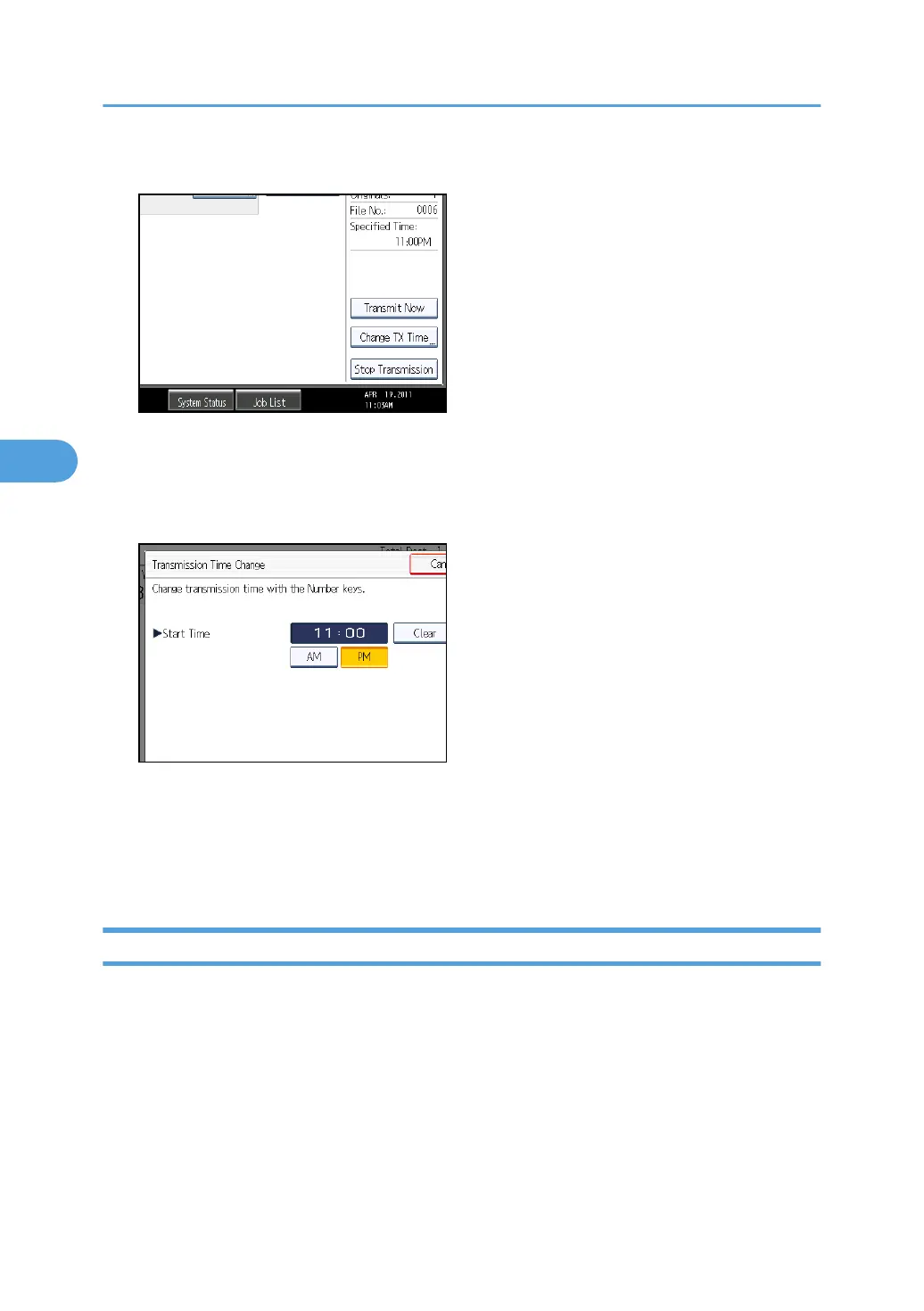
5. Press [Change TX Time].
If you press [Transmit Now], the file is transmitted immediately. However, if there is a file on
standby, that file is sent first.
6. Press [Clear], re-enter the transmission time using the number keys, and select [AM] or
[PM]. Then press [OK].
7. Press [Exit].
Repeat from step 3, if you want to change another transmission time.
8. Press [Exit] twice.
The standby display appears.
Changing the SMTP Server Setting
You can change the settings for whether or not to bypass the SMTP server.
4. Changing/Confirming Communication Information
248



 To Next Page