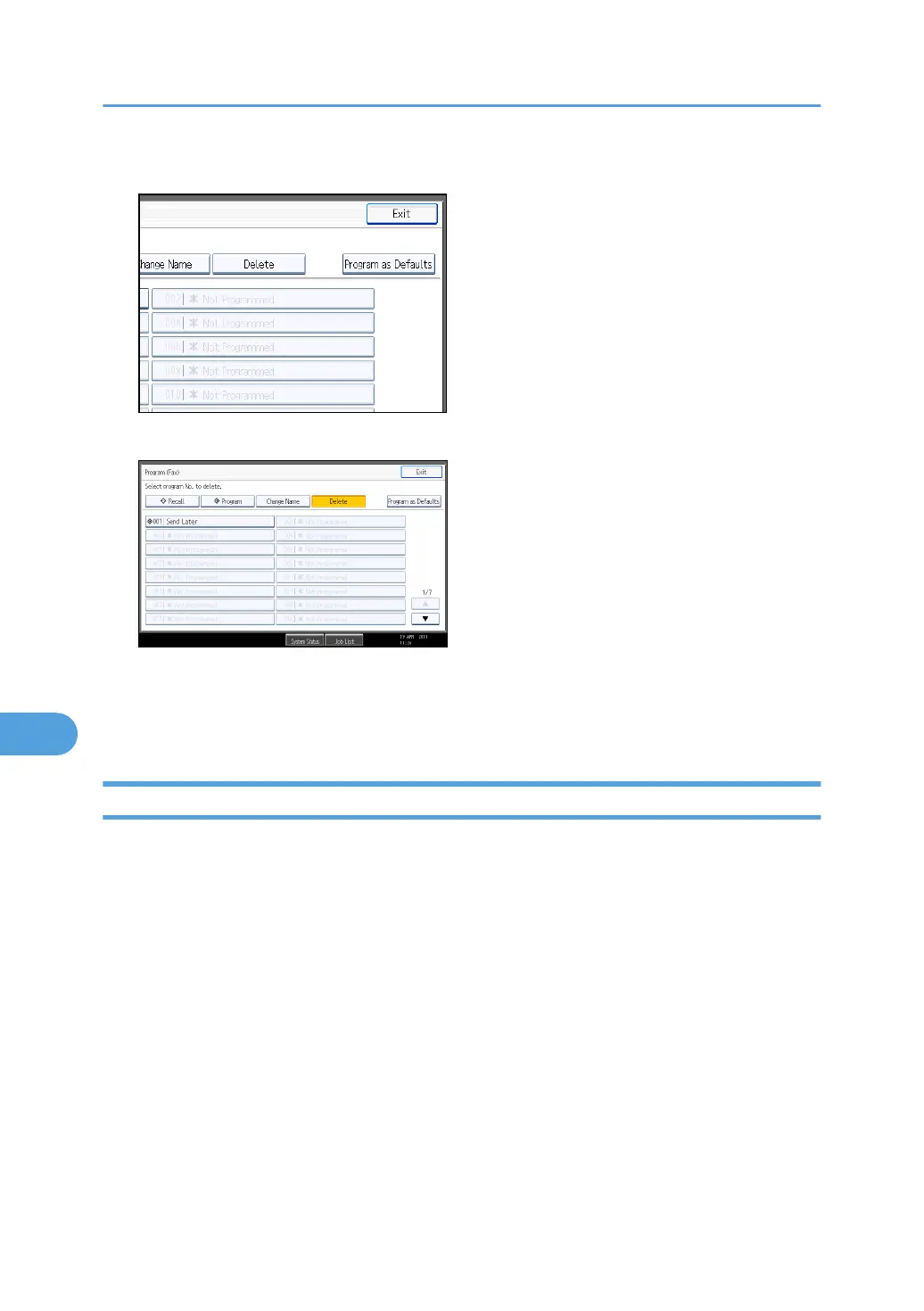
3. Press [Delete].
4. Select the program number you want to delete.
5. Press [Yes].
The standby display appears.
Press [No] not to delete the program. The display returns to that of step 4.
Using a Program
This section explains how to recall and use a registered program.
1. Make sure that the machine is in facsimile mode and the standby display is shown.
If the standby display is not shown, press the [Facsimile] key.
2. Place the original.
8. Appendix
434



 To Next Page