Simultaneous Storage and Sending by E-mail
This section explains how to store a file and simultaneously send it by e-mail.
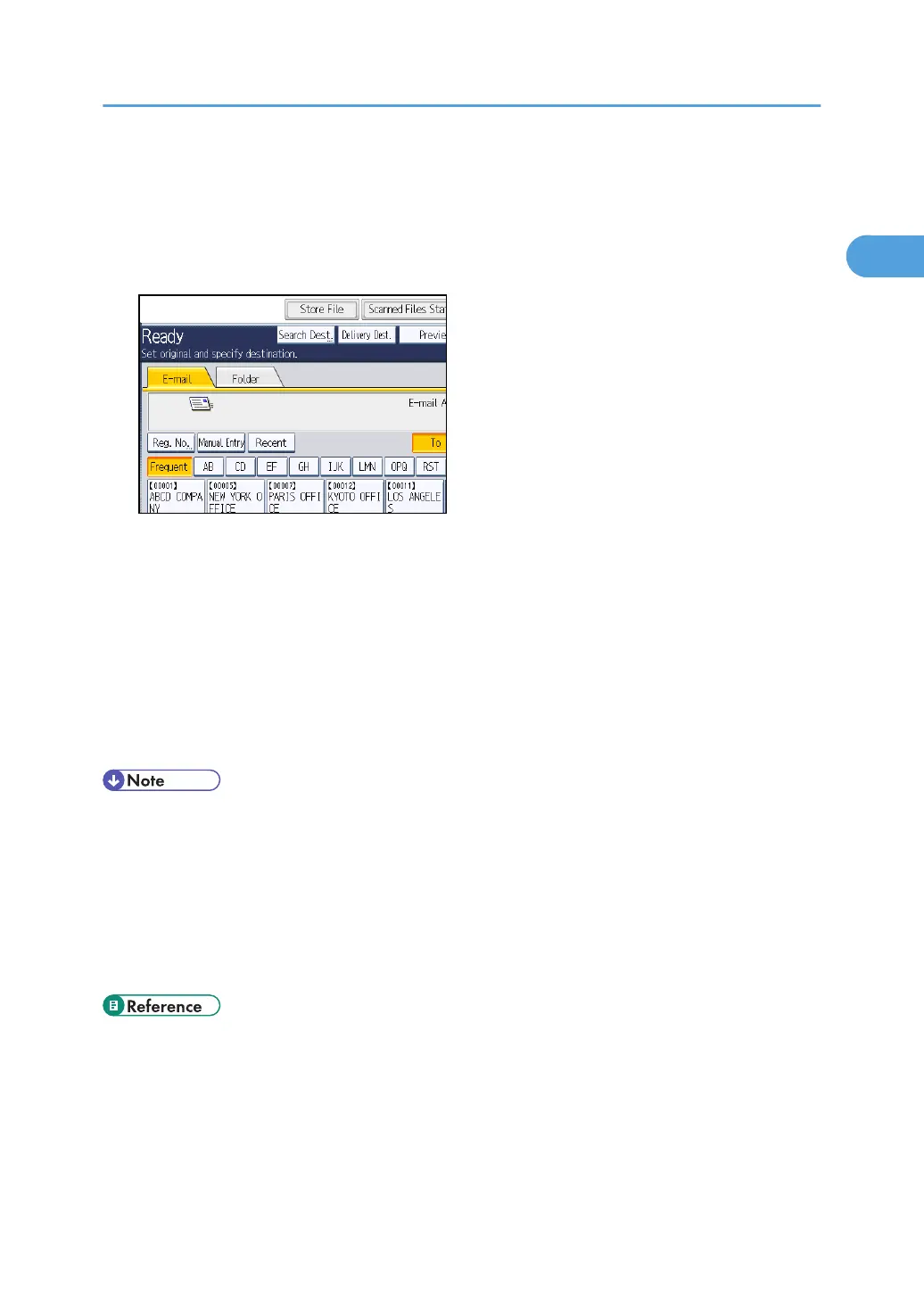
1. Press [Store File].
2. Select [Store to HDD + Send].
3. If necessary, specify the stored file's information, such as [User Name], [File Name], and
[Password].
For details, see "Specifying File Information for a Stored File".
4. Press [OK].
5. Specify the destination, make any other necessary settings, and then send the e-mail.
For details about sending a file by e-mail, see "Basic Procedure for Sending Scan Files by E-mail".
6. Press the [Start] key.
• Depending on the security setting, [Access Privileges] may appear instead of [User Name]. For
details about specifying [Access Privileges], consult the administrator.
•
You can resend stored files by e-mail. To resend stored files, select the files on the Select Stored File
screen, and then send them. For details, see "Sending a Stored File".
• If a file is sent and stored simultaneously with [Security] set, the e-mail will be encrypted and the
signature applied, but the stored file will be neither encrypted nor signed. For details about
encrypting stored files, see "Encrypting Data on the Hard Disk", Security Reference.
• p.111 "Specifying File Information for a Stored File"
•
p.27 "Basic Procedure for Sending Scan Files by E-mail"
• p.121 "Sending a Stored File"
Simultaneous Storage and Sending by E-mail
49



 To Next Page