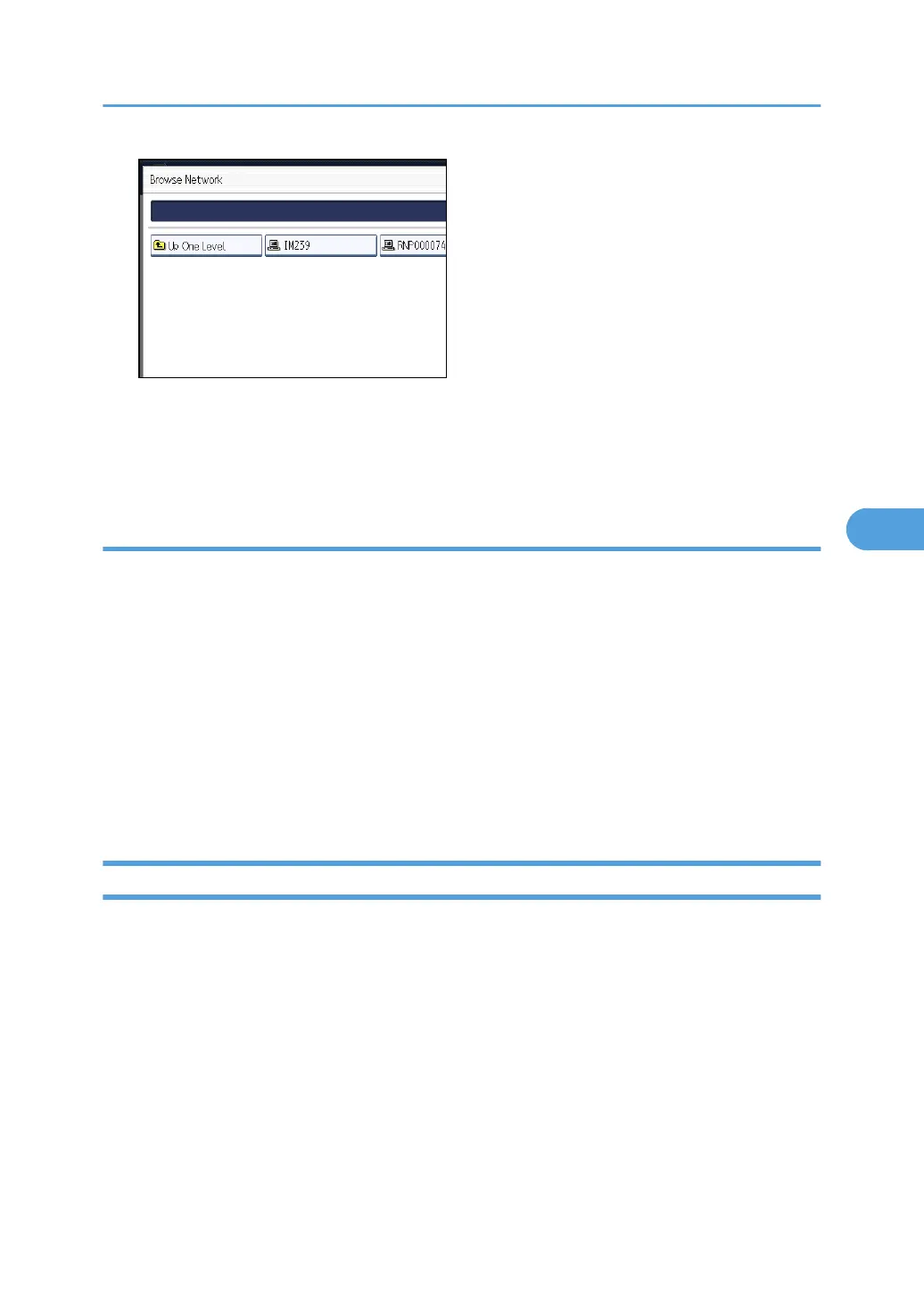
You can press [Up One Level] to switch between levels.
4. Select the folder you want to register.
5. Press [OK].
If a Login Screen Appears
This section describes how to log in to the machine if the login screen appears when you try to access a
folder by browsing the network.
If you have not specified folder authentication, or if an incorrect user name or password has been
entered for folder authentication, the login screen appears.
1. Enter the login user name, and then press [OK].
Enter the login user name specified for folder authentication.
2. Enter the password, and then press [OK].
The path to the selected folder appears.
If a message appears, press [Exit], and then enter the login user name and password again.
Changing an SMB Folder
This section describes how to change settings of the registered SMB folder.
1. Press the [User Tools/Counter] key.
Registering Folders
263



 To Next Page