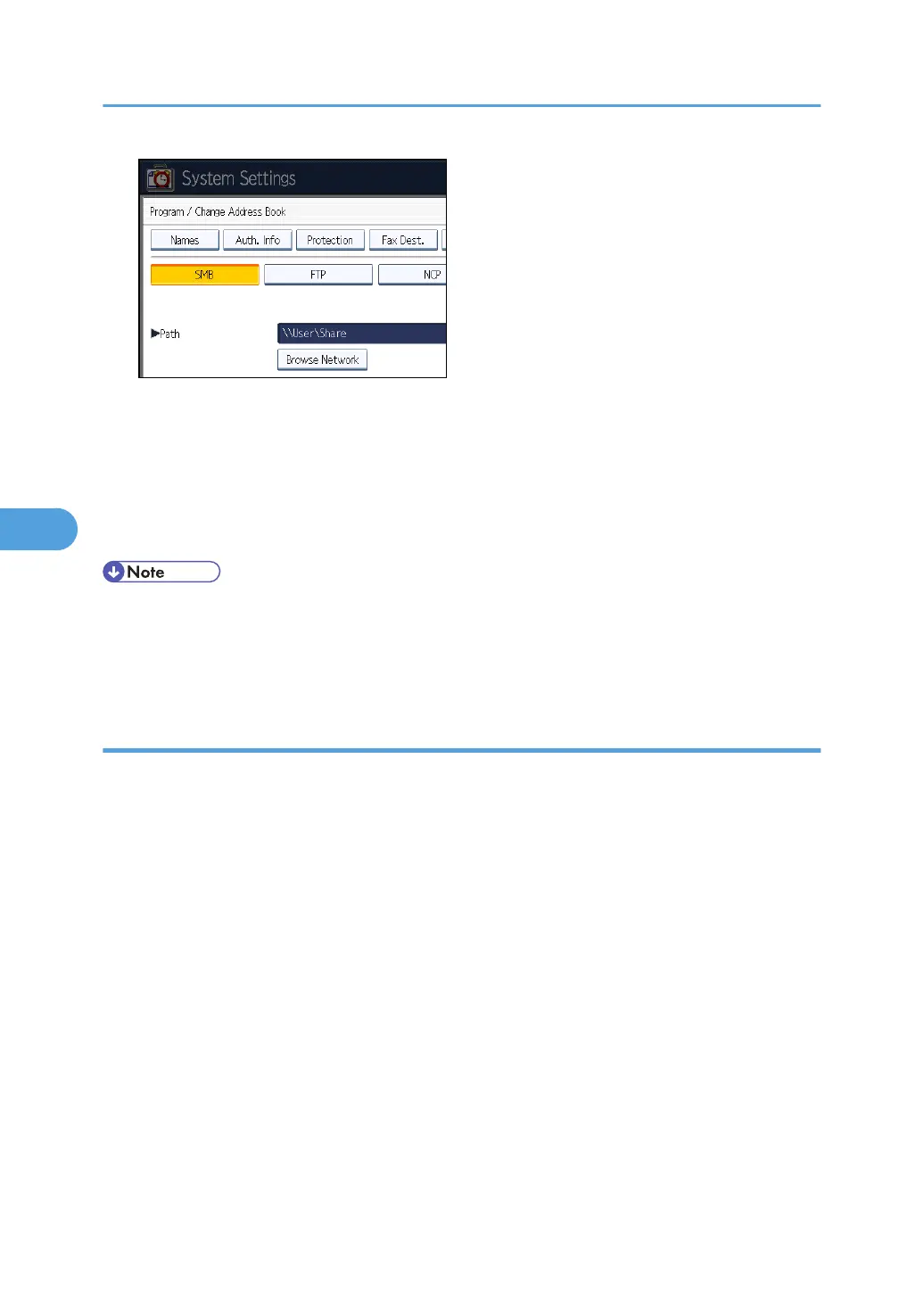
If the network does not allow automatic obtaining of IP addresses, include the destination
computer's IP address in the path. For example: if the IP address of the destination computer is
"192.168.0.191", and the folder name is "Share", the path will be \\192.168.0.191\Share.
3. Press [OK].
If the format of the entered path is not correct, a message appears. Press [Exit], and then enter the
path again.
• Enter the path using this format: "\\ServerName\Share- Name\PathName".
•
You can also enter an IPv4 address.
• You can enter a path using up to 128 characters.
Locating the SMB folder using Browse Network
This section describes how to locate the SMB folder using Browse Network.
1. Press [Browse Network].
The client computers sharing the same network as the machine appear.
Network display only lists client computers you are authorized to access.
2. Select the group that contains the destination computer.
3. Select the computer name of the destination computer.
Shared folders under it appear.
5. Registering Addresses and Users for Facsimile/Scanner Functions
262



 To Next Page