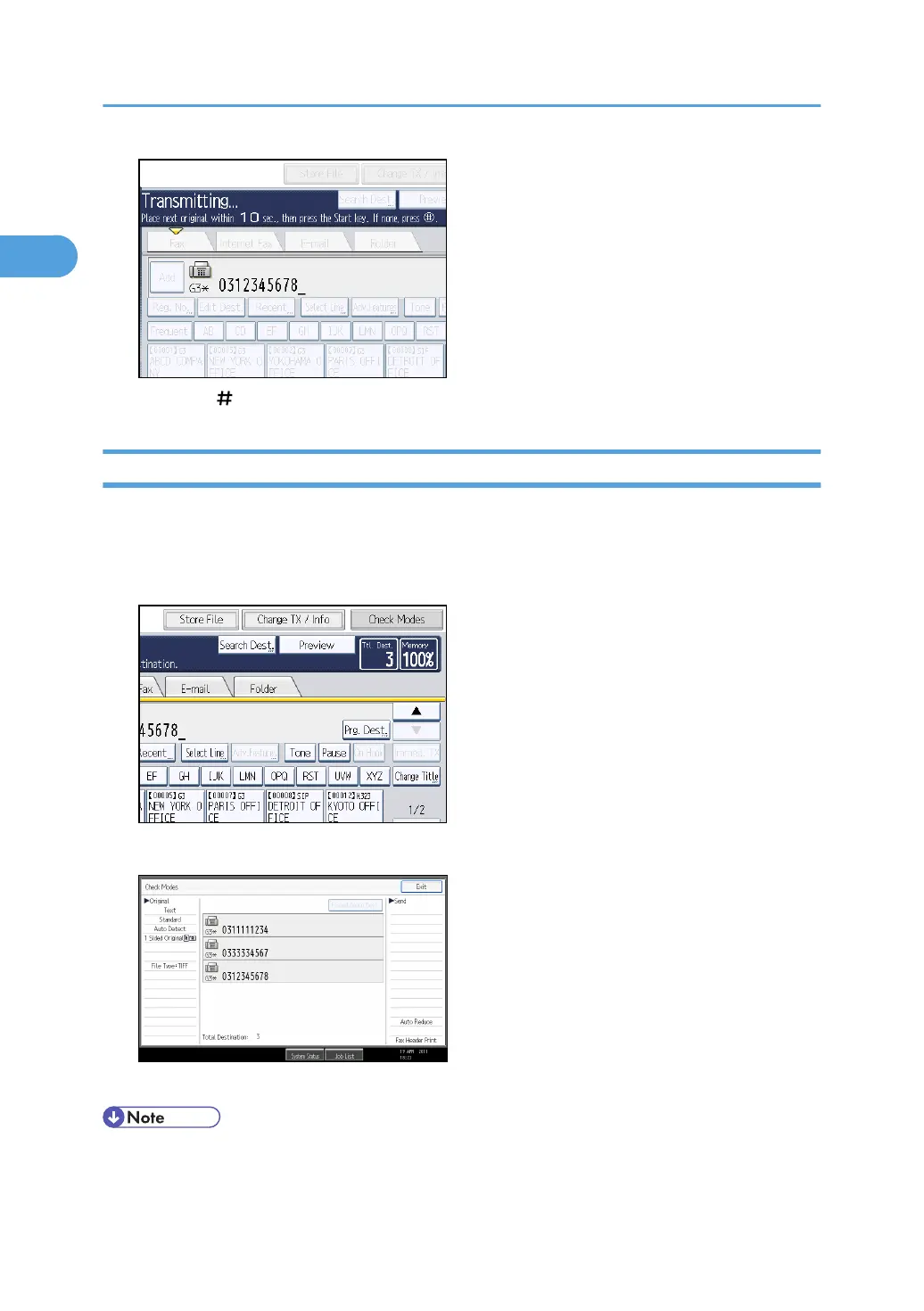
7. Press the [ ] key.
Displaying Confirmation of Transmission
On this screen you can check the destination, transmission mode, and other transmission settings before
transmission.
1. Press [Check Modes], and then check the transmission settings.
The following display appears.
2. After checking the settings on the display, press [Exit].
• To prevent users sending files to the wrong destination, you can configure the machine to display
the destination again for users to confirm, or to require users to enter the destination twice. To use
1. Transmission
34



 To Next Page