Entering the Text
Allows you to enter the text for the Internet Fax or e-mail document you want to send.
• Program text strings in advance in “Program / Change / Delete E-mail Message” in “System
Settings”. For details about the programming method, see “File Transfer”, Network and System
Settings Reference.
1. Place the original, and then select the scan settings you require.
2. Specify the sender.
For details, see “Sender Settings”.
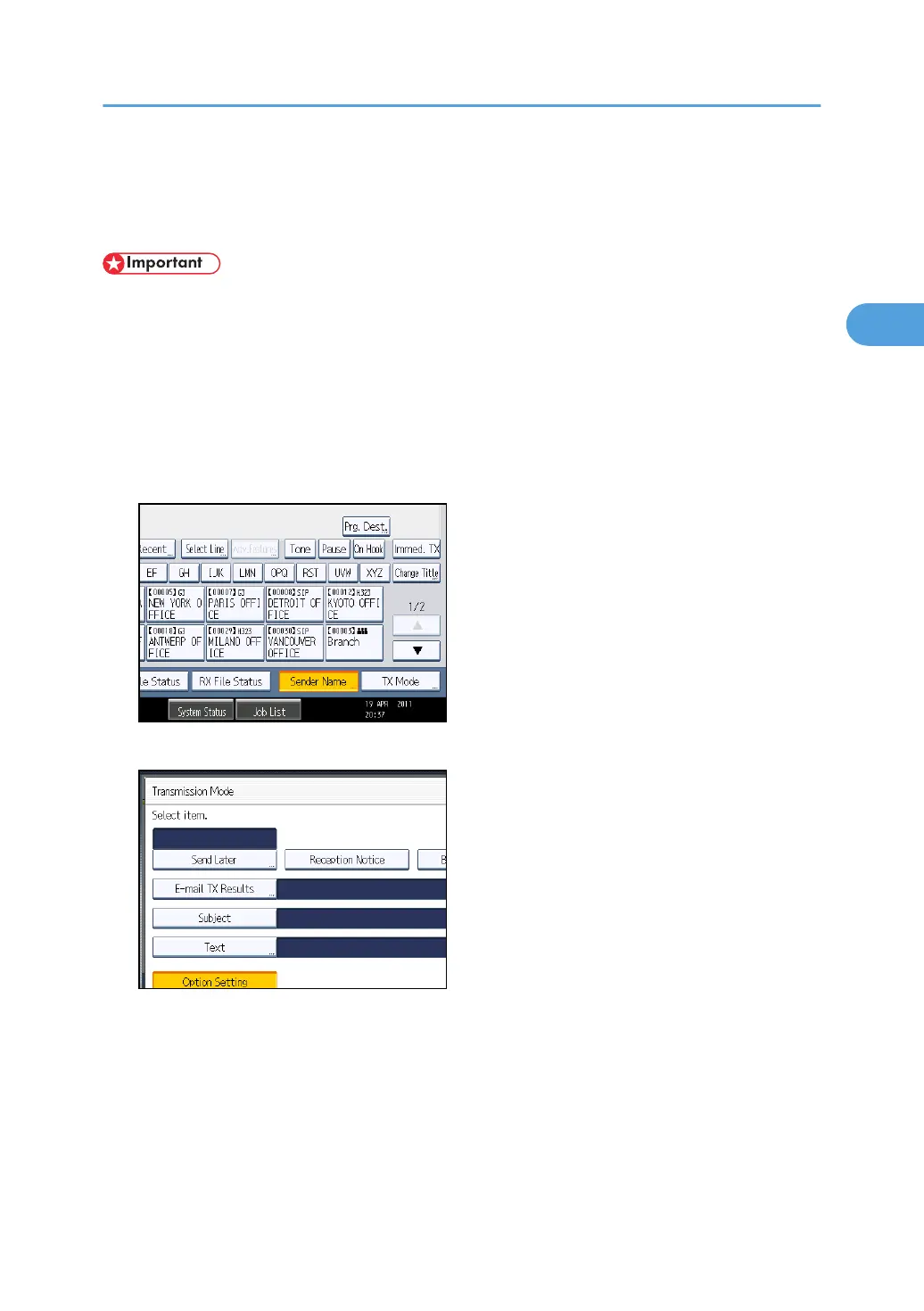
3. Press [TX Mode].
4. Press [Text].
Entering the Text
187



 To Next Page