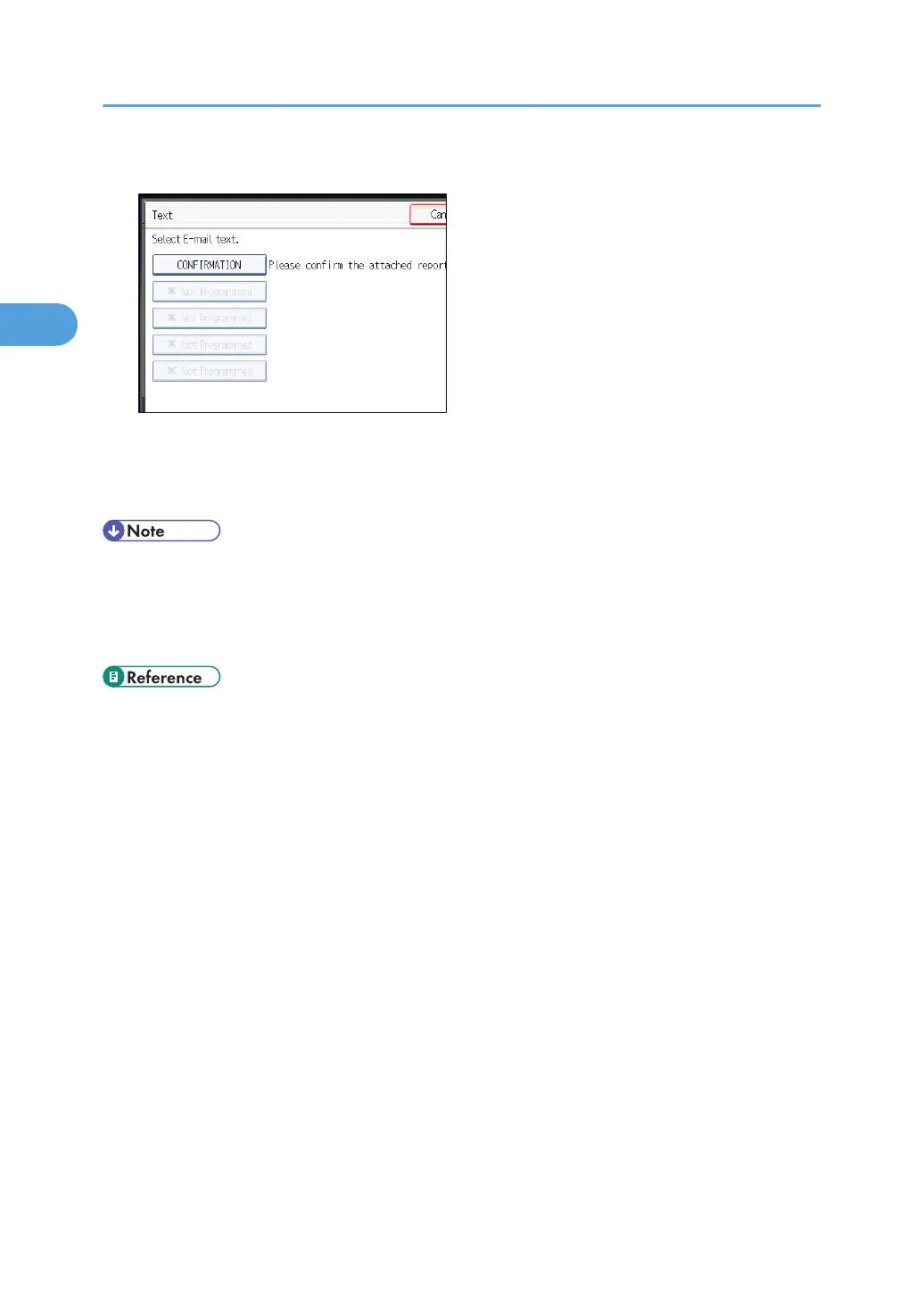
5. Select a text, and then press [OK].
6. Press [OK].
The standby display appears.
7. Specify a destination, and then press the [Start] key.
• You cannot send text only without an original.
•
You can program one of the Quick Operation keys with operations for this function. Using the
Quick Operation Key allows you to omit steps 3 and 6. For details about Quick Operation Key,
see “General Settings”.
• p.150 "Sender Settings"
•
p.349 "General Settings"
2. Other Transmission Features
188



 To Next Page