Scan Profile Items and Settings
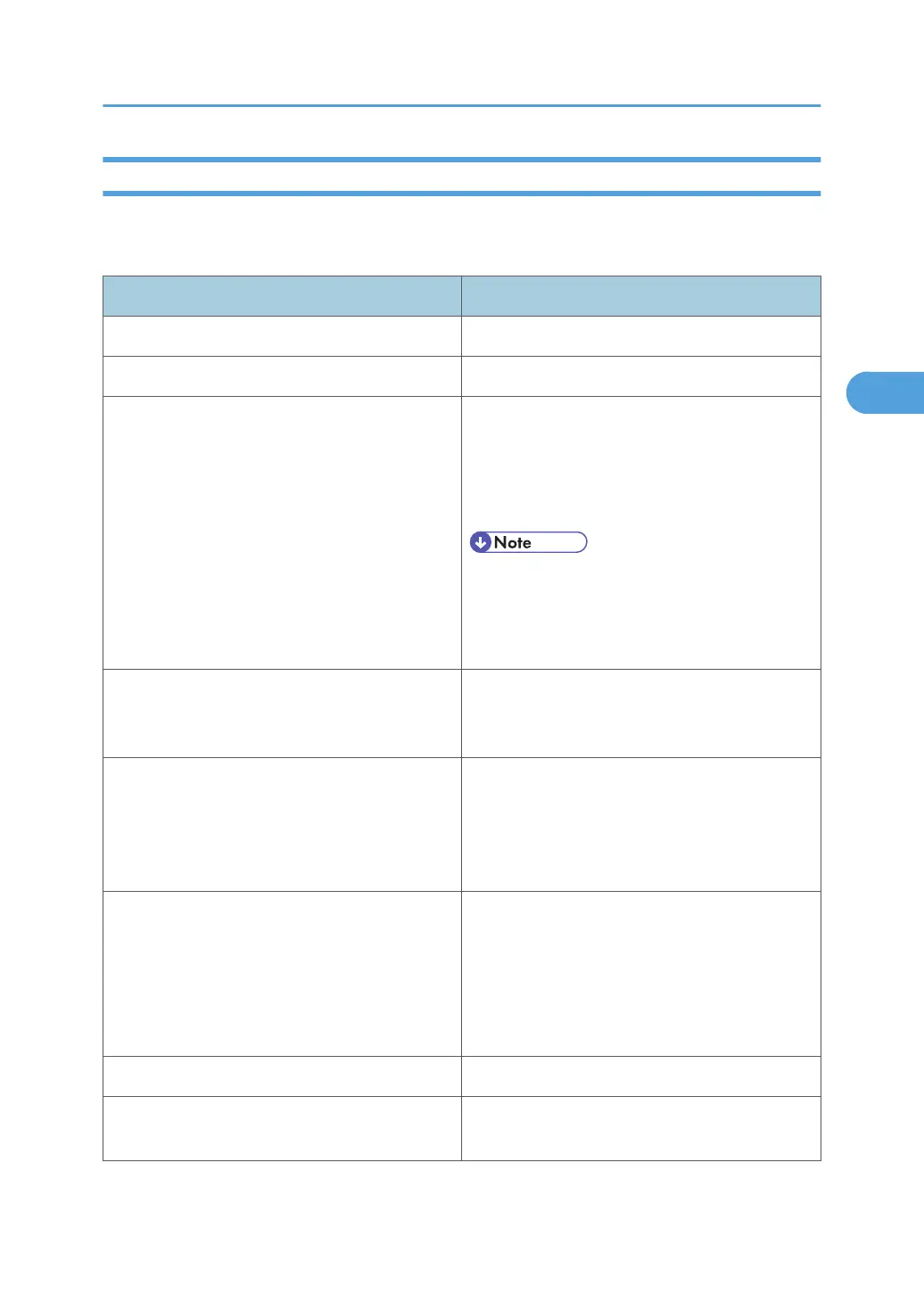
The following table tells you the scan profile settings that you can configure.
Scan Profile Items and Settings
Item Scan settings
Scanner: Select this machine.
Profile name: Enter the profile name.
Source:
Select one of the following:
Flatbed
Feeder (Scan one side)
Feeder (Scan both sides)
• If the original is set on the exposure glass,
select [Flatbed]. If the original is set in the
ADF, select [Feeder (Scan one side)] or
[Feeder (Scan both sides)].
Paper size:
If you select [Feeder (Scan one side)] or [Feeder
(Scan both sides)] in [Source], you must specify
the paper size.
Color format:
Select one of the following:
Color
Grayscale
Black and white
File type:
Select one of the following:
BMP (Bitmap Image)
JPG (JPEG Image)
PNG (PNG Image)
TIF (TIFF Image)
Resolution (DPI): Specify the resolution.
Brightness:
The setting you specify here will not be applied
for scanning.
Configuring the Scan Settings on a Client Computer
105



 To Next Page