When "Use Secure Connection (SSL)" is set to [On], the port number is set to 465 and cannot be
changed.
6. Press [OK].
7. Press [Exit].
8. Press the [User Tools/Counter] key.
• If you set "Use Secure Connection (SSL)" to [On], you cannot bypass the SMTP server to send
Internet Fax documents directly.
SNMPv3 Encryption
This can be specified by the network administrator.
When using SmartDeviceMonitor for Admin or another application to make various settings, you can
encrypt the data transmitted.
By making this setting, you can protect data from being tampered with.
For details about logging in and logging out with administrator authentication, see "Logging in Using
Administrator Authentication" and "Logging out Using Administrator Authentication".
1. Press the [User Tools/Counter] key.
2. Press [System Settings].
3. Press [Interface Settings].
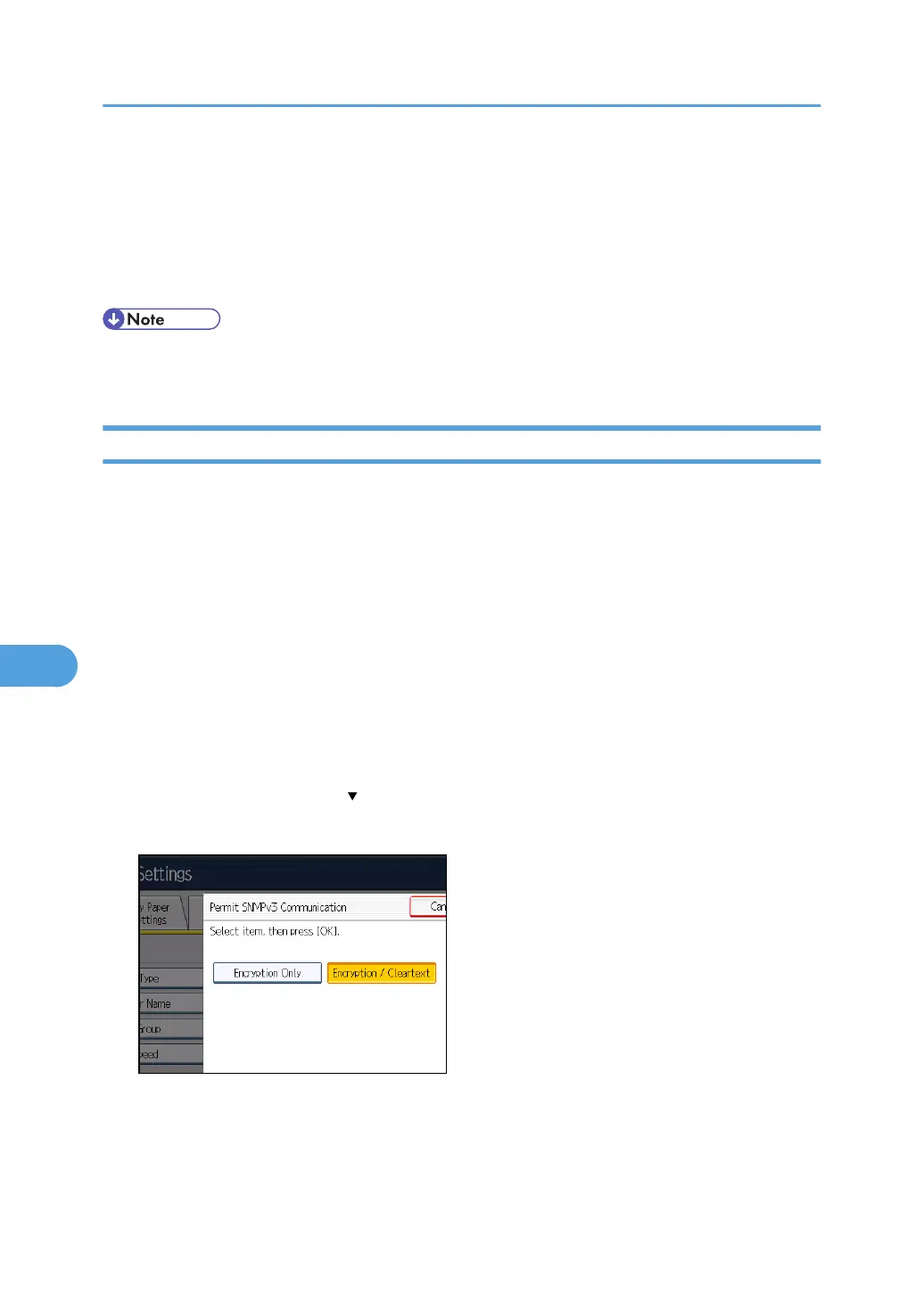
4. Press [Permit SNMPv3 Communication].
If this item is not visible, press [ Next] to display more settings.
5. Press [Encryption Only].
6. Press [OK].
7. Press the [User Tools/Counter] key.
7. Enhanced Network Security
228



 To Next Page