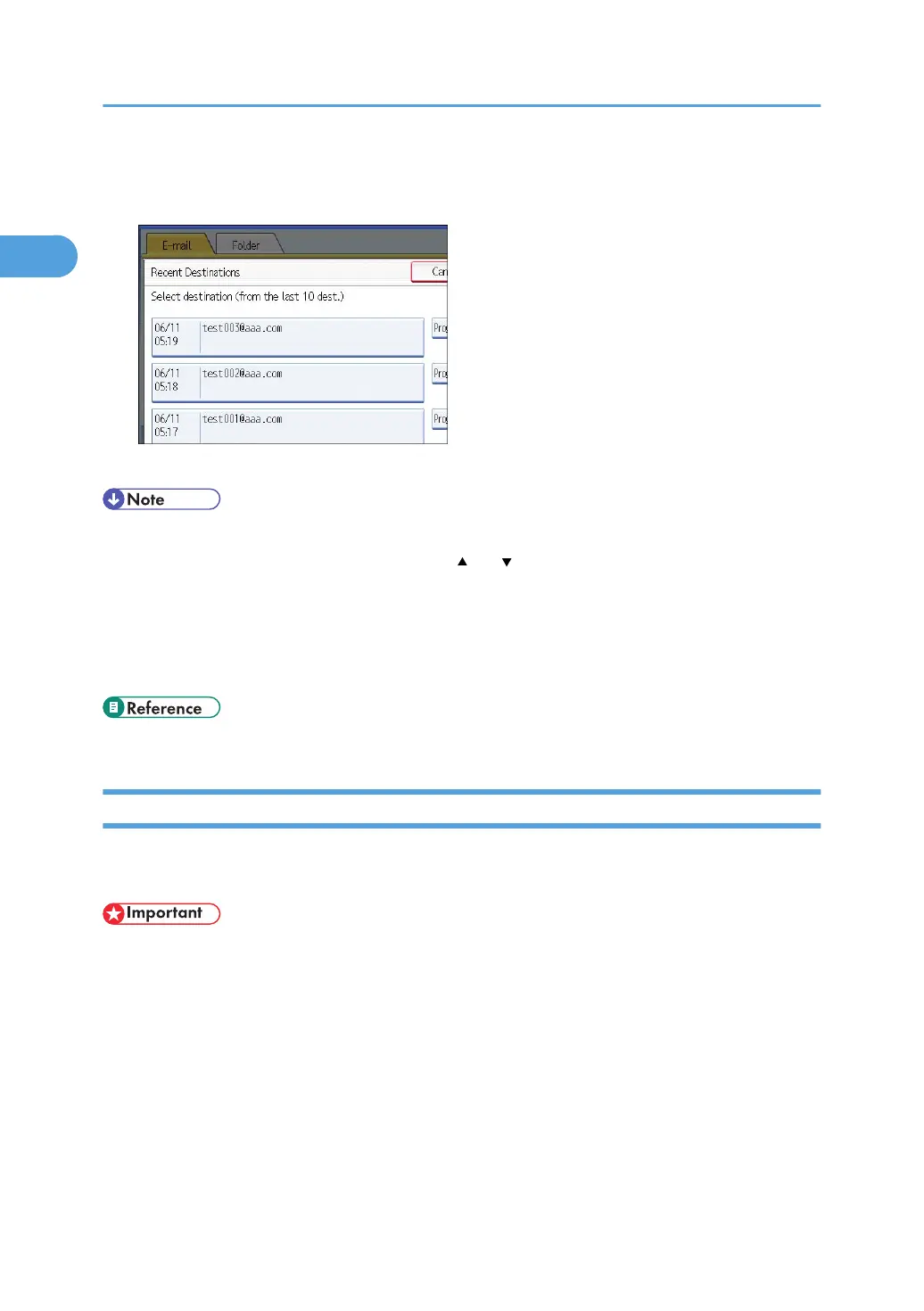
The most recent, directly entered destinations appear.
2. Select a destination.
3. Press [OK].
• Depending on the security settings, [Recent] may not be displayed.
•
If there are multiple recent destinations, press [
] or [ ] to scroll through them.
•
The 10 most recent destinations are displayed. Destinations are deleted in chronological order,
oldest first.
• You can add recent destinations to the machine's address book. For details, see "Registering a
Recent Destination in the Address Book".
• p.40 "Registering a Recent Destination in the Address Book"
Selecting Destinations by Searching an LDAP Server
This section explains how to search for an address registered in an LDAP server and specify it as an e-
mail destination.
• To use this function, an LDAP server must be connected to the network.
•
Under [System Settings], the LDAP server must be registered and [LDAP Search] must be set to
[On]. For details, see "System Settings", Network and System Settings Reference.
1. Sending Scan Files by E-mail
36



 To Next Page