• If a collate option is selected in the application, printing will not be as intended.
•
When printing restarts after removing jammed paper, the printing position may be different,
depending on the location of the jam.
• If the paper jam occurred in an optional finisher, printing will restart from the top page of the
data currently being printed, or from the page where the paper jam occurred.
• If the paper jam occurred in the machine, printing will restart from the page where the paper
jam occurred.
• Even if the paper jam occurred in the machine, the error will not be cleared unless the cover of
the finisher is opened and closed.
• For details about the optional finisher, see "Appendix", About This Machine.
• To remove paper misfeeds, see "Clearing Misfeeds", Troubleshooting.
• For details about printing methods, see the printer driver Help.
• p.45 "Making Option Settings for the Printer"
Cover Sheet
Using this function, you can insert cover sheet/back cover sheet fed from a different tray to that of the
main paper, and print on them.
• To use this function, Collate must be set. Rotating Collate function is disabled.
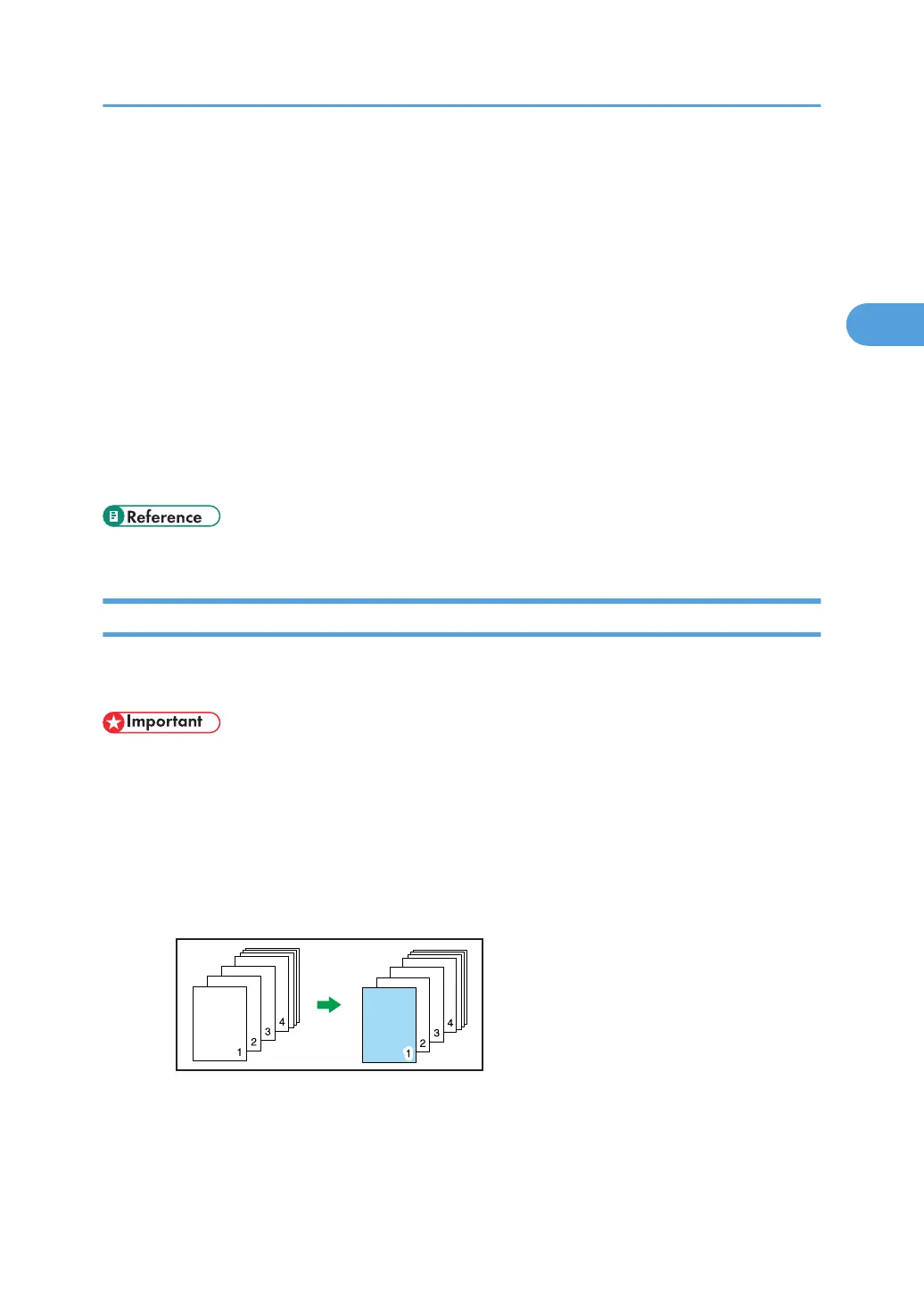
You can print the first page of the document on the sheet for the cover page.
Front Cover sheet
Prints the first page of the document on the sheet for the cover page.
•
Print on one side
Prints on one side of the cover sheet only.
• Print on both sides
Prints on both sides of the cover sheet when duplex printing is selected.
•
Cover sheet printed on both sides
Advanced Printing
85



 To Next Page