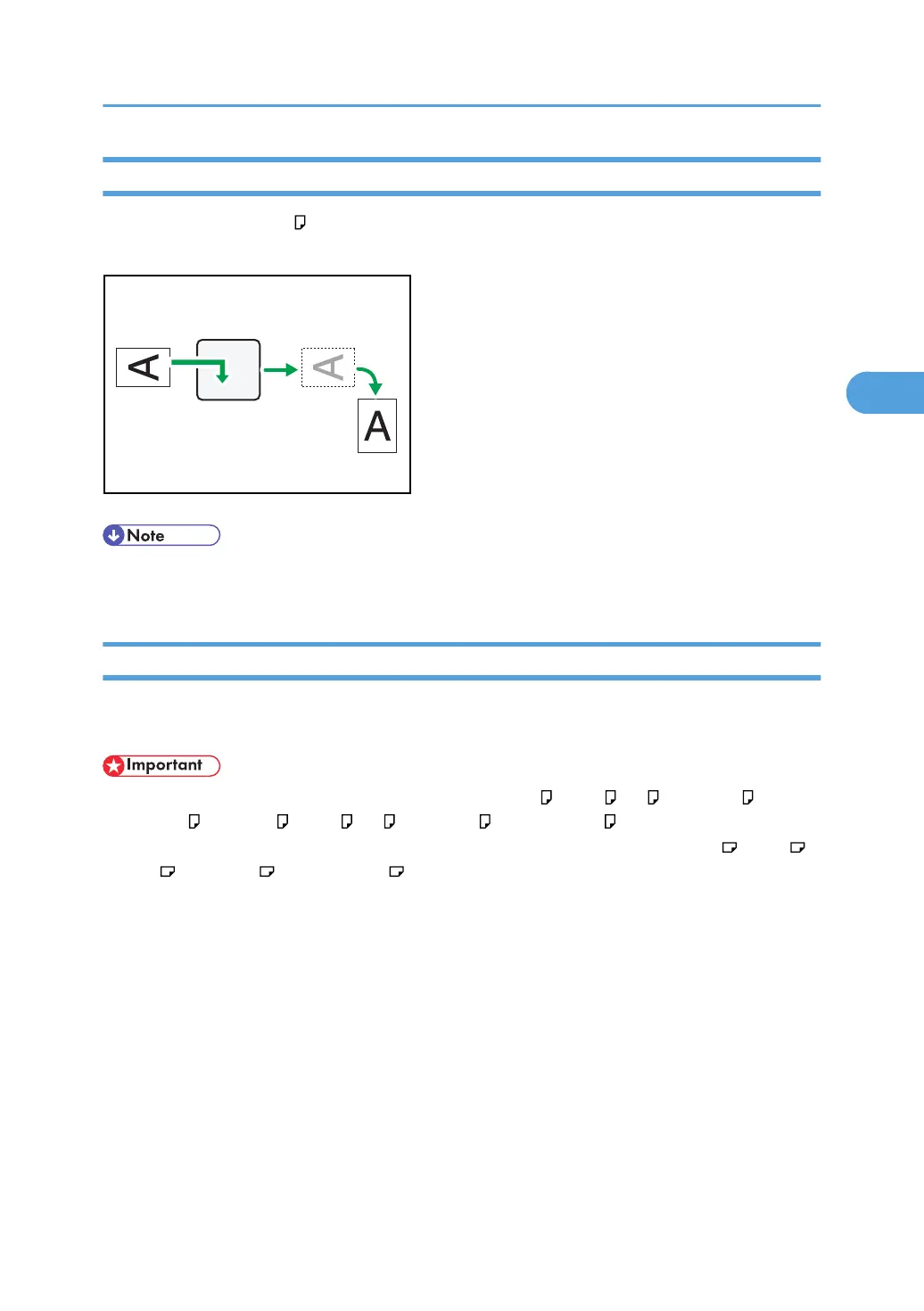
Image Rotation
If you have set paper in the orientation in the paper tray, incoming fax documents are automatically
rotated to fit onto the paper.
• If you specified a tray for “Paper Tray” in the Facsimile Features menu, the paper loaded in the
specified tray is selected.
Combine Two Originals
When two documents of the same size and orientation are received consecutively, they are printed on a
single sheet when you turn this function on. This can help you economize on paper.
• This function does not work with documents larger than A5 , B5 JIS , A4 , 8
1
/
2
× 11 or 8
1
/
2
× 5
1
/
2
. When A5 , B5 JIS , A4 , 8
1
/
2
× 11 or 8
1
/
2
× 5
1
/
2
size paper is loaded in the
machine, each page of the received document is printed on a single sheet. When A5 , B5 JIS ,
A4 , 8
1
/
2
× 11 or 8
1
/
2
× 5
1
/
2
size paper is loaded in the machine, each page of the
received document is rotated and printed on a single sheet.
•
If paper matching the size and orientation of a received document is available, Combine Two
Originals is not possible.
• If Combine Two Originals and 2 Sided Print are selected at the same time, 2 Sided Print takes
priority and Combine Two Originals is canceled.
Printing Options
229



 To Next Page