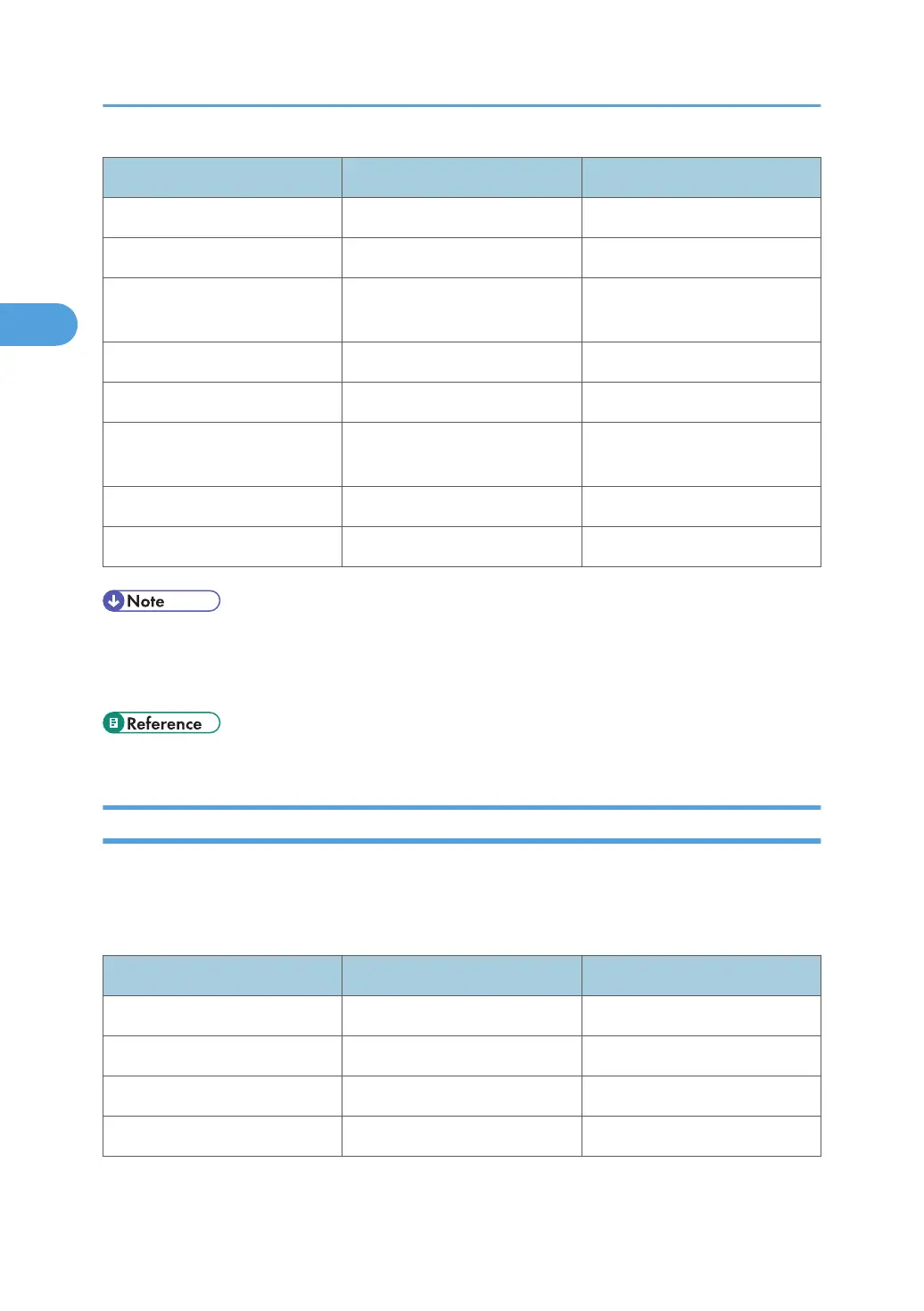
Menu User Tool Setting Requirements
Interface Settings/Network SMB Work Group As required
Interface Settings/Network Ethernet Speed As required
Interface Settings/Network
IEEE 802.1X Authentication for
Ethernet
As required
Interface Settings/Network LAN Type Necessary
Interface Settings/Network Permit SNMPv3 Communication As required
Interface Settings/Network
Permit SSL / TLS
Communication
As required
Interface Settings/Network Host Name As required
Interface Settings/Network Machine Name As required
• For the Effective Protocol setting, check that the protocol you want to use is set to [Active].
•
[LAN Type] is displayed when the wireless LAN board is installed. If Ethernet and wireless LAN are
both connected, the selected interface has priority.
• p.34 "Interface Settings"
Wireless LAN
This section lists the settings required for using the printer or LAN-Fax function with a wireless LAN
connection.
For details about how to specify the settings, see "Interface Settings".
Menu User Tool Setting Requirements
Interface Settings/Network Machine IPv4 Address Necessary
Interface Settings/Network IPv4 Gateway Address As required
Interface Settings/Network Machine IPv6 Address As required
Interface Settings/Network IPv6 Gateway Address As required
2. Connecting the Machine
82



 To Next Page