View settings
msh> hostname
IPv4 Configuration
msh> hostname "interface_name" "printer_name"
• Enter the printer name using up to 63 alphanumeric characters.
• You cannot use a printer name beginning "RNP" (in either upper or lower case).
• The Ethernet interface and IEEE 802.11 interface will have the same printer name.
• wlan can be specified only when the IEEE 802.11 interface is installed.
• If you do not specify an interface, the Ethernet interface is selected automatically.
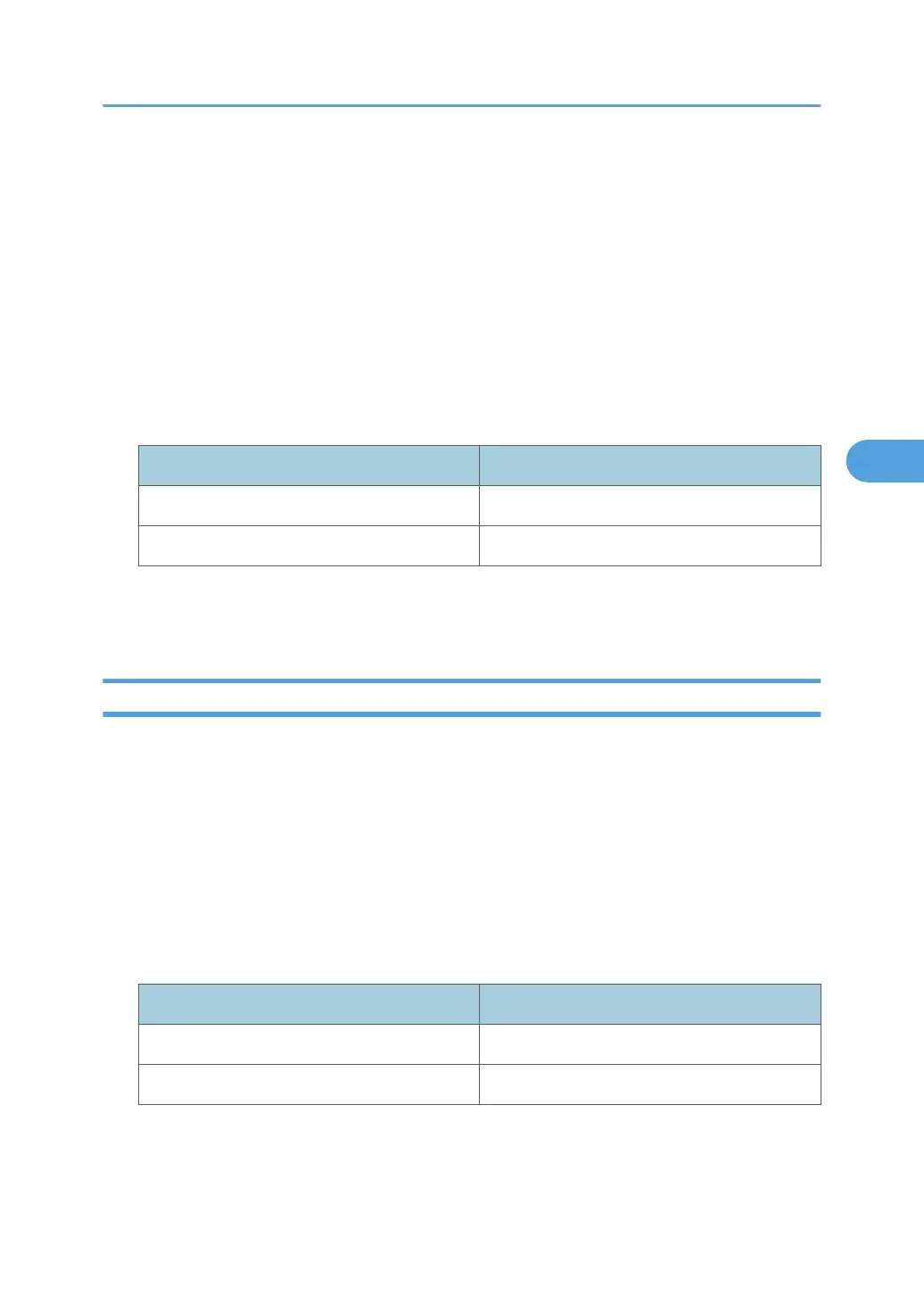
Interface name Interface configured
ether Ethernet interface
wlan IEEE 802.11 interface
Initializing the printer name for each interface
msh>hostname "interface_name" clear name
ifconfig
Use the "ifconfig" command to view and configure TCP/IP (IP address, subnet mask, broadcast address,
default gateway address) for the printer.
View settings
msh> ifconfig
IPv4 configuration
msh> ifconfig "interface_name" "address"
• If you did not enter an interface name, it is automatically set to the Ethernet interface.
• wlan can be specified only when the IEEE 802.11 interface is installed.
Interface name Interface configured
ether Ethernet Interface
wlan IEEE 802.11 Interface
The following explains how to configure an IPv4 address 192.168.15.16 on the Ethernet interface.
msh> ifconfig ether 192.168.15.16
Remote Maintenance Using telnet
165



 To Next Page