Setting of Original Feed Type
This section explains Original Feed Type settings such as orientation and scan sides of originals.
Original Orientation
This section explains how to correctly display the top/bottom orientation of scanned originals on a client
computer screen.
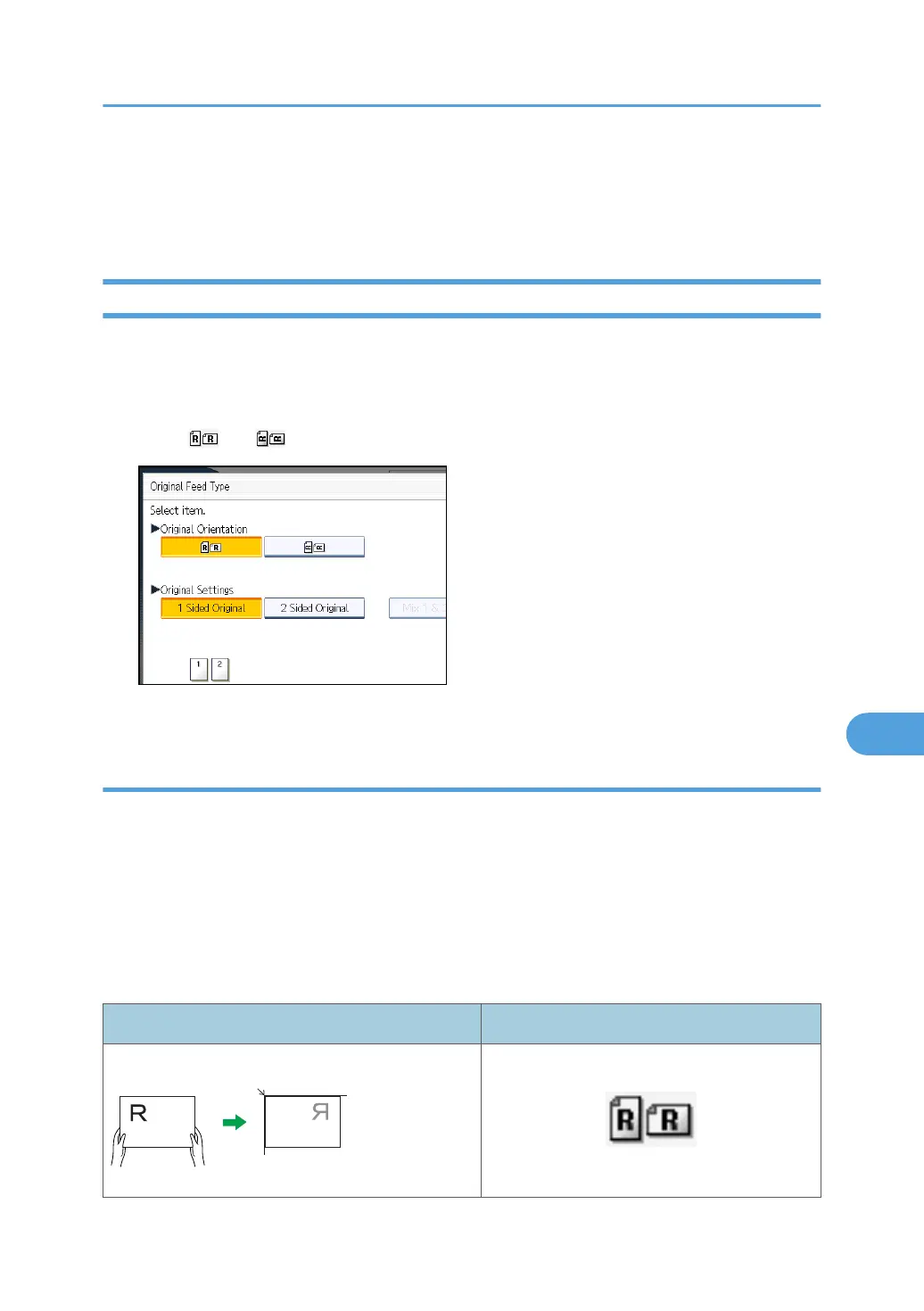
1. Press [Original Feed Type].
2. Press [ ] or [ ] to select the same orientation as that of original.
3. Press [OK].
Placing Originals
To correctly display the top/bottom orientation of the scanned original on a client computer, the
placement of the original and the settings made on the control panel must match.
Place originals correctly by referring to the following tables:
Exposure Glass
Place the original face down on the exposure glass in either the left-right (landscape) or up-down
(portrait) orientation.
Original orientation and control panel key selection
Original orientation Control panel key
top edge touches rear of exposure glass
Setting of Original Feed Type
173



 To Next Page