Confirming/Printing/Deleting Received and
Stored Documents
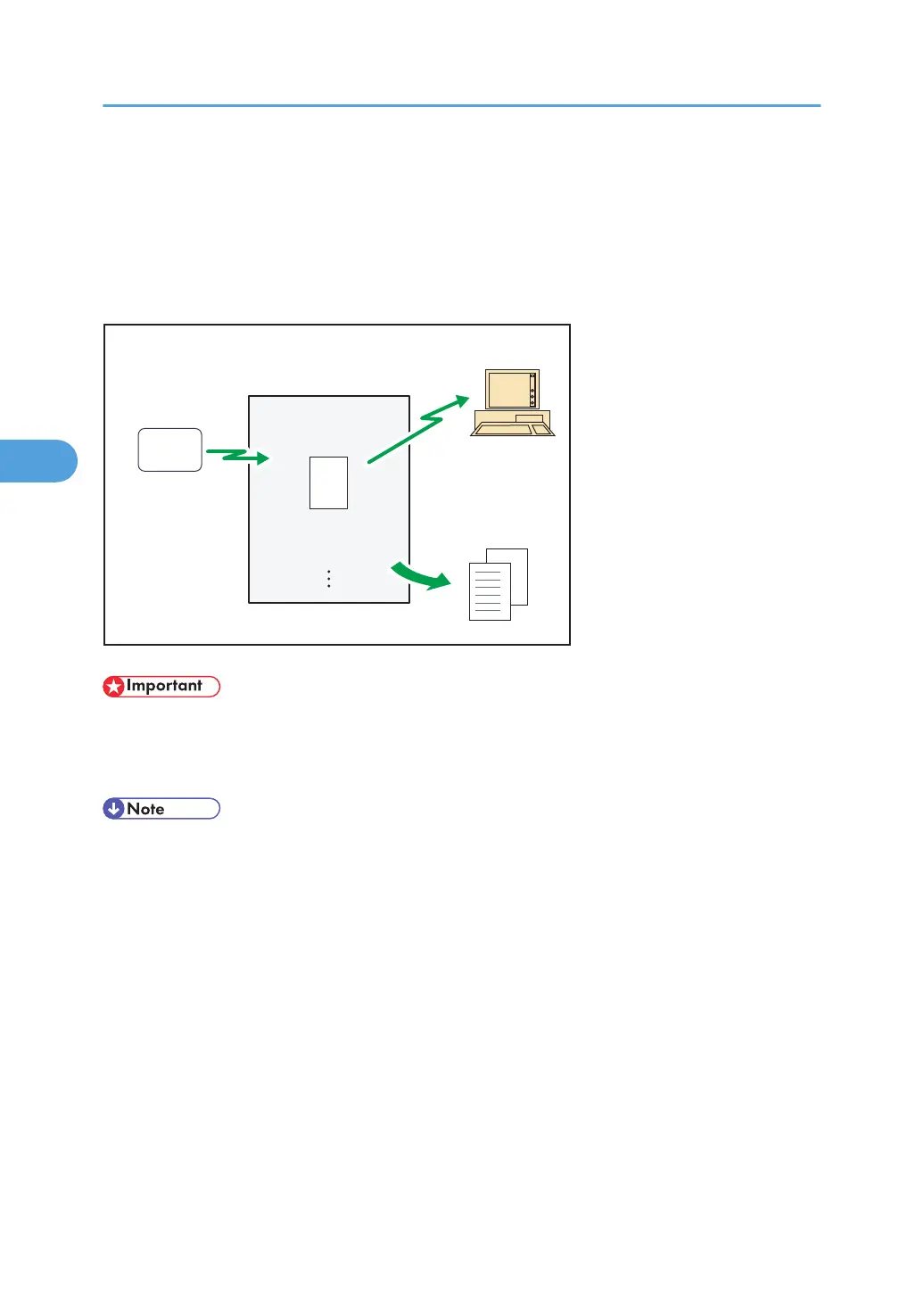
You can print documents that are received and stored on the hard disk. You can also delete unwanted
documents.
This machine
Hard DiskHard Disk
Transmitting station
BZR045
• To use this function, the optional HDD unit is required.
•
Make the settings for received and stored documents in “Reception File Setting” in the Facsimile
Features menu before using this function. For details about the setting, see “Reception File Setting”.
• If you have selected to store received documents and specified an e-mail address for notification of
receipt, fax reception notification can be sent to that e-mail address.
•
For the maximum number of received documents you can store on the machine's hard disk, see
“Maximum Values”.
• You can view and print received and stored documents using Web Image Monitor. For details, see
“Viewing Fax Information Using a Web Browser”.
• To download stored documents onto your computer using Web Image Monitor, printer/scanner
functions are required.
• Control panel operations such as printing or deleting received documents, can be restricted. To do
this, select “On” for the User Parameters (switch 10, bit 0) in Parameter Settings. After you do this,
“Print / Delete Stored Reception File” will no longer be displayed on the screen, and received
documents stored on the machine cannot be accessed using the control panel. For details about
Parameter Settings, see “Parameter Settings”.
4. Changing/Confirming Communication Information
278



 To Next Page