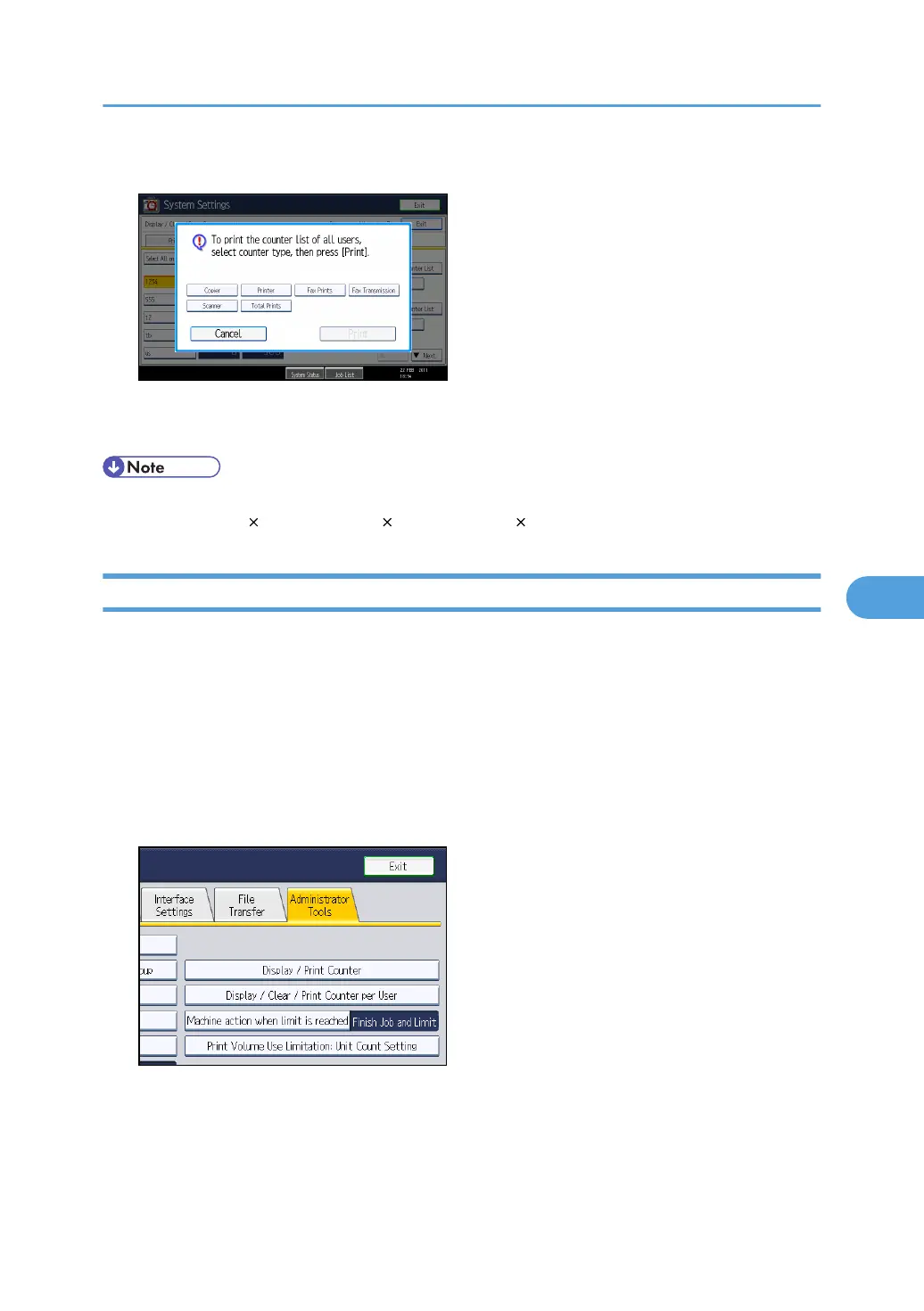
7. Select the counter you want to print in the list, and then press [Print].
8. Press the [Login/Logout] key.
9. Press [Yes].
• Print volume use counter lists can be printed only if the following paper sizes is loaded in the paper
tray: A4, 8
1
/
2
11 in, B4, 8
1
/
2
14 in, A3, or 11 17 in.
Clearing Print Volume Use Counters
Use the following procedure to clear the print volume use counters. This procedure can be done by the
user administrator. Clearing a user's print volume counter or increasing a user's print volume limit allows
the user to continue printing beyond his/her original print volume limit.
1. Press the [User Tools/Counter] key.
2. Press [System Settings].
3. Press [Administrator Tools].
4. Press [Display / Clear / Print Counter per User].
Managing Print Volume per User
171



 To Next Page