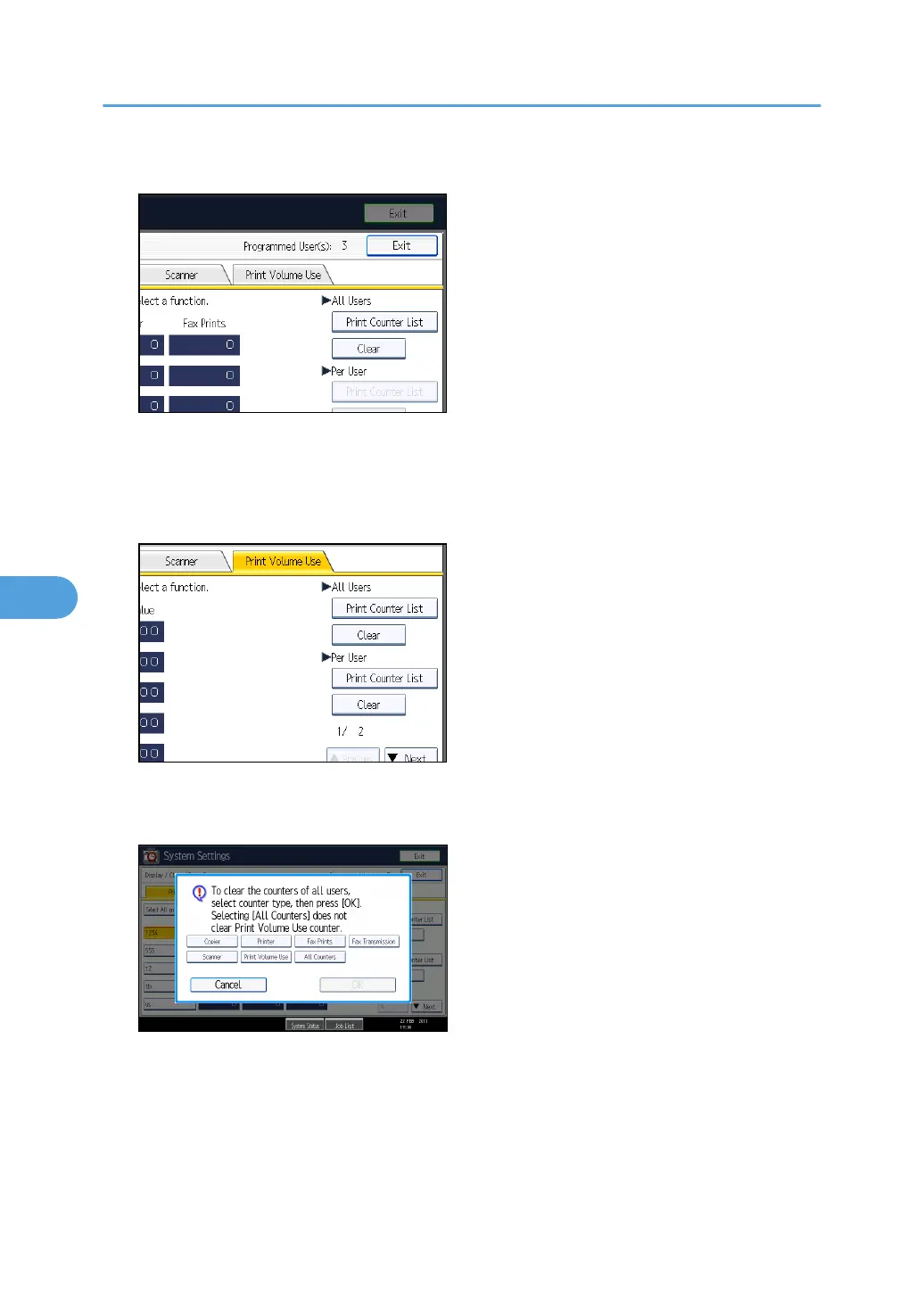
5. Press [Print Volume Use].
A list of users' print volume use counters is displayed.
6. To clear the print volume use counters of every user, press [Clear] under "All Users". To
clear the print volume use counters of selected users only, select the users whose counters
you want to clear, and then press [Clear] under "Per User".
To select all the users displayed on the page, press [Select All on the Page].
7. Select [Print Volume Use], and then press [OK].
8. Press the [Login/Logout] key.
9. Press [Yes].
6. Managing Access to the Machine
172



 To Next Page