To cancel the transmission, press [Cancel Sending].
After transmission, the standby display appears.
• You can have the machine select Preview Before Transmission right after the power is turned on or
whenever the [Clear Modes] key is pressed. For details, see “Changing the Default Functions of the
Fax's Initial Display”.
• p.55 "Setting the Original Orientation"
•
p.171 "Changing the Default Functions of the Fax's Initial Display"
Detecting Blank Sheet
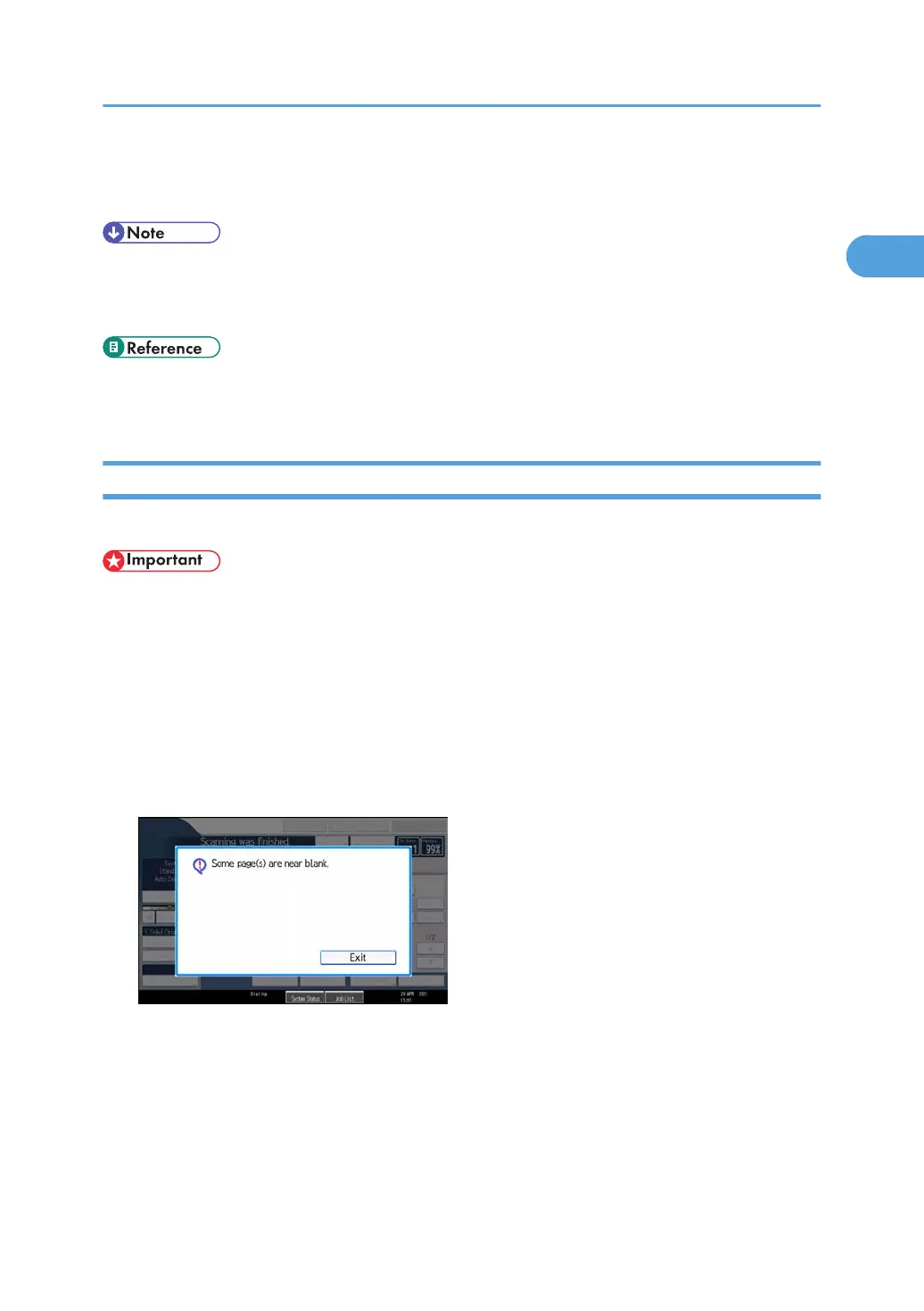
Upon completion of the first page scanning, an alarm sounds if the page is nearly blank.
• The blank sheet-detecting function works only when an original is scanned using the ADF.
•
The blank sheet-detecting function is ineffective for second and subsequent pages.
• The machine cannot detect blank sheets if the user has put it into Preview mode using [Preview].
This function notifies you if an original is placed wrong side down on the scanner. When this happens, a
message appears for a few seconds. The message differs depending on number of pages to be scanned
and transmission mode.
• When sending a document using Immediate Transmission or when all pages have been scanned in
Memory Transmission:
• When some pages are left unscanned in Parallel Memory Transmission or Memory Transmission:
Placing Originals
67



 To Next Page