Transmitter
(This machine)
Receiver
BZR031
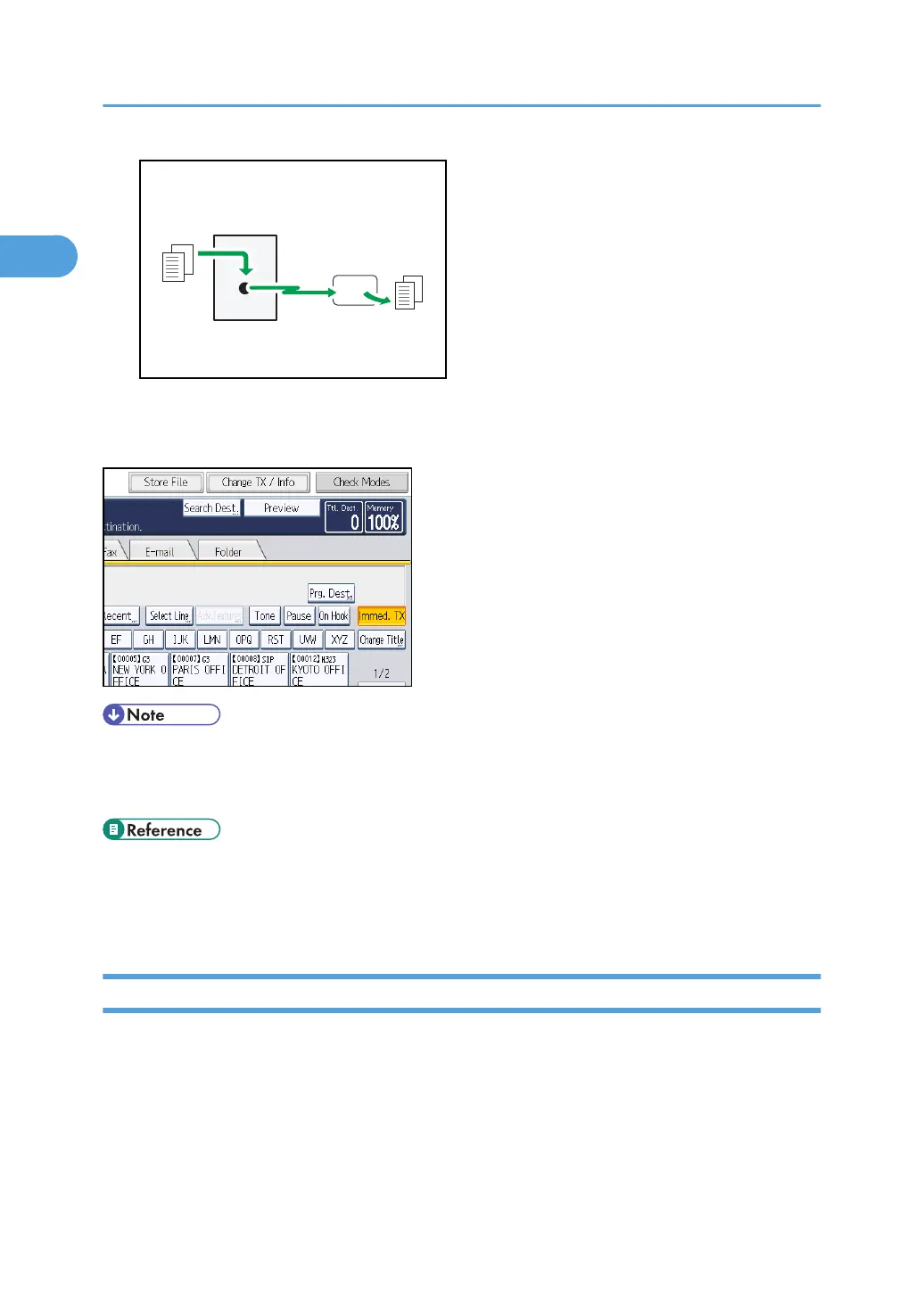
Normally the machine is in the Memory Transmission mode. To switch the mode to Immediate
Transmission, press [Immed. TX].
• You can set the machine to enter Memory Transmission mode or Immediate Transmission mode
right after the power is turned on or whenever the [Clear Modes] key is pressed. See “Changing
the Default Functions of the Fax's Initial Display”.
• p.29 "Parallel Memory Transmission"
•
p.31 "Broadcasting sequence"
• p.171 "Changing the Default Functions of the Fax's Initial Display"
Selecting Type of Transmission
You can select the transmission type: standard fax, IP-Fax, Internet Fax, e-mail transmission, or folder
transmission.
Press the tab in the standby display to select the transmission type.
When sending to a standard fax or IP-Fax destination
Make sure that [Fax] is selected.
1. Transmission
24



 To Next Page