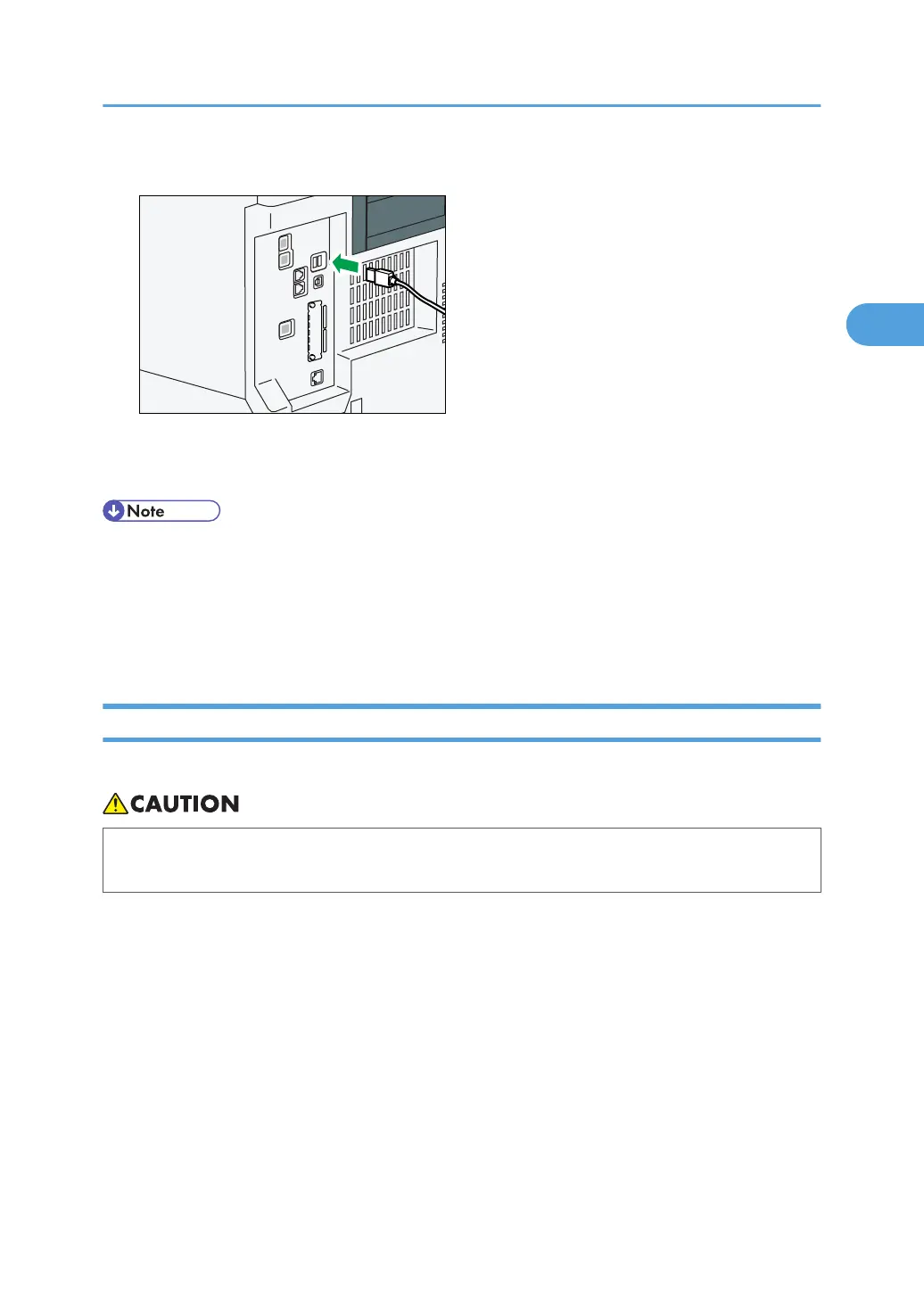
1. Connect one end of the USB interface device to the machine's USB host interface.
If you are using a USB interface cable, connect the other end of it to a card authentication device
or media slot.
• Use the following 5 meter (197 inch) cable which supports USB Host Interface.
•
This machine does not come with a USB interface cable. Make sure you purchase the appropriate
cable for the machine (connector shape).
• Do not remove the Bluetooth interface unit after it has been installed and the power has been
turned on.
Connecting to the IEEE 1284 Interface
This section describes how to connect the IEEE 1284 interface cable to the IEEE 1284 interface board.
• Properly shielded and grounded cables and connectors must be used for connections to a host
computer (and/or peripheral) in order to meet emission limits.
1. Make sure the main power switch on the machine is off.
2. Turn off the main power switch of the host computer.
Connecting to the Interface
77



 To Next Page