13. Change the settings of “Select Line”, “Adv. Features”, “International TX Mode”, “Fax
Header”, and “Label Insertion”, as necessary.
14. Press [OK].
15. Press [Exit].
16. Press the [User Tools/Counter] key.
• For details about the procedure in step 13, see “Registering Addresses and Users for Facsimile/
Scanner Functions”, Network and System Settings Reference.
Deleting a Fax Destination
This section explains how to delete destination information from the Address Book.
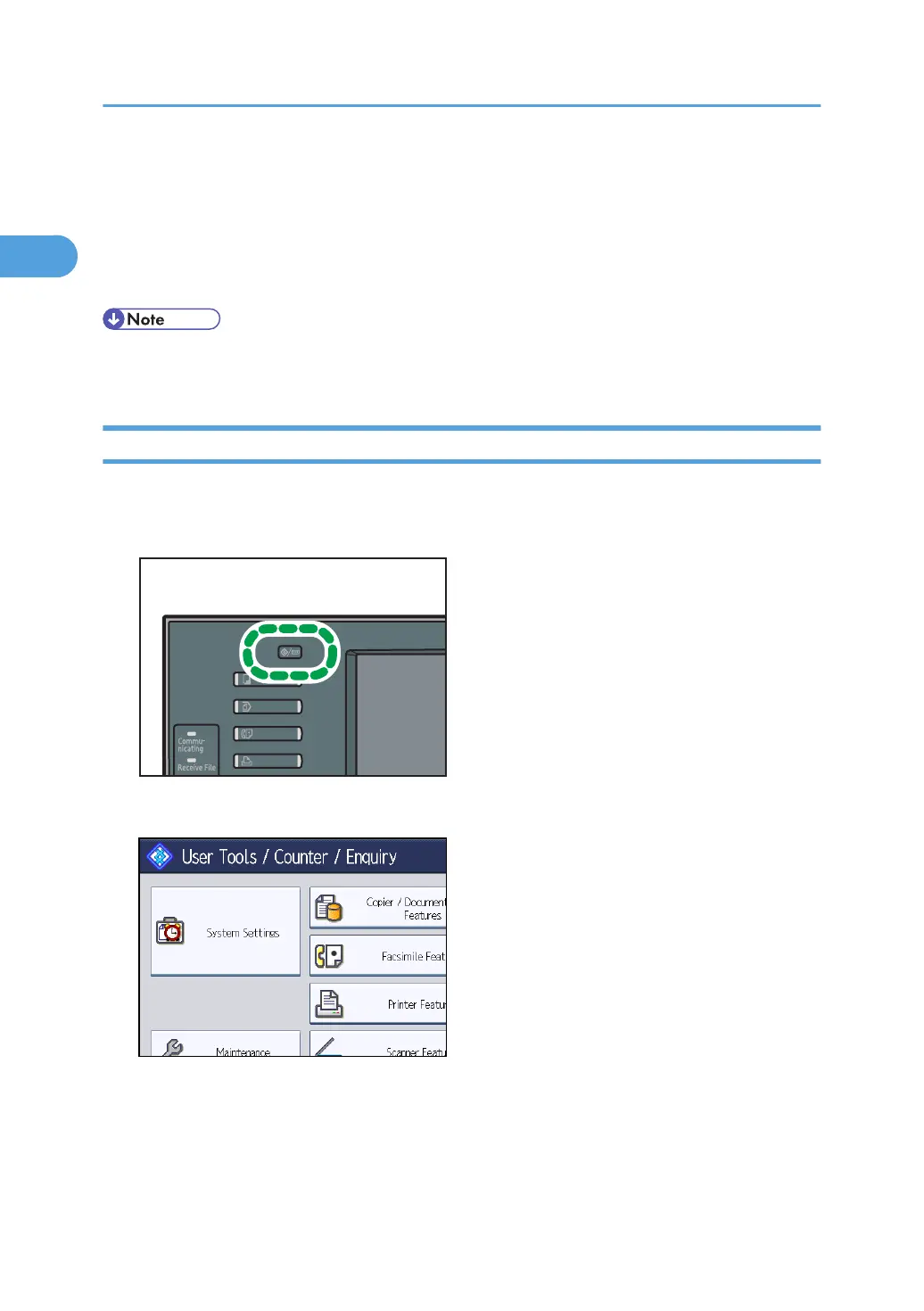
1. Press the [User Tools/Counter] key.
2. Press [System Settings].
3. Press [Administrator Tools].
4. Press [Address Book Management].
1. Transmission
124



 To Next Page