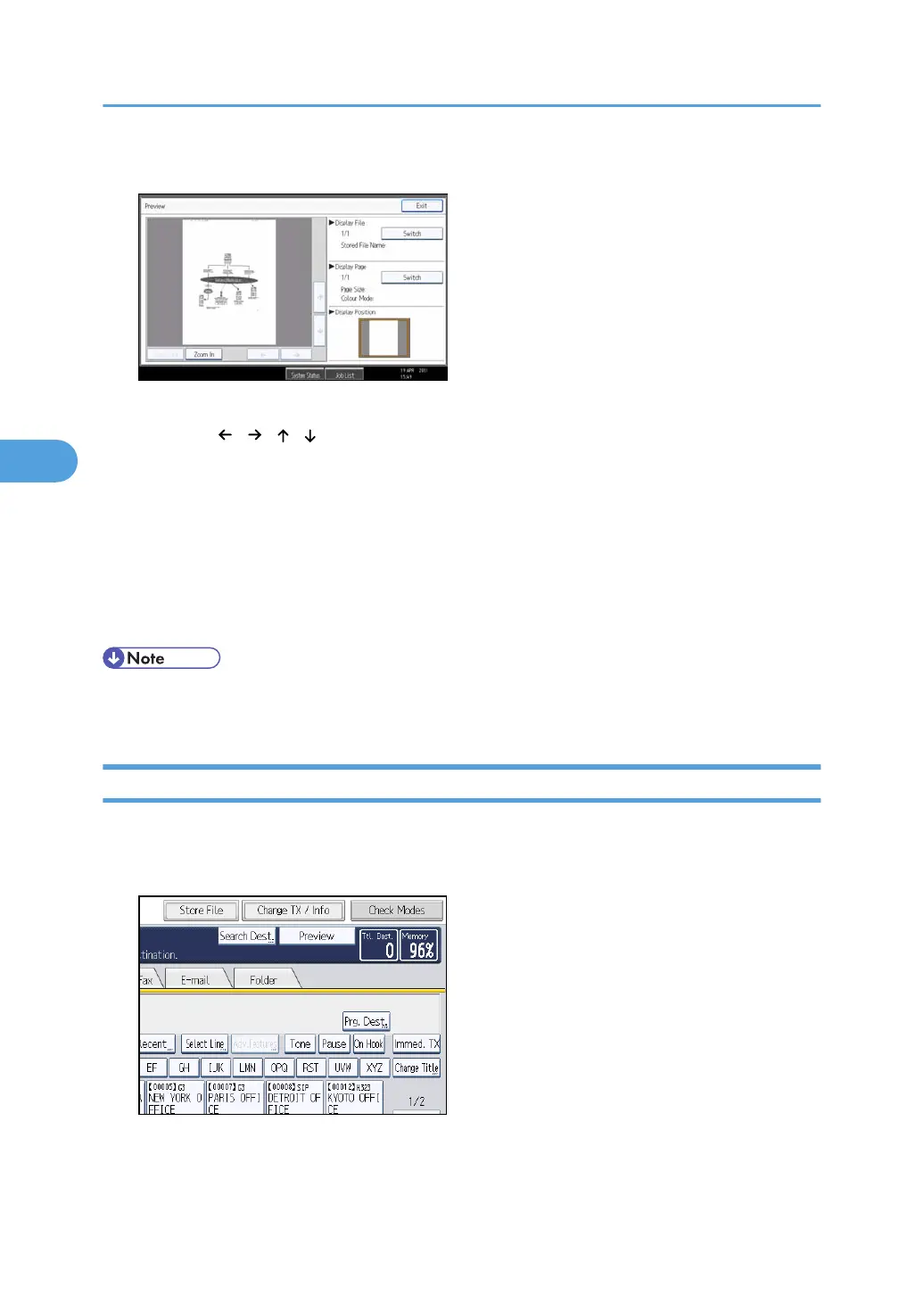
5. Check the preview.
• Press [Zoom Out] or [Zoom In] to reduce or enlarge the preview image.
• Press [ ] [ ] [ ] [ ] to scroll the preview image.
• Press [Switch] under “Display File” to display another selected file.
• Press [Switch] under “Display Page” to change the displayed page.
6. Press [Exit].
The display returns to that of step 4.
7. Press [Exit] twice.
The standby display appears.
• If the size of a received and stored document is larger than A3, the document is displayed in the
preview as a single image, but it will be split and printed over several sheets.
Printing Received and Stored Documents
This section explains how to print documents saved on the hard disk.
1. Press [Change TX / Info].
2. Select [Print / Delete Stored Reception File].
4. Changing/Confirming Communication Information
280



 To Next Page