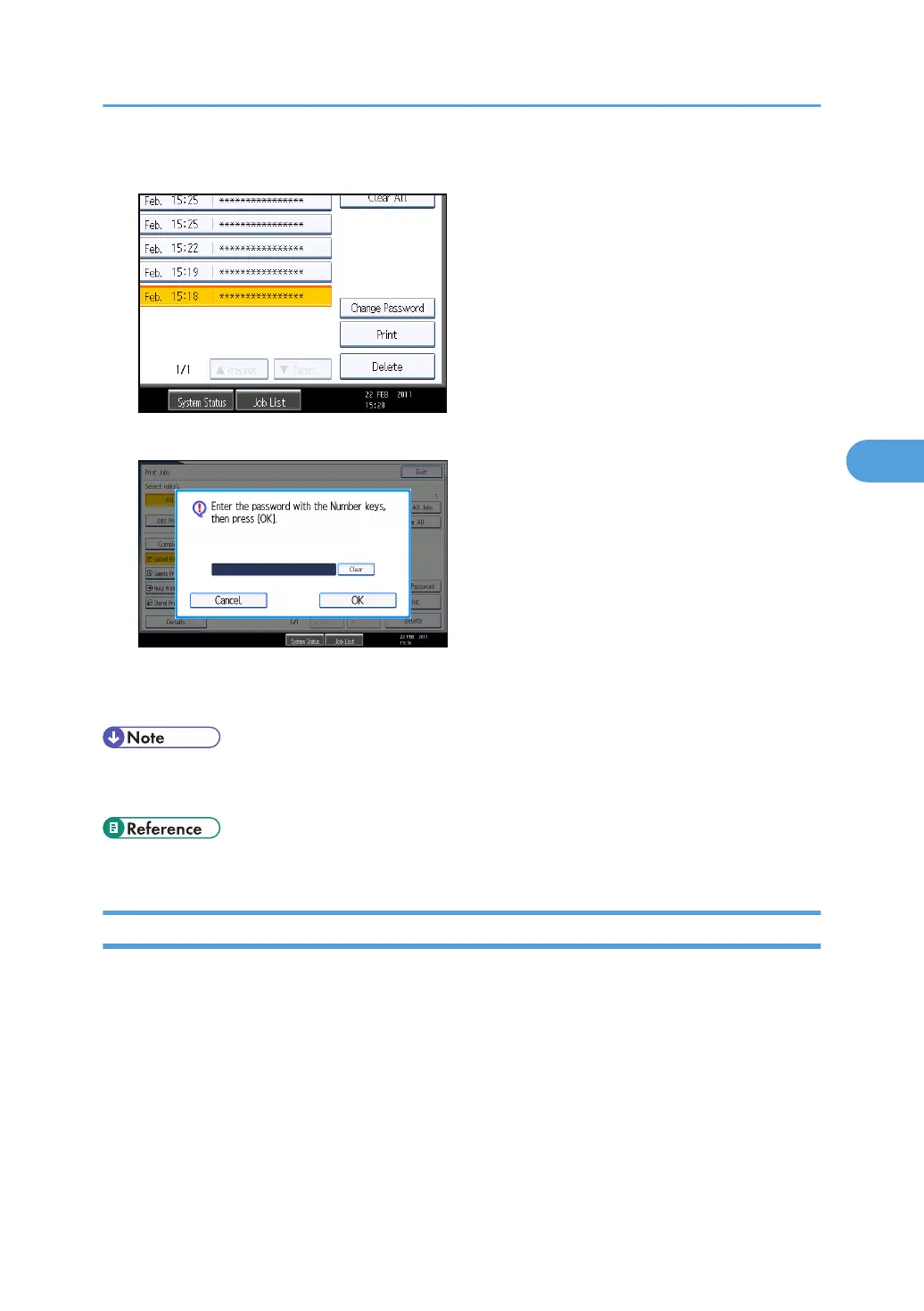
5. Press [Print].
6. Enter the password for the stored file, and then press [OK].
Enter the password specified in step 4 of "Specifying a Locked Print File".
7. Press [Yes].
• For details about logging in and logging out with user authentication, see "If User Authentication is
Specified".
• p.85 "If User Authentication is Specified"
Deleting Locked Print Files
This can be specified by the file creator (owner).
To delete Locked Print files, you must enter the password for the files. If the password has been forgotten,
ask the file administrator to change the password.
This can also be specified via Web Image Monitor. For details, see Web Image Monitor Help.
1. Press the [Printer] key.
2. Press [Print Jobs].
3. Press [Locked Print Job List].
Printing a Confidential Document
101



 To Next Page