Initial Settings
This section describes the user tools in the Initial Settings menu under Facsimile Features.
Parameter Setting
User Parameters allow you to customize various settings to suit your needs.
For details about Parameter Setting, see “Parameter Settings”.
Parameter Setting: Print List
You can print Parameter Setting list.
Print this list to see the current User Parameter settings. However, not all the parameter settings are
printed.
1.
Press [Facsimile Features].
2. Press [Initial Settings].
3. Press [Parameter Setting: Print List].
4. Press the [Start] key.
To cancel printing a list before pressing the [Start] key, press [Cancel].
To cancel printing a list after pressing the [Start] key, press [Stop Printing].
5. Press the [User Tools/Counter] key.
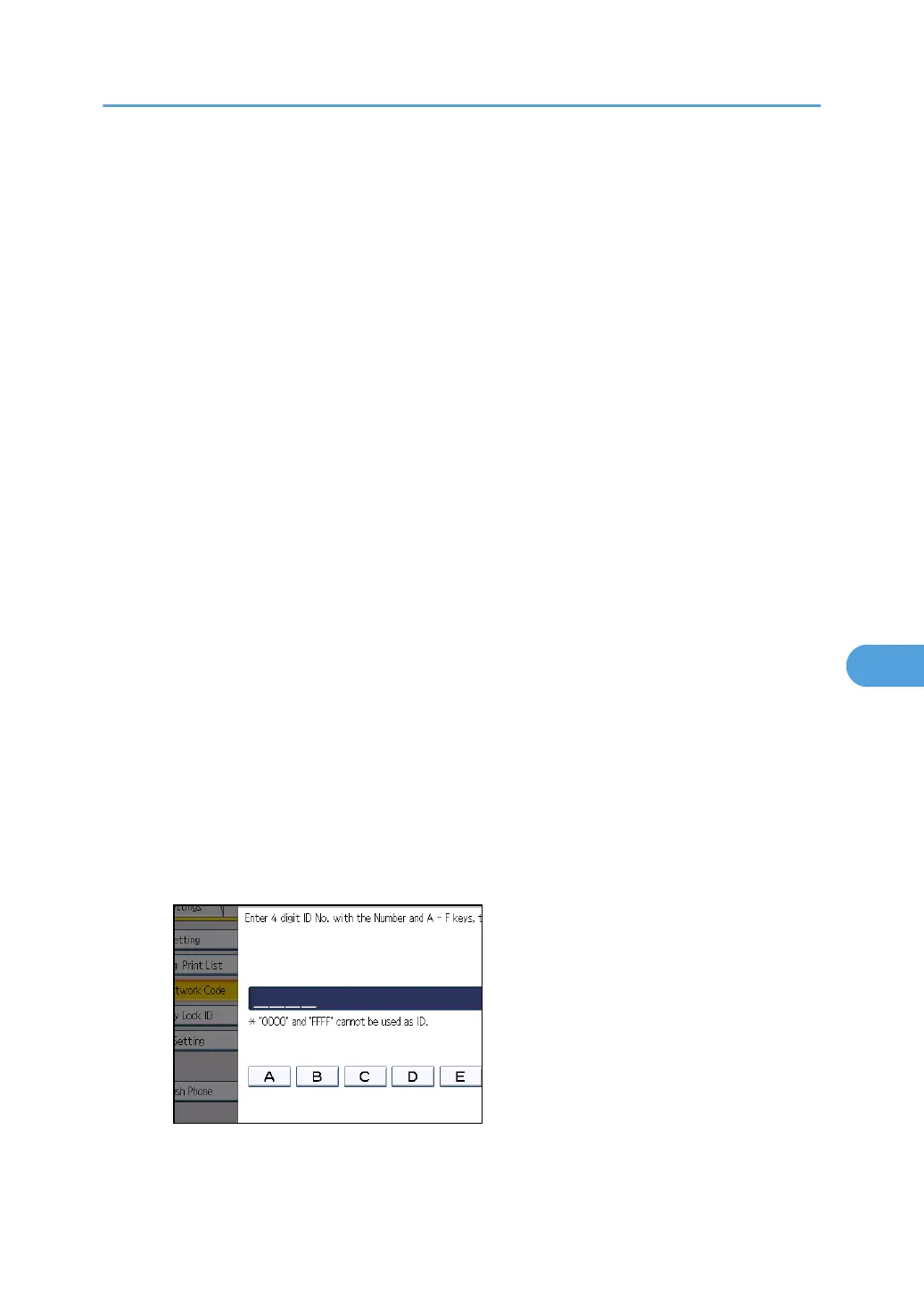
Program Closed Network Code
Register an ID required for Closed Network communication.
1. Press [Facsimile Features].
2. Press [Initial Settings].
3. Press [Program Closed Network Code].
4. Enter an ID using the number keys and [A] to [F], and then press [OK].
Register a four-digit number using 0 to 9 and A to F (except for 0000 and FFFF).
5. Press the [User Tools/Counter] key.
Initial Settings
361



 To Next Page