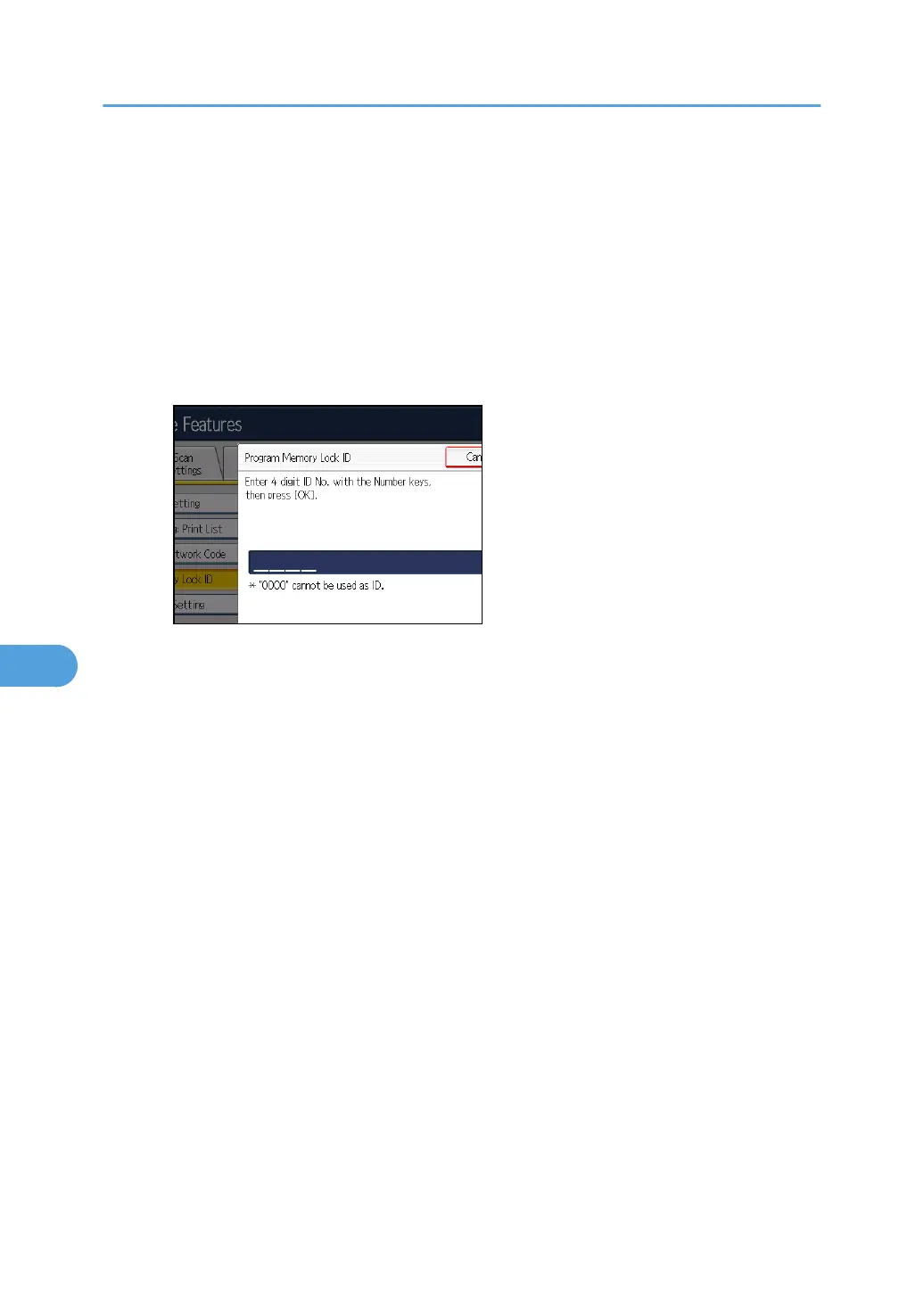
Program Memory Lock ID
Program a Memory Lock ID to be entered before printing documents when the Memory Lock
function is activated.
1.
Press [Facsimile Features].
2. Press [Initial Settings].
3. Press [Program Memory Lock ID].
4. Enter an ID using the number keys, and then press [OK].
A Memory Lock ID can be any four-digit number, except 0000.
If you make a mistake, press [Clear] before pressing [OK], and then try again.
5.
Press the [User Tools/Counter] key.
For details about printing a file received with Memory Lock, see “Printing a File Received with
Memory Lock”.
Internet Fax Setting
You can select to display the Internet Fax tab or not. When you want to send an Internet Fax, set
On to display the tab.
Default: [Off]
Select Dial / Push Phone
Use this function to select a line type when the machine is connected to a G3 analog line.
Dial and Push lines are available for selection.
If the optional extra G3 interface unit is installed, settings for the extra G3 lines appear.
This function is not available in some regions.
Default: [Push Button Phone]
1. Press [Facsimile Features].
2. Press [Initial Settings].
3. Press [Select Dial / Push Phone].
4. Press [Push Button Phone] or [Dial Phone (10PPS)] to select the line, and then press [OK].
7. Facsimile Features
362


 To Next Page
 Loading...



