• Only folders that you have the read privileges for are displayed.
•
If the language used for the NDS tree or by the NetWare Bindery server differs from that used by
the machine, file names in the NDS tree or on the NetWare Bindery server might appear garbled.
• Up to 100 items can be displayed.
• If the selected NDS tree or NetWare Bindery server requires authentication, a login screen
appears. Enter a user name and password for logging in to the NDS tree or NetWare Bindery
server. If you log in to the NDS tree, enter a user name, and then enter the name of the context
containing the user object. If the user name is "user" and the name of the Context is "context", the
user name will be "user.context".
• The machine may fail to transfer the file if you do not have write privileges for the folder or there is
not enough free hard disk space.
• You can register the path to the destination in the machine's address book. For details, see
"Registering the Path to the Selected Destination in the Address Book".
• p.83 "Registering the Path to the Selected Destination in the Address Book"
Selecting the Destination from Recent Destinations
This section explains how to display destinations that have been recently entered directly, and how to
select one of those destinations.
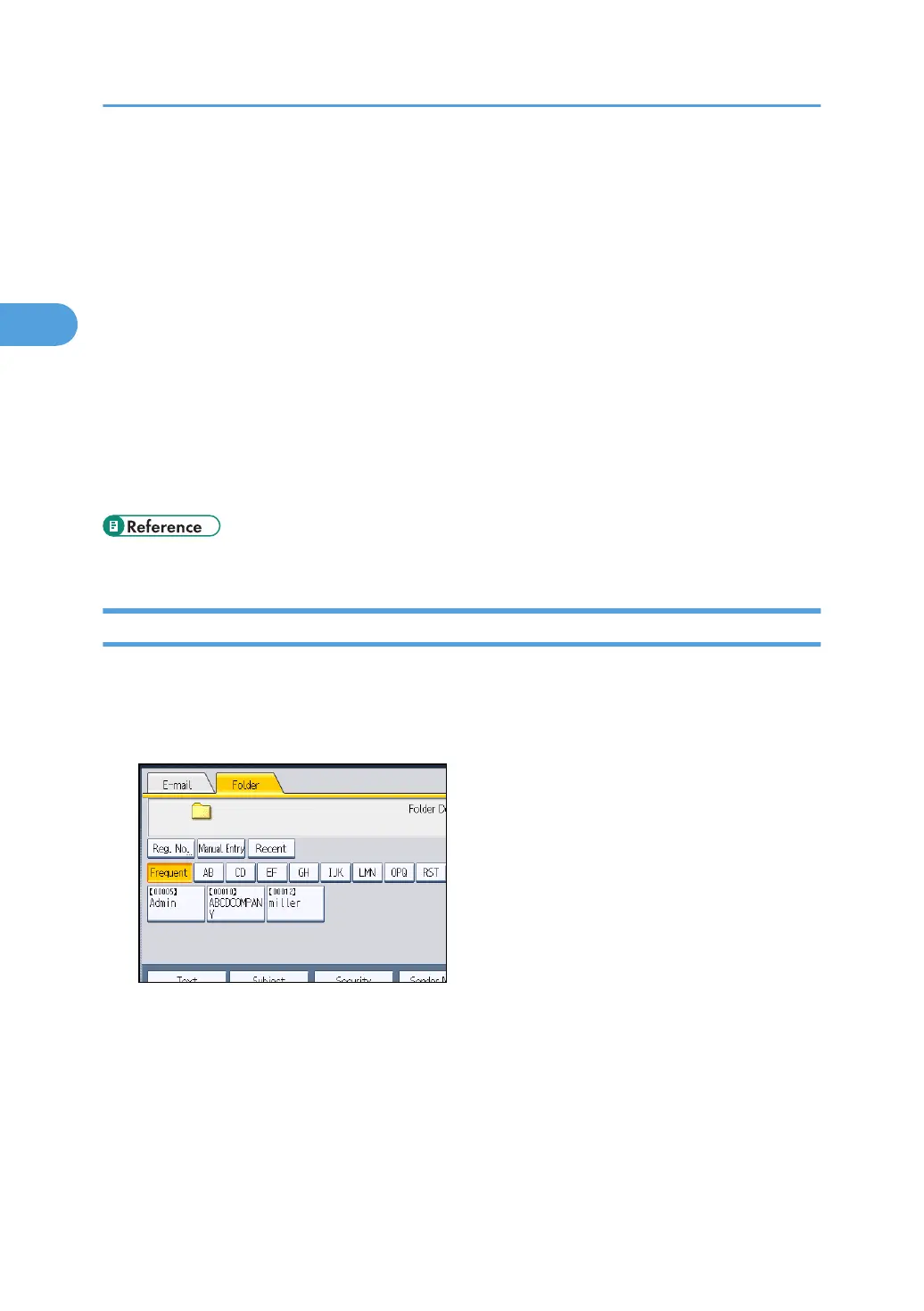
1. Press [Recent].
The most recent, directly entered destinations appear.
2. Sending Scan Files to Folders
82



 To Next Page