Specify the path by browsing to the destination on the Netware server
Specify the path by browsing to the destination folder in an NDS tree or on a NetWare Bindery server.
1. Press [Manual Entry].
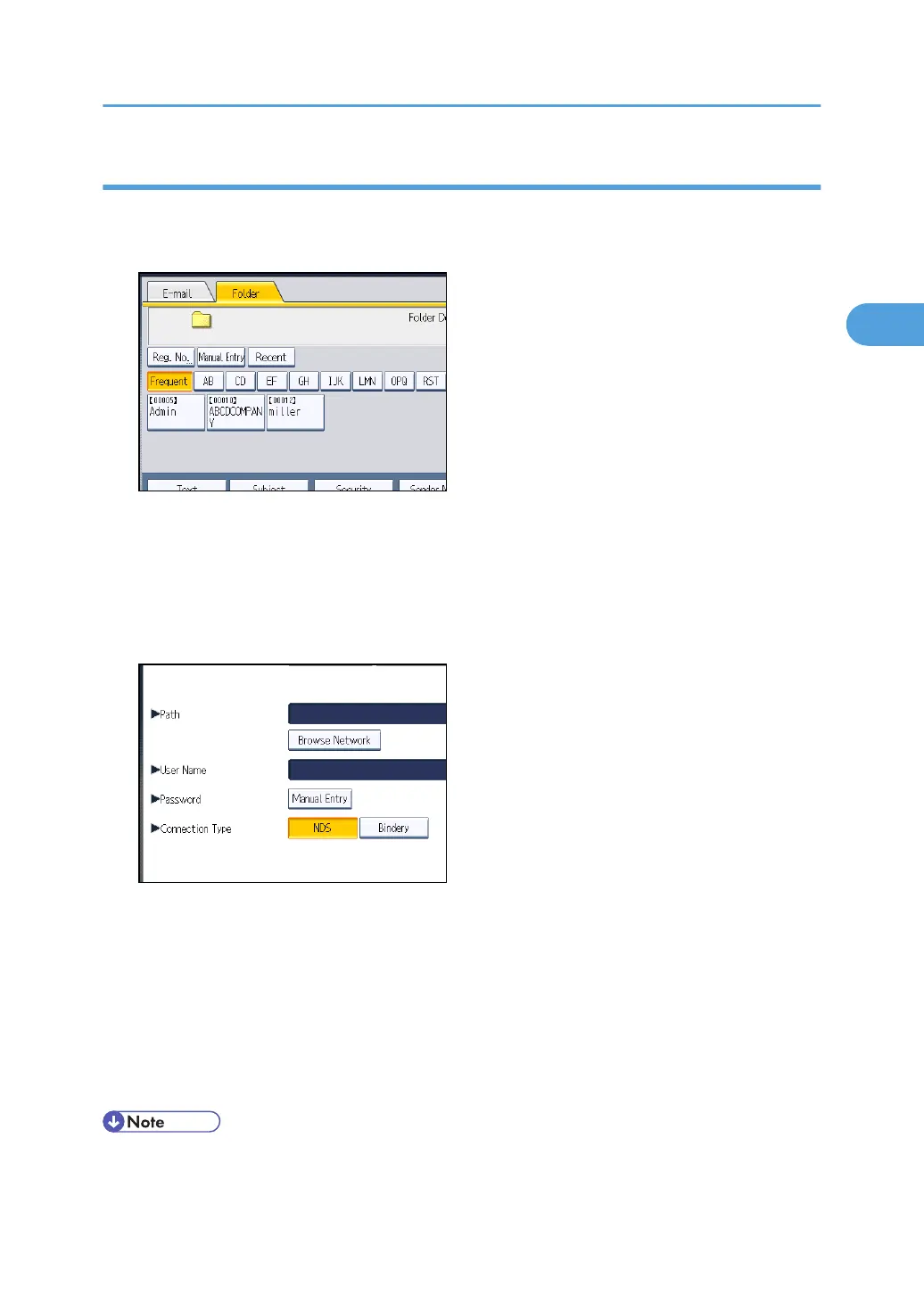
2. Press [NCP].
3. Select the connection type.
Press [NDS] to specify a folder in the NDS tree.
Press [Bindery] to specify a folder on the NetWare Bindery server.
4. Press [Browse Network] under the path name field.
If you selected [NDS] under [Connection Type], the NDS tree list appears.
If you selected [Bindery] under [Connection Type], the NetWare Bindery server list appears.
5. Search for the destination folder in the NDS tree or NetWare Bindery server.
If you cannot find the destination folder, press [Up One Level], and then search for the folder at that
level.
6. Select the destination folder.
7. Press [OK] twice.
• If you change the protocol after entering the path name, user name, or password, a confirmation
message appears.
Specifying Scan to Folder Destinations
81



 To Next Page