Carrying Over Registered Data for Use by
Address Book Auto Register
By using Data Carry-over Settings for Address Book Auto Program, you can carry over user
authentication information that has already been registered to the Address Book of the Windows
authentication, LDAP authentication, or integration server authentication.
• For details about the Windows authentication, LDAP authentication, or Integration server
authentication, consult your administrator.
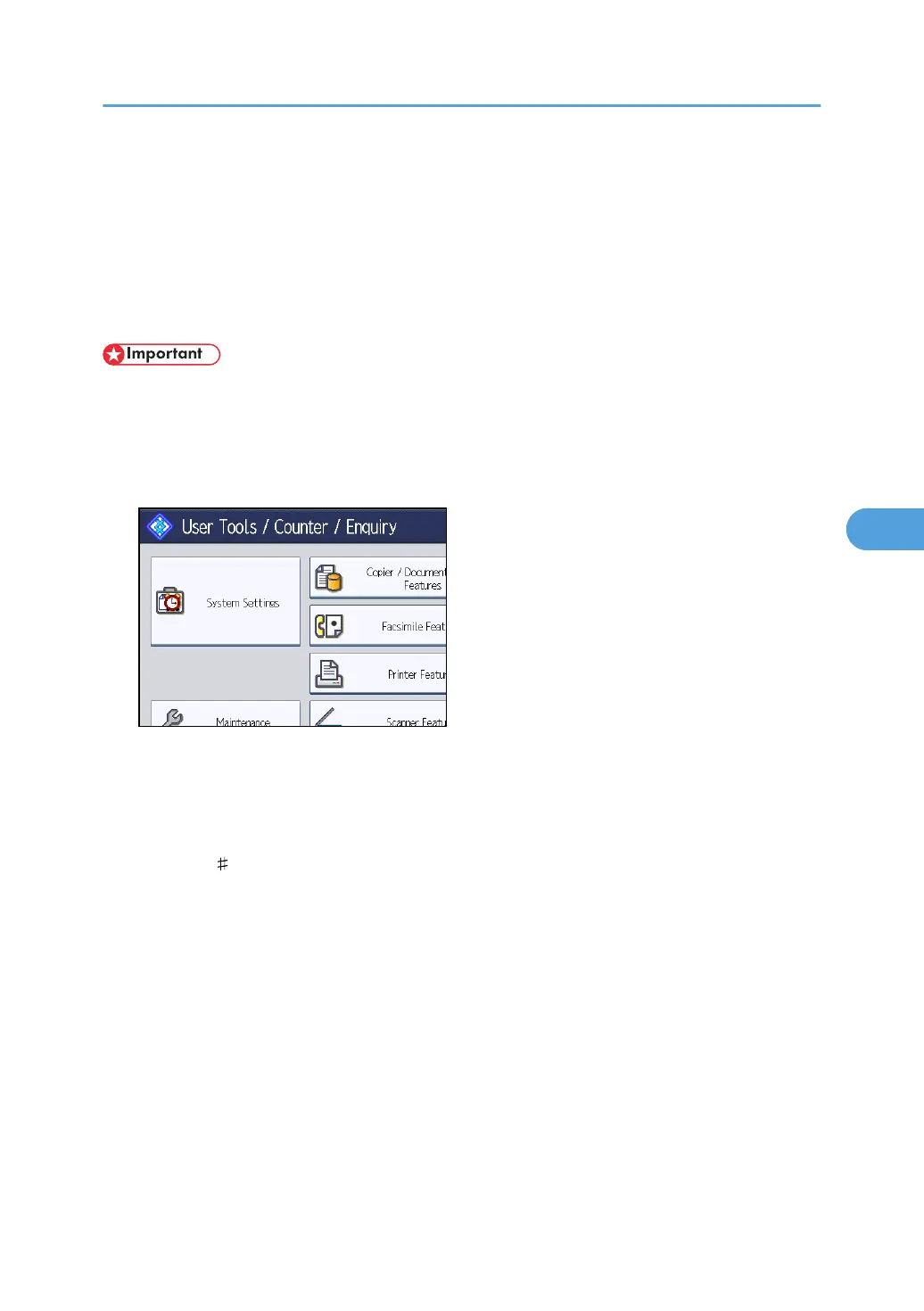
1. Press the [User Tools/Counter] key.
2. Press [System Settings].
3. Press [Administrator Tools].
4. Press [Data Carry-over Setting for Address Book Auto-program].
5. Press [Carry-over Data].
6. Press the [Clear] key, enter the registration number using the number keys, and then
press the [ ] key.
7. Press [OK].
8. Press the [User Tools/Counter] key.
Carrying Over Registered Data for Use by Address Book Auto Register
231



 To Next Page