An electronic signature is attached when you send e-mail. The [Signature] setting in [Security]
cannot be cancelled.
• p.389 "Parameter Settings"
Deleting Transfer Boxes
This section describes how to delete Transfer Boxes.
1. Press [Facsimile Features].
2. Press [General Settings].
3. Press [Box Setting].
4. Press [Delete], and then select the box you want to delete.
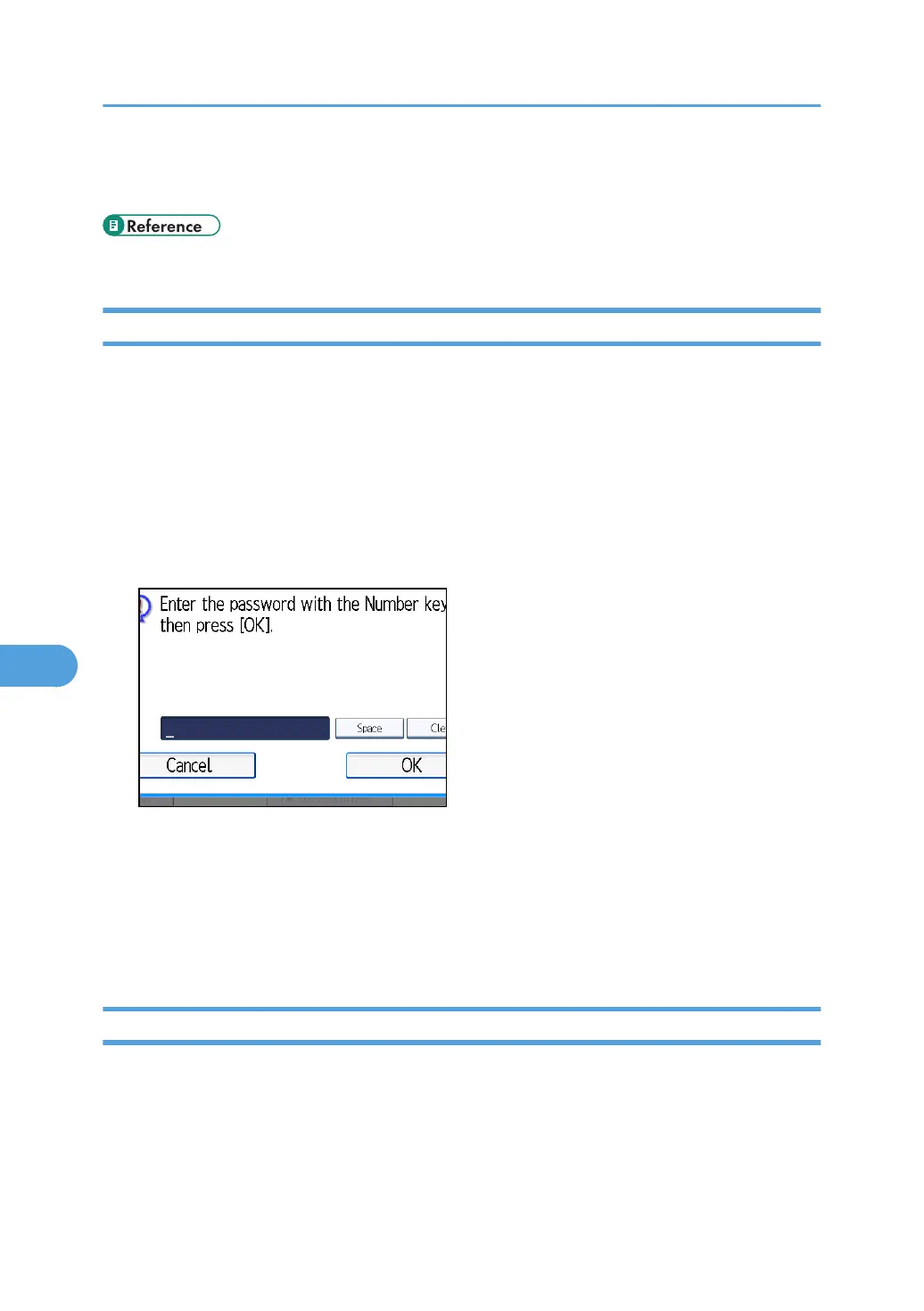
5. If the password is programmed, enter a password using the number keys, and then press
[OK].
If you make a mistake, press [Clear], and then try again.
6. Press [Delete].
To cancel deleting a Transfer Box, press [Do not Delete]. The display returns to that of step 4.
7. Press [Exit].
8. Press the [User Tools/Counter] key.
Printing the Box List
This section describes how to print the Box List.
Print a list showing the currently programmed Personal Boxes, Information Boxes, and Transfer Boxes.
1. Press [Facsimile Features].
2. Press [General Settings].
7. Facsimile Features
426



 To Next Page