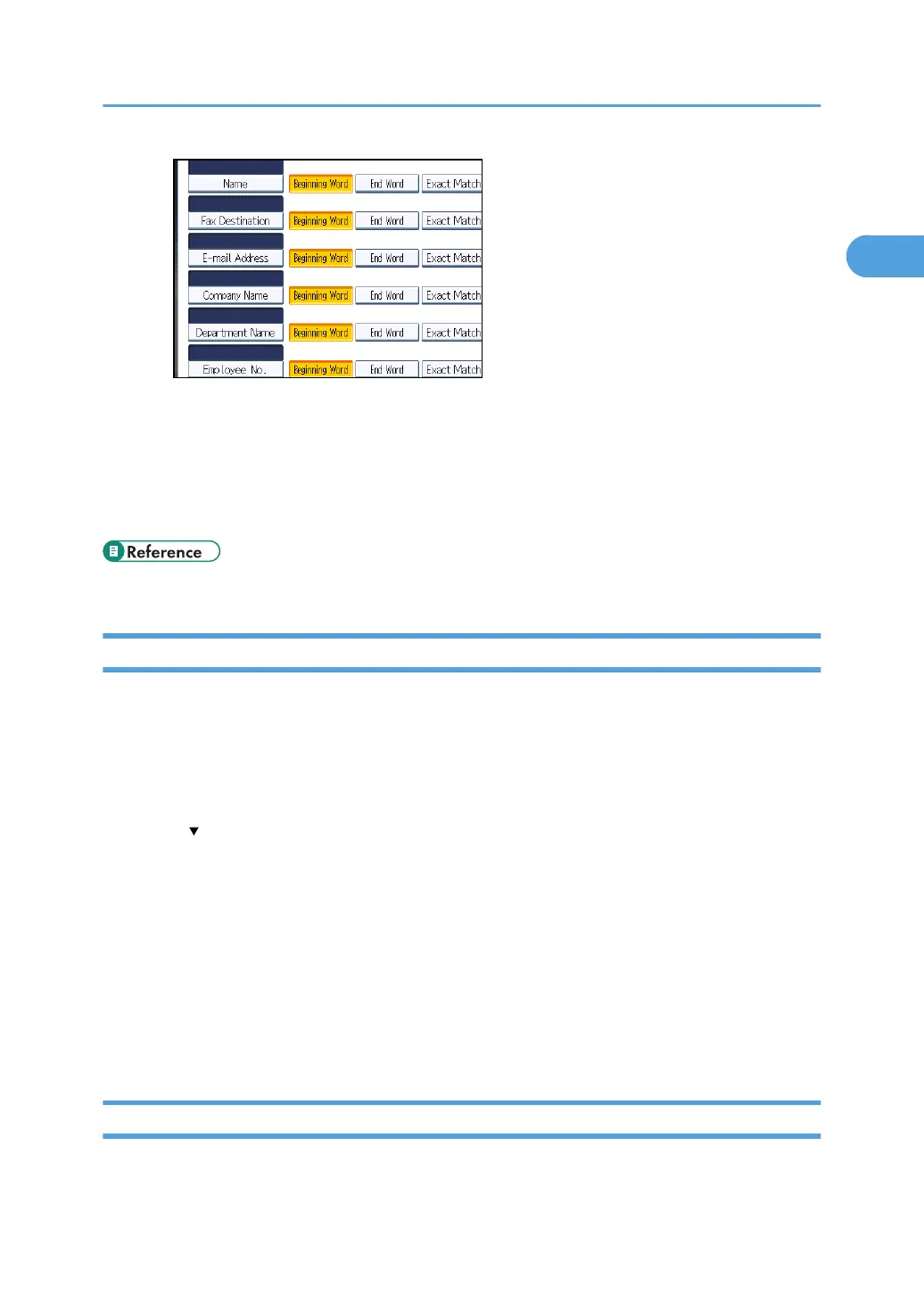
The key does not appear on the search screen unless both "Attribute" and "Key Display" are
registered. Make sure you register both to use the optional search.
34. Press [OK].
35. Press [Exit].
36. Press the [User Tools/Counter] key.
• p.291 "Registering SMTP and LDAP Authentication"
Changing the LDAP server
This section describes how to change the programmed LDAP server.
1. Press the [User Tools/Counter] key.
2. Press [System Settings].
3. Press [Administrator Tools].
4. Press [ Next] twice.
5. Press [Program / Change / Delete LDAP Server].
6. Check that [Program / Change] is selected.
7. Select the LDAP server you want to change.
8. Change the settings as necessary.
9. Press [OK] after changing each item.
10. Press [Exit].
11. Press the [User Tools/Counter] key.
Deleting the LDAP server
This section describes how to delete the programmed LDAP server.
Programming the LDAP server
65



 To Next Page