Changing the protocol
This section describes how to change the protocol.
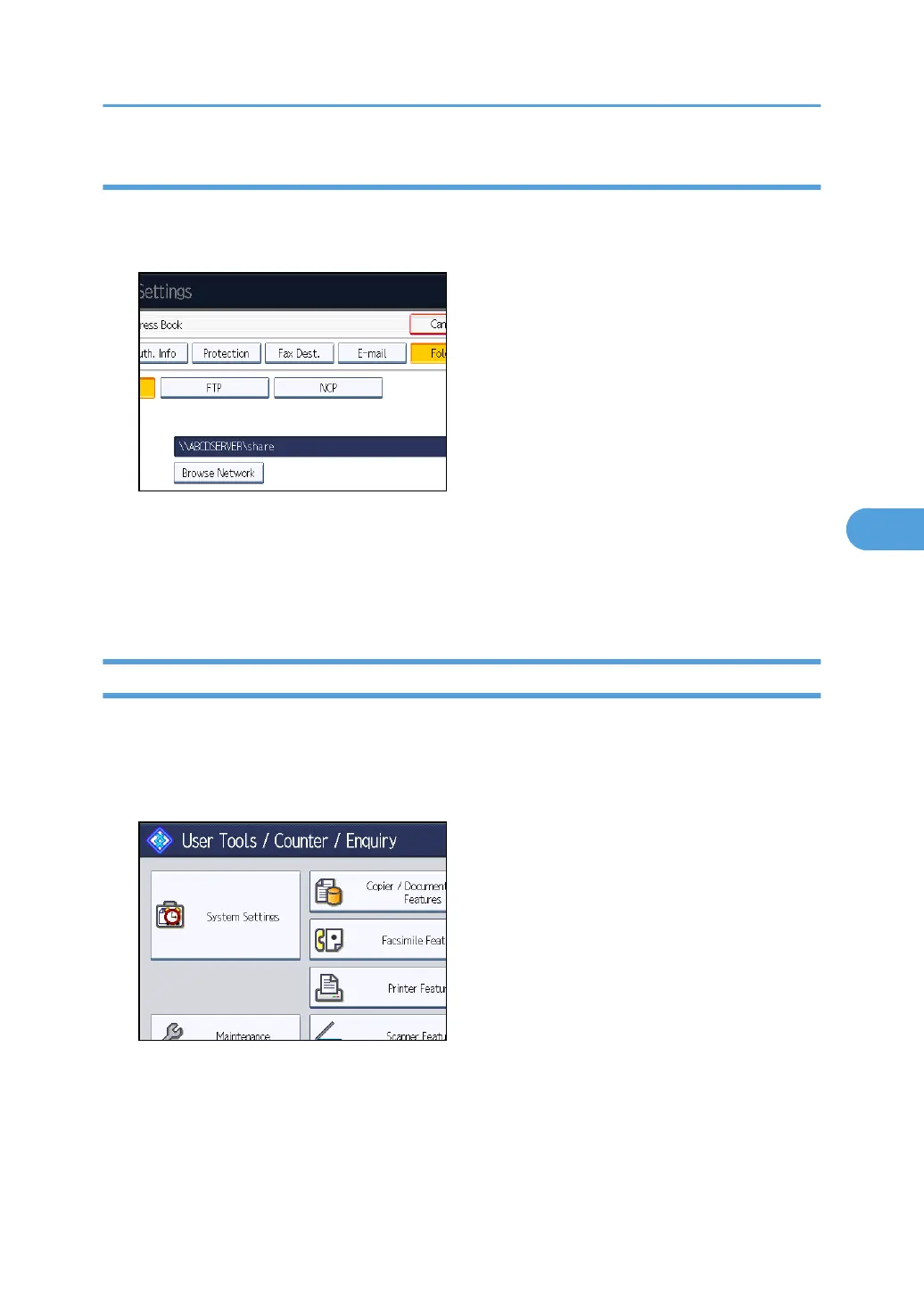
1. Press [FTP] or [NCP].
A confirmation message appears.
2. Press [Yes].
Changing the protocol will clear all settings made under the previous protocol.
3. Enter each item again.
Deleting an SMB Registered Folder
This section describes how to delete the registered SMB folder.
1. Press the [User Tools/Counter] key.
2. Press [System Settings].
3. Press [Administrator Tools].
4. Press [Address Book Management].
5. Check that [Program / Change] is selected.
6. Select the name whose folder you want to delete.
Press the name key, or enter the registered number using the number keys.
Registering Folders
265



 To Next Page