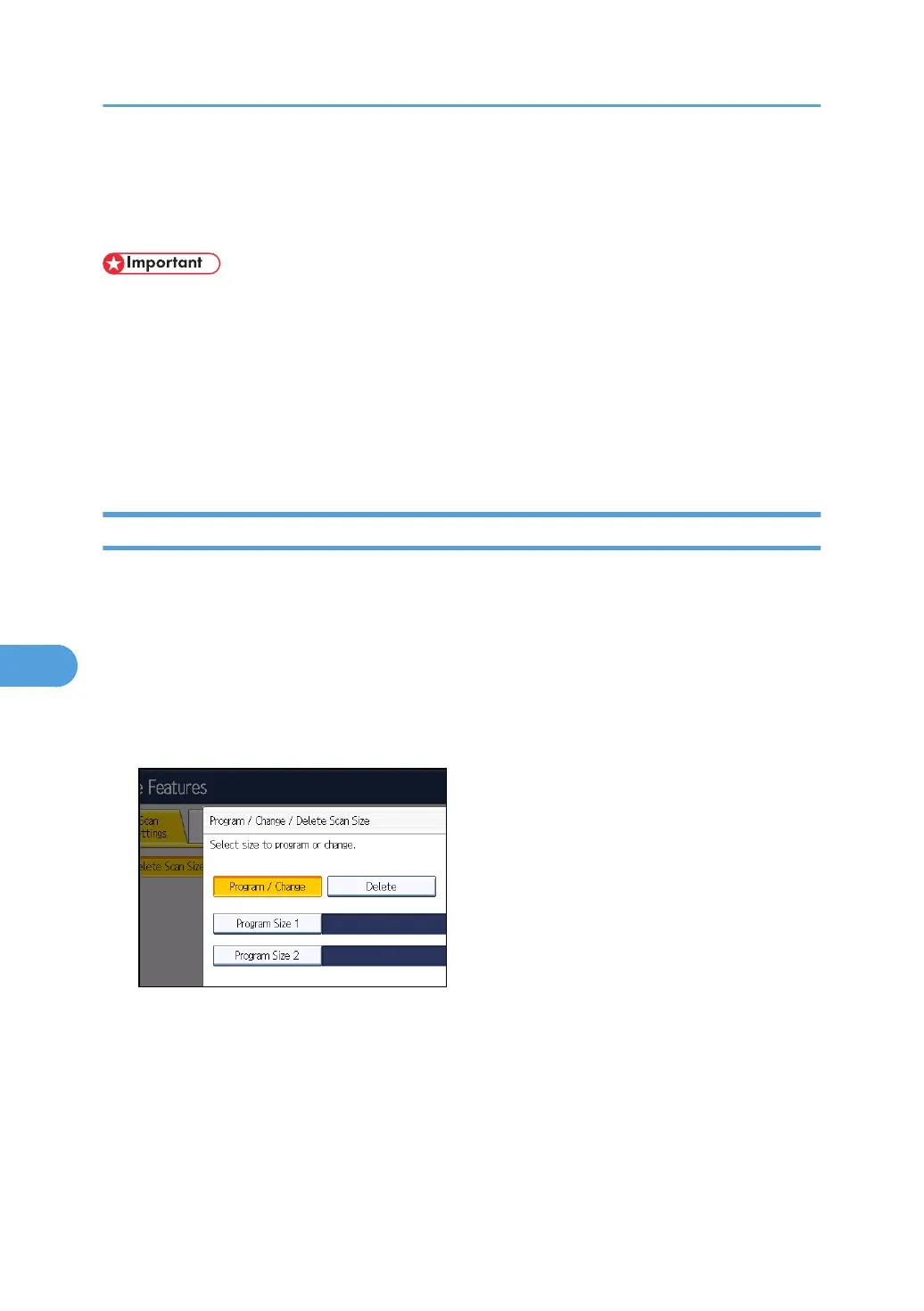
Program / Change / Delete Scan Size
This section describes how to program, change, and delete a Scan Size.
• When programming or changing a scan size, it is recommended that you make a record of the
new size.
When you select a scan size to scan a custom size original, two custom sizes are available (Program
Size 1 and Program Size 2). Use these functions to program a custom size in advance. The procedure is
the same for programming and changing.
You can program up to two sizes.
Specify a horizontal length from 128 to 1,200 mm, or from 5.5 to 47.0 inches.
Programming/Changing a Scan Size
This section describes how to program a Scan Size.
1. Press [Facsimile Features].
2. Press [Scan Settings].
3. Press [Program / Change / Delete Scan Size].
4. Make sure that [Program / Change] is selected.
5. Select [Program Size 1] or [Program Size 2].
7. Facsimile Features
382



 To Next Page