• You can program one of the Quick Operation keys with operations for this function. Using the
Quick Operation Key allows you to omit steps 2, 3, and 5. For details about Quick Operation Key,
see “General Settings”.
• p.349 "General Settings"
•
p.361 "Initial Settings"
SUB Code Transmission
Enable this function to perform SUB Code Transmission.
• This function is not available with Internet Fax, e-mail transmission, and folder transmission.
•
To perform SUB Code Transmission, a SUB Code must be set in [Adv.Features], the Address Book,
or Keystroke Programs in advance. Even though “SUB Code Transmission” is set to on, if the SUB
Code is not appended to the specified destination, transmission is in standard fax mode.
• When you select a destination that has a registered SUB Code from the Address Book, if “SUB
Code Transmission” is set to off, the SUB Code is not appended and transmission is in standard fax
mode.
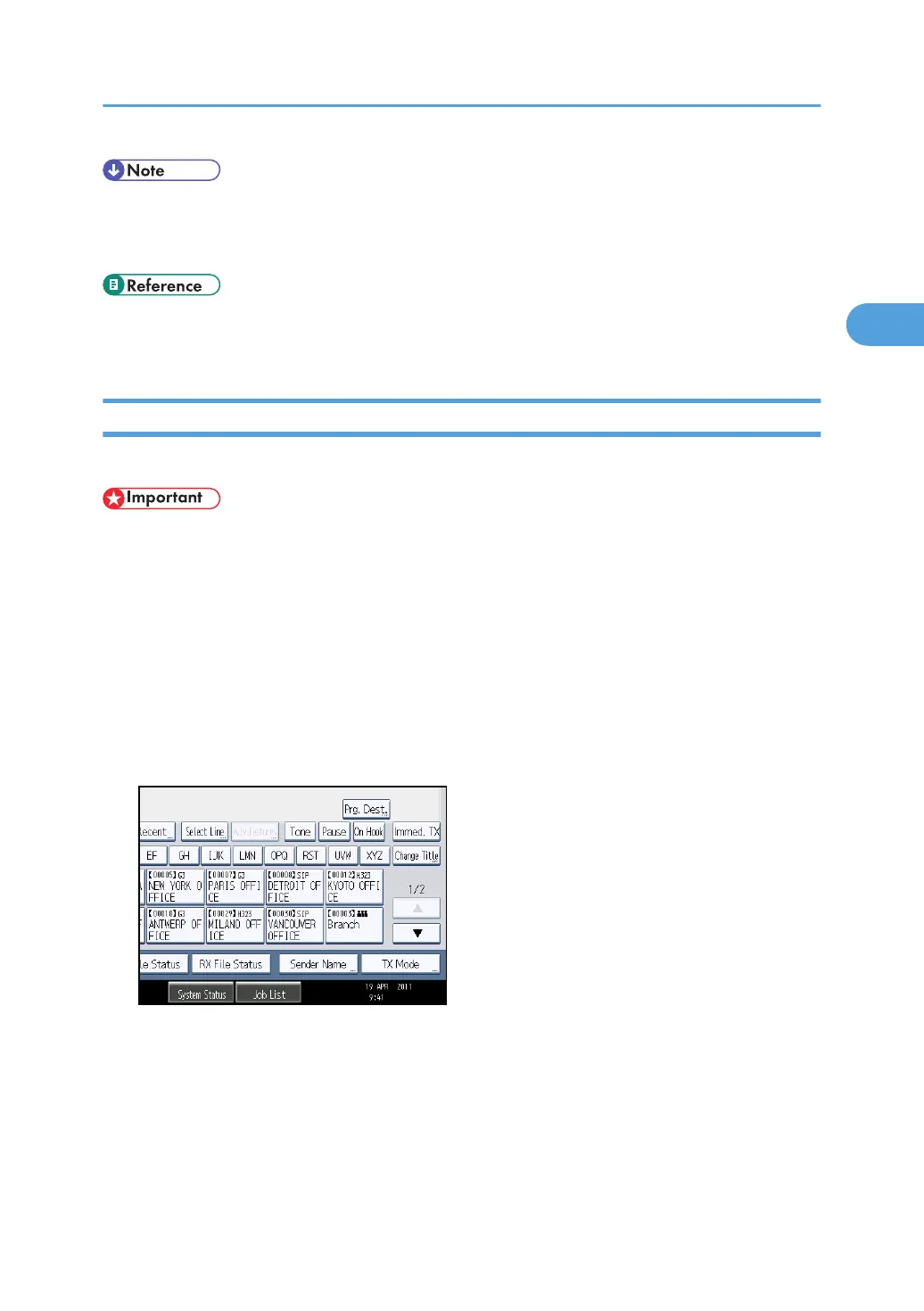
1. Place the original, and then select the scan settings you require.
2. Press [TX Mode].
3. Select [Option Setting].
Transmission Options
195



 To Next Page