Canceling a Transmission
This section explains how to cancel a fax transmission.
• Remember that the Communicating indicator turns off almost immediately when an Internet Fax, e-
mail transmission, or folder transmission is being executed.
Before the Original Is Scanned
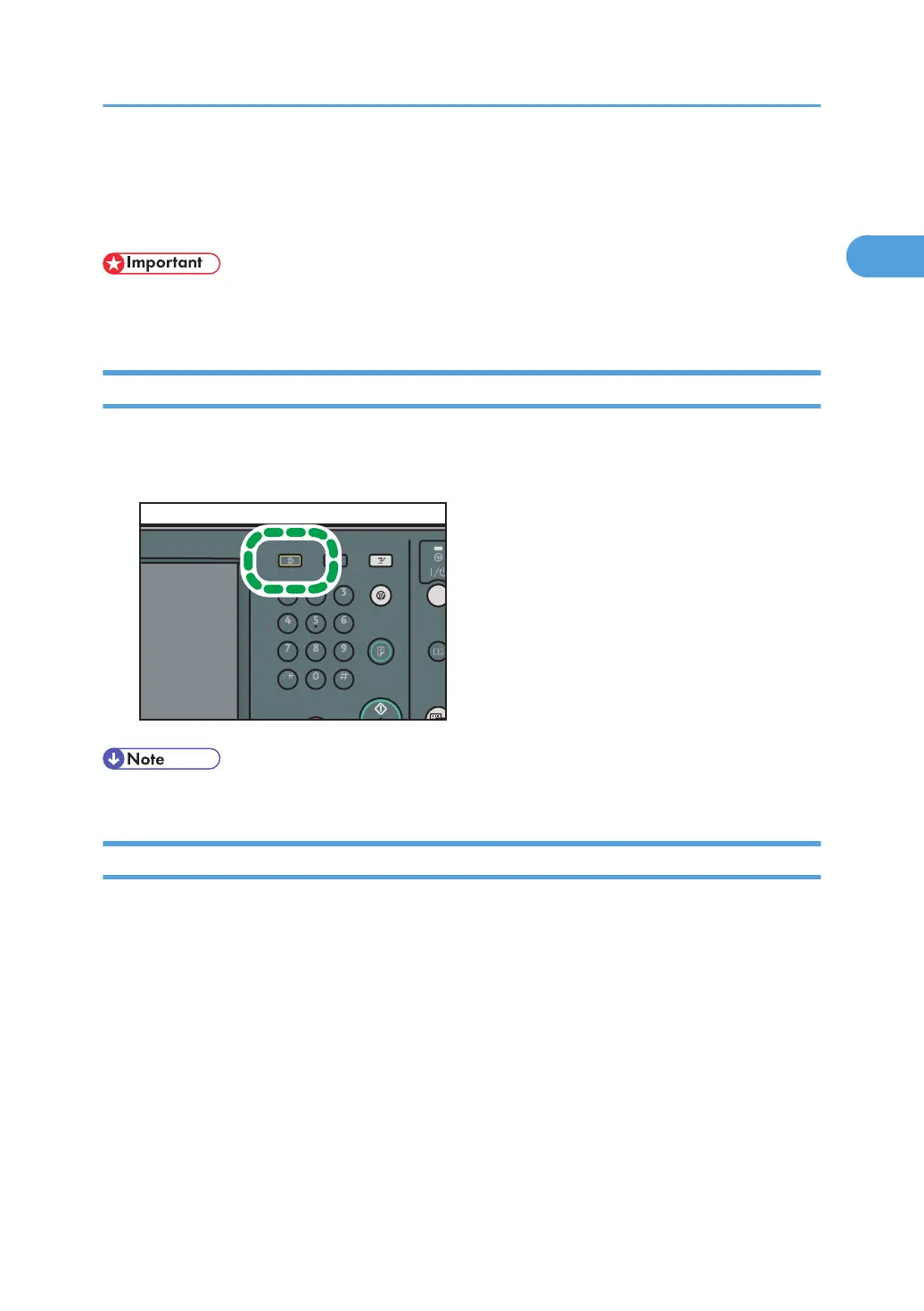
Use this procedure to cancel a transmission before pressing the [Start] key.
1. Press the [Clear Modes] key.
• When originals are placed into the ADF, you can cancel transmission simply by removing them.
While the Original Is Being Scanned
Use this procedure to cancel a transmission while the originals are being scanned after the [Start] key
has been pressed.
Canceling a Transmission
161



 To Next Page