• The electronic signature is limited in the following ways, depending on the S/MIME settings on
Web Image Monitor. For details about the electronic signature, consult your administrator.
•
If [Set Individually] is set:
You can set [Signature] in [Security] and attach an electronic signature to e-mail for every
transmission.
• If [Do not Use Signatures] is set:
Even if you press [Security], [Signature] does not appear.
• If [Use Signatures] is set:
An electronic signature is attached when you send e-mail. The [Signature] setting in [Security]
cannot be cancelled.
• p.389 "Parameter Settings"
Deleting Personal Boxes
This section describes how to delete Personal Boxes.
• If there are documents in the box, you cannot delete the box.
1. Press [Facsimile Features].
2. Press [General Settings].
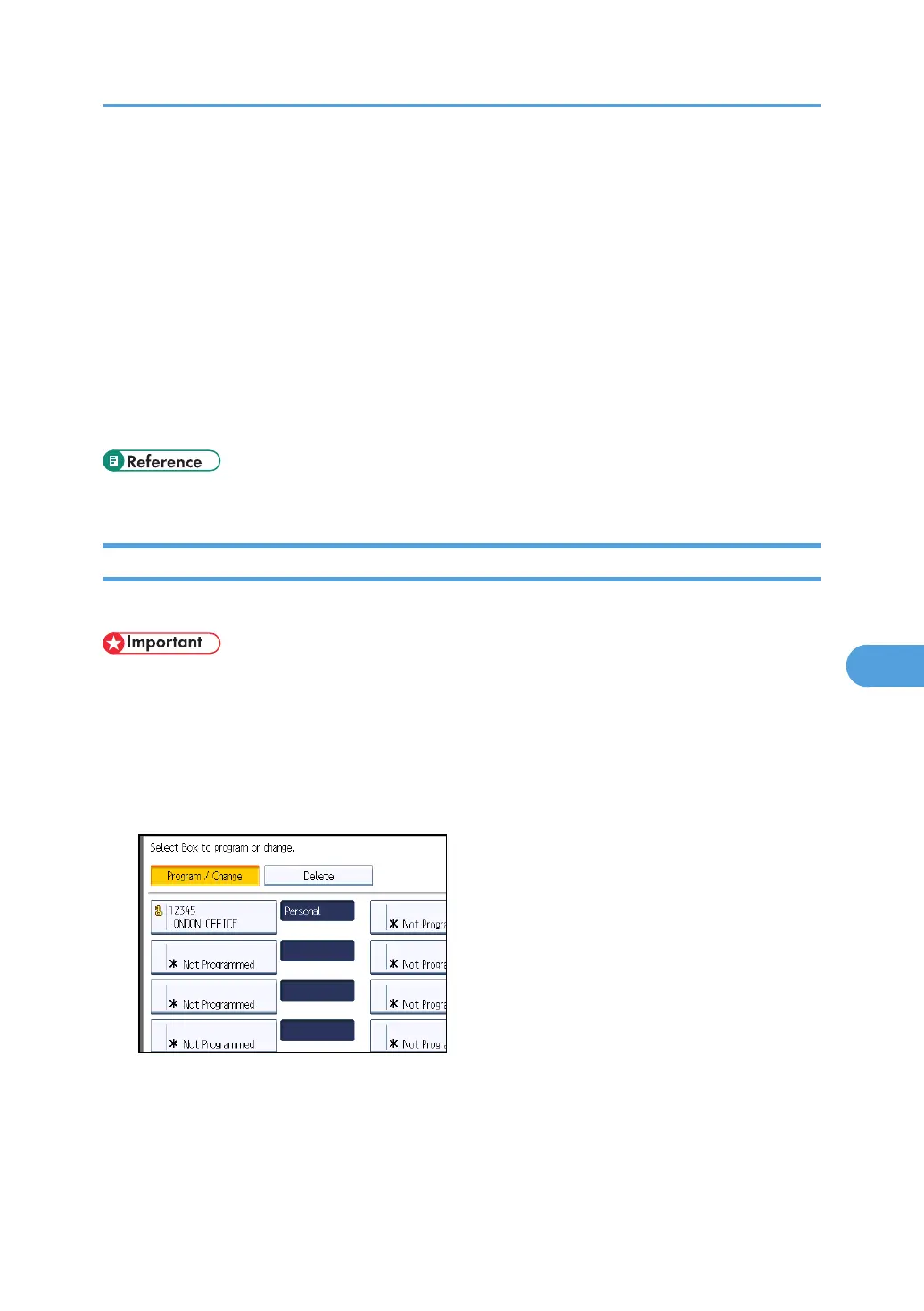
3. Press [Box Setting].
4. Press [Delete], and then select the box you want to delete.
Box Settings
417



 To Next Page