• You can cancel the administrator and supervisor password lockout by turning the power off and
then turning it back on again, or by canceling the setting in [Program/Change Administrator] under
[Configuration] in Web Image Monitor.
Auto Logout
This can be specified by the machine administrator. For details about logging in and logging out with
administrator authentication, see "Logging in Using Administrator Authentication" and "Logging out
Using Administrator Authentication".
When using Basic Authentication, Windows Authentication, LDAP Authentication or Integration Server
Authentication, the machine automatically logs you off if you do not use the control panel within a given
time. This feature is called "Auto Logout". Specify how long the machine is to wait before performing
Auto Logout.
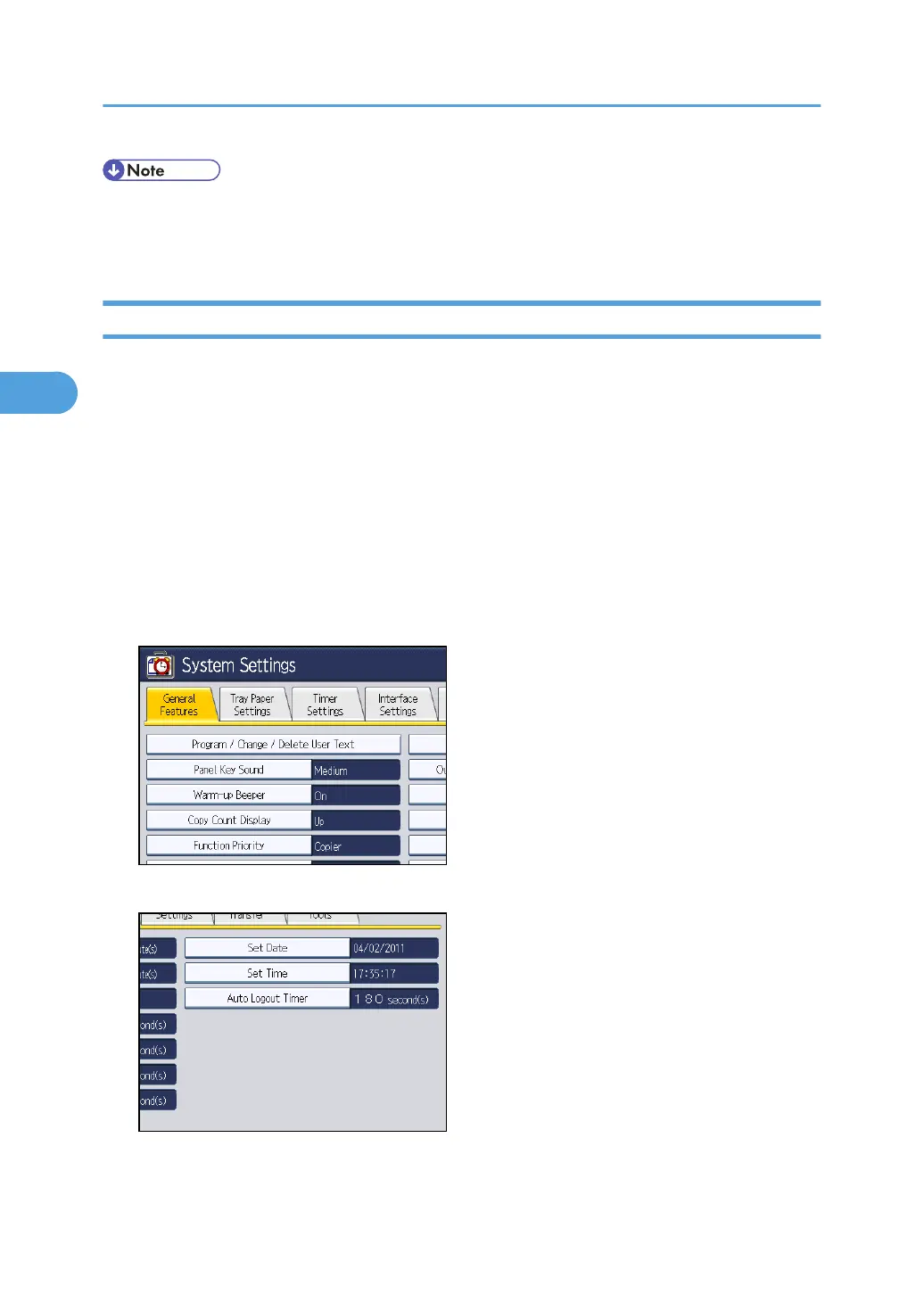
1. Press the [User Tools/Counter] key.
2. Press [System Settings].
3. Press [Timer Settings].
4. Press [Auto Logout Timer].
3. Configuring User Authentication
92



 To Next Page