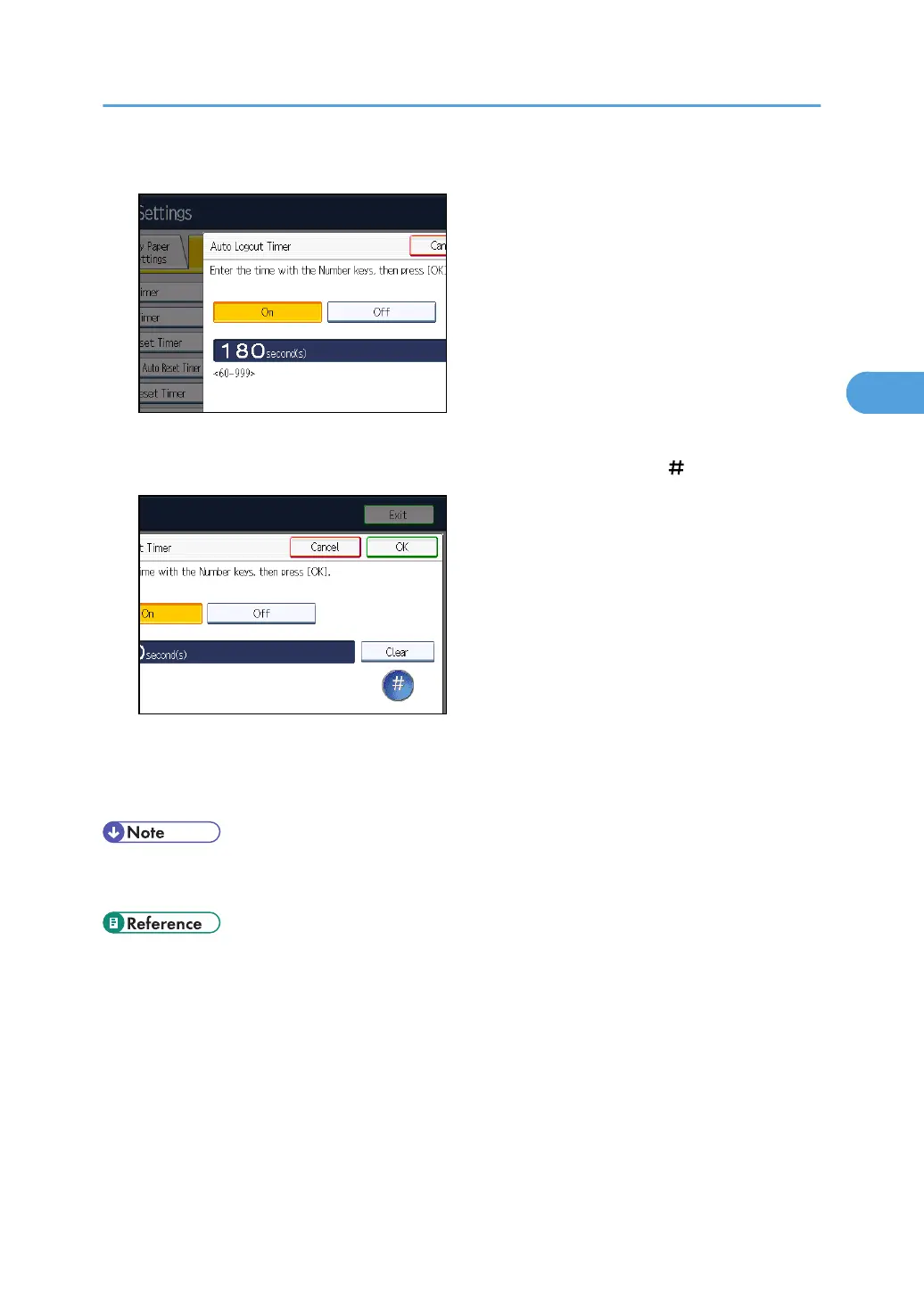
5. Select [On].
If you do not want to specify [Auto Logout Timer], select [Off].
6. Enter "60" to "999" (seconds) using the number keys, and then press [ ].
7. Press the [User Tools/Counter] key.
A confirmation message appears.
If you press [Yes], you will be automatically logged out.
• If a paper jam occurs or toner runs out, the machine might not be able to perform the Auto Logout
function.
• p.35 "Logging in Using Administrator Authentication"
•
p.36 "Logging out Using Administrator Authentication"
If User Authentication is Specified
93



 To Next Page