5. Click [OK].
6. Click [OK].
7. Print the locked document.
Printing a Locked Print File
To print a Locked Print file, you must be at the machine and print the file using the control panel.
To print Locked Print files, the password is required. If you do not enter the correct password, you cannot
print the files. The file administrator can change the user password if it is forgotten.
This can also be specified via Web Image Monitor. For details, see Web Image Monitor Help.
1. Press the [Printer] key.
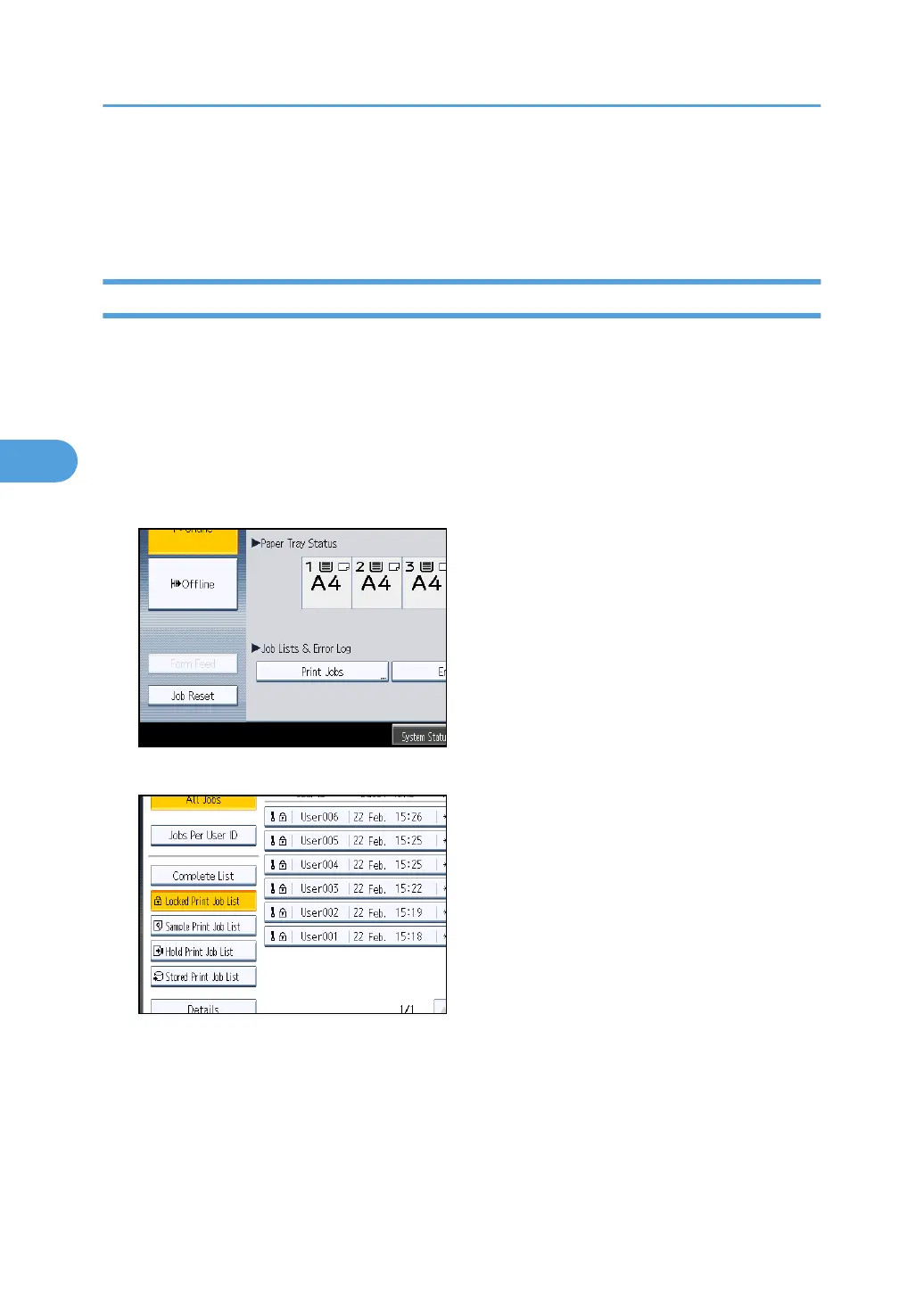
2. Press [Print Jobs].
3. Press [Locked Print Job List].
Only Locked Print files belonging to the user who has logged in appear.
4. Select the Locked Print file to print.
4. Protecting Data from Information Leaks
100



 To Next Page