You cannot select multiple user IDs at the same time.
Press [ Previous] or [ Next] to scroll through the list.
Press [Clear] to cancel a selection.
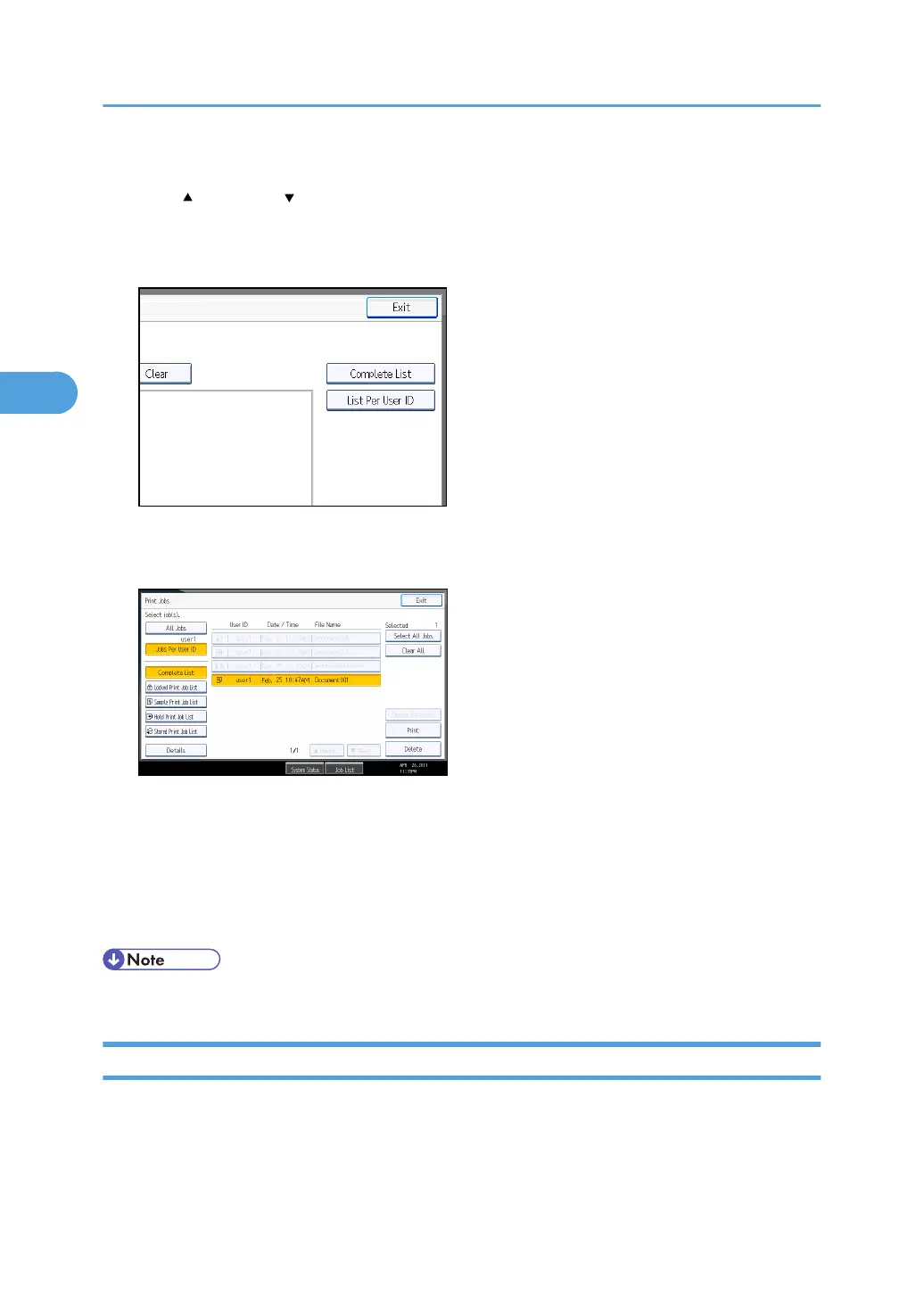
4. Press [List Per User ID].
The print job list of the selected user ID appears.
5. Select the desired print jobs.
To cancel a selection, press the highlighted print job again. To clear all selections, press [Clear All].
6. Press [Print].
The confirmation screen appears.
7. Press [Yes].
The selected files are printed.
• If you select multiple files, the confirmation screen displays the total number of files to be printed.
Printing All Print Jobs
1. Press the [Printer] key.
The printer screen appears.
3. Printing Stored Documents
126



 To Next Page